Chapter 2
Transfer Photos
After you take photos with your digital camera, you can print them immediately or save them directly to
your computer. You can transfer from memory cards, PTP cameras, and USB mass storage devices.
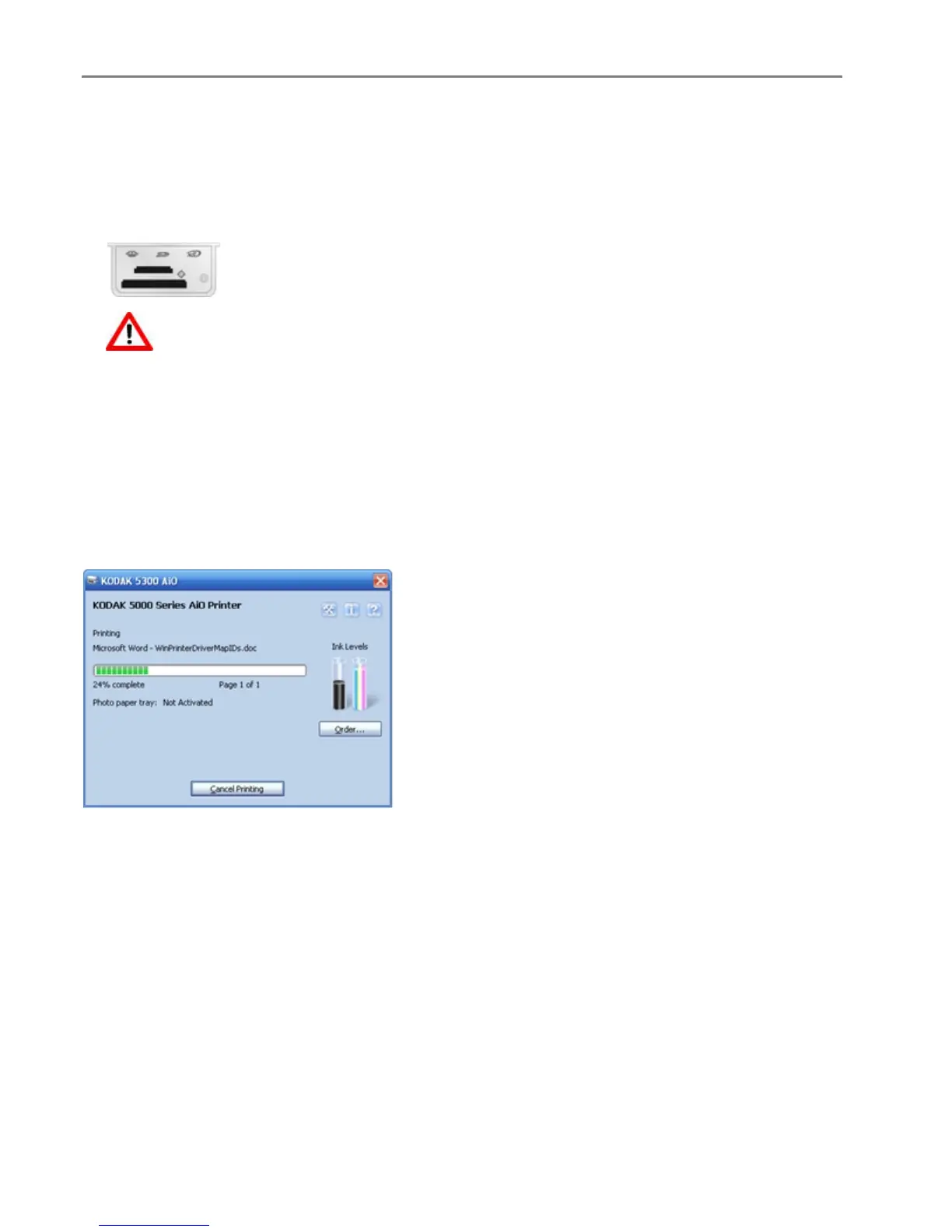
1 Insert a Memory Card into the appropriate slot or connect a camera to the USB Port.
WARNING:
Never attempt to remove a memory card while it is being accessed. Doing so can damage
files on the card. You can safely remove a card only when the status light next to the slots is
not blinking.
2 Press Transfer.
3 Press Start to transfer.
4 Complete the transfer with the Transfer dialog on your computer.
Printer Status
The Status Monitor displays printer errors, warnings, operational statuses, ink levels, and printer response.
When printing from a PC, the application and name of the file printing are displayed.
Waiting to Print is displayed If a print job is started and your All-in-One is busy with another task.
When printing, a progress bar is displayed graphically showing the status of the print operation.
The percentage complete is displayed under the progress bar indicating the percentage of the print
operation complete.
The page number of the current page printing and the total number of pages in the print job is
displayed under the progress bar.
Photo paper tray: Status of the photo paper tray.
22 Kodak EasyShare 5300 AiO














 To Next Page