Chapter 2
General Settings
You can specify general EasyShare AiO settings in the AiO Printer dialog.
Printer Date and Time
The EasyShare AiO date and time factory default is synchronized to the current computer. The date and
time format is based on the language and country/region setting.
To enable or disable the date and time synchronization
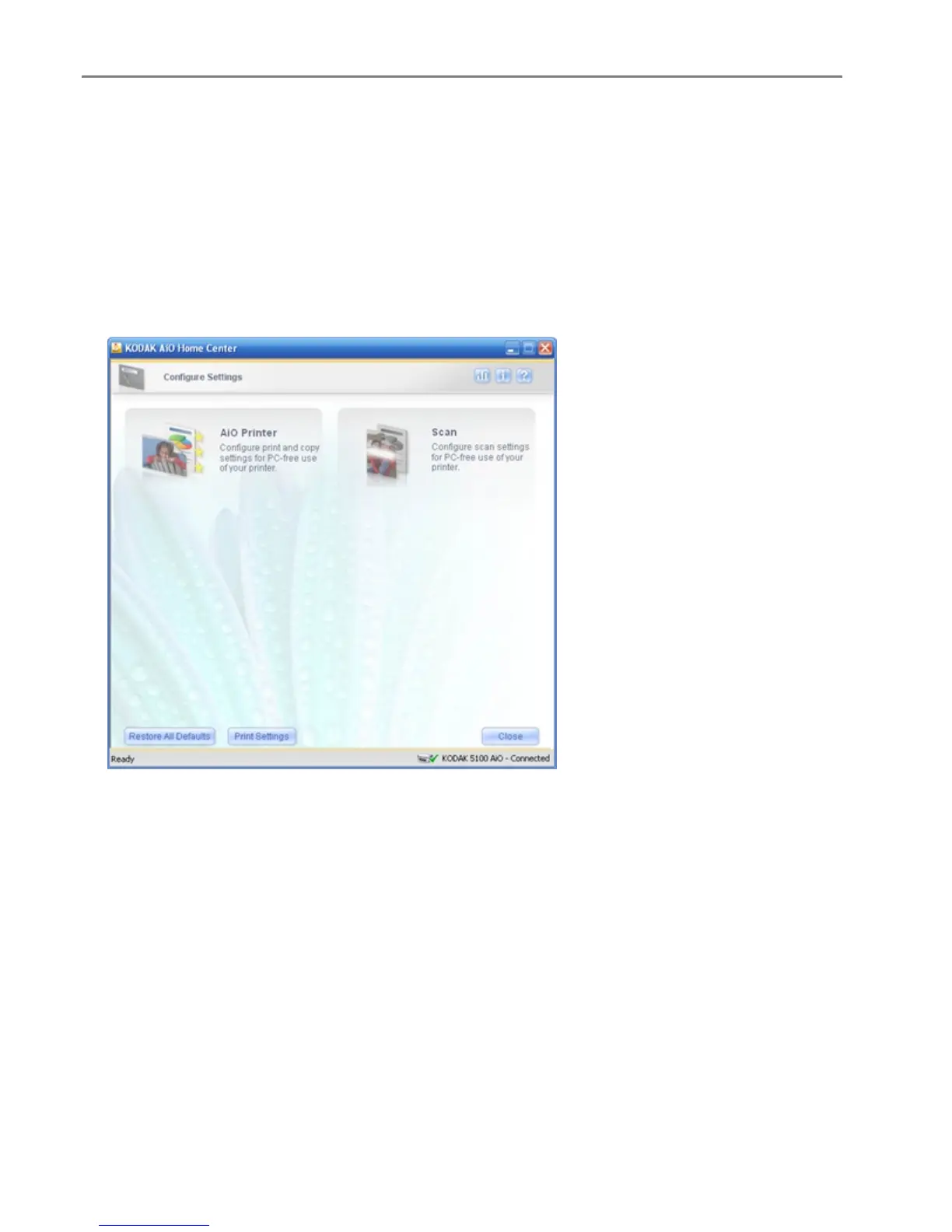
1 On the main Home Center window, click Configure Settings to display the settings options.
28 Kodak EasyShare 5300 AiO














 To Next Page