Getting Started
2
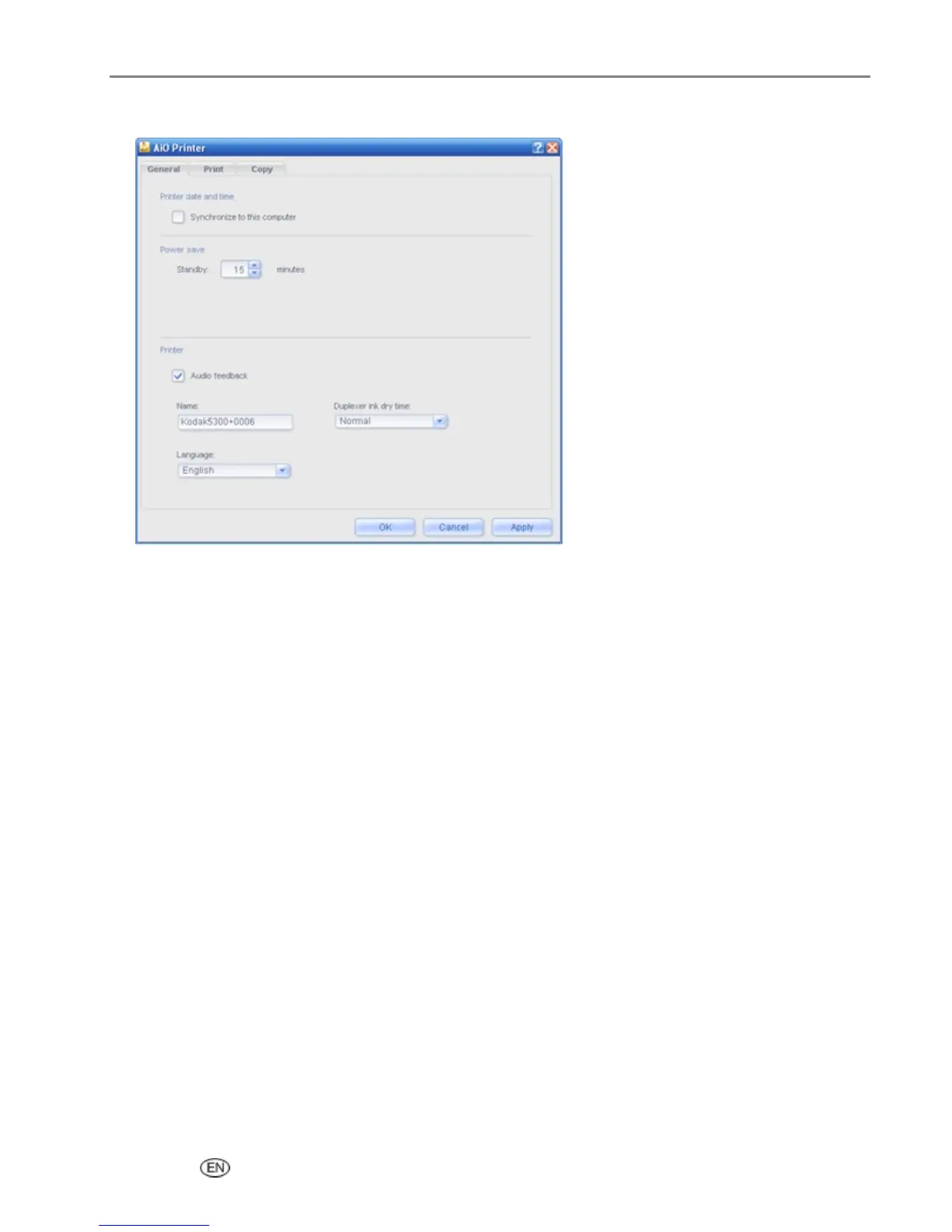
Click AiO Printer.
3 On the General tab, select or clear the Synchronize to this computer checkbox to enable or disable
date and time synchronization.
4 Click OK or Apply.
Power
You can set your EasyShare AiO to enter Standby mode after a timeout of 1 to 60 minutes.
To change the power settings
1 On the main Home Center window, click Configure Settings to display the settings options.
2 Click AiO Printer.
3 On the General tab, select a timeout values from the Standby drop-down list.
4 Click OK or Apply.
User’s Guide 29














 To Next Page