Copy
Copy with Computer
You can make copies of pictures on your Kodak EasyShare AiO with Home Center Software.
Copy Pictures
Copying pictures with the AiO Home Center allows you to set copy options not available on the Control
Panel.
To copy pictures
1
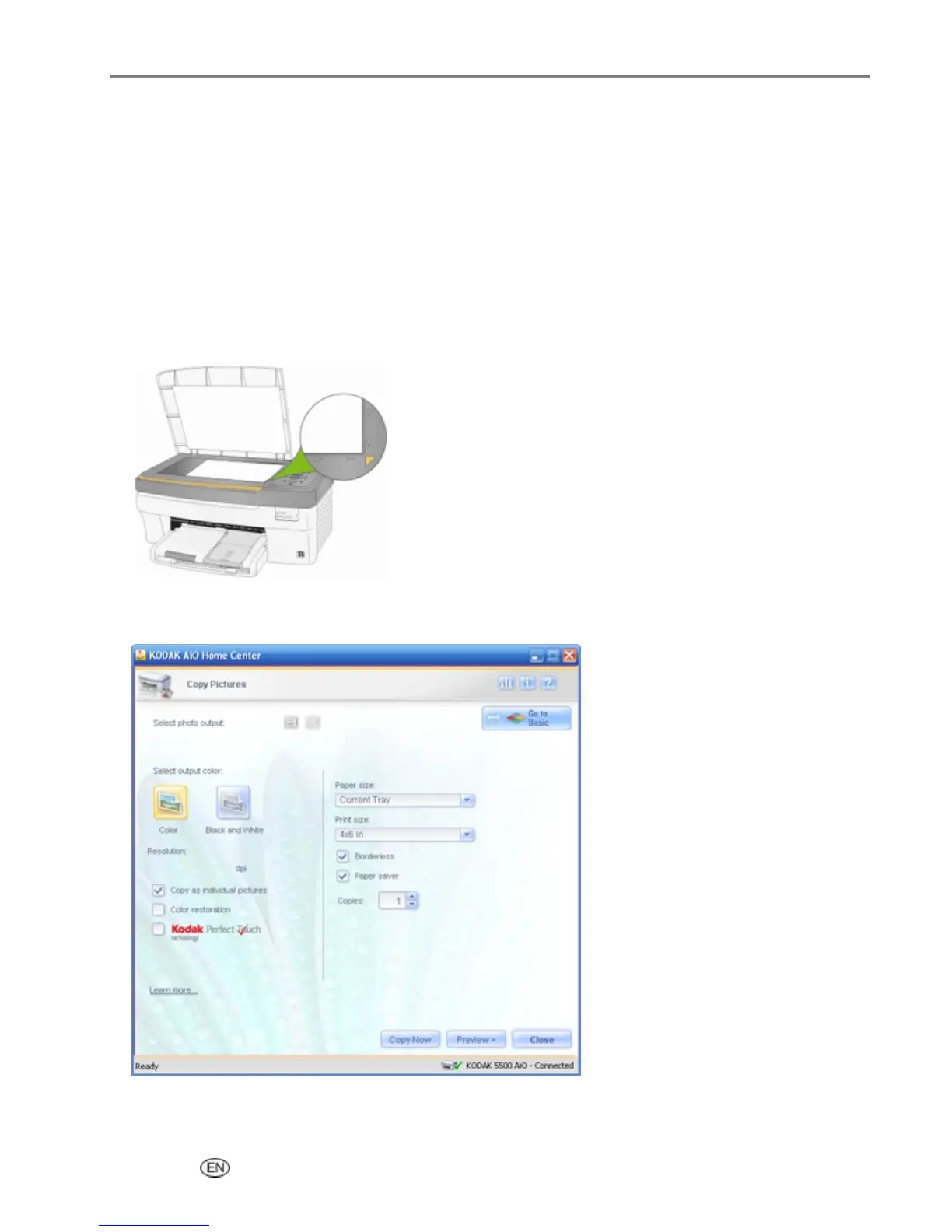
Place your original photo photos face down in the scanner glass.
2
On the main Home Center window, click Copy Pictures to open the Basic Copy window.
3
Click Go to Advanced to open the Advanced Copy window.
User’s Guide 73














 To Next Page