Chapter 5
Zoom and Crop
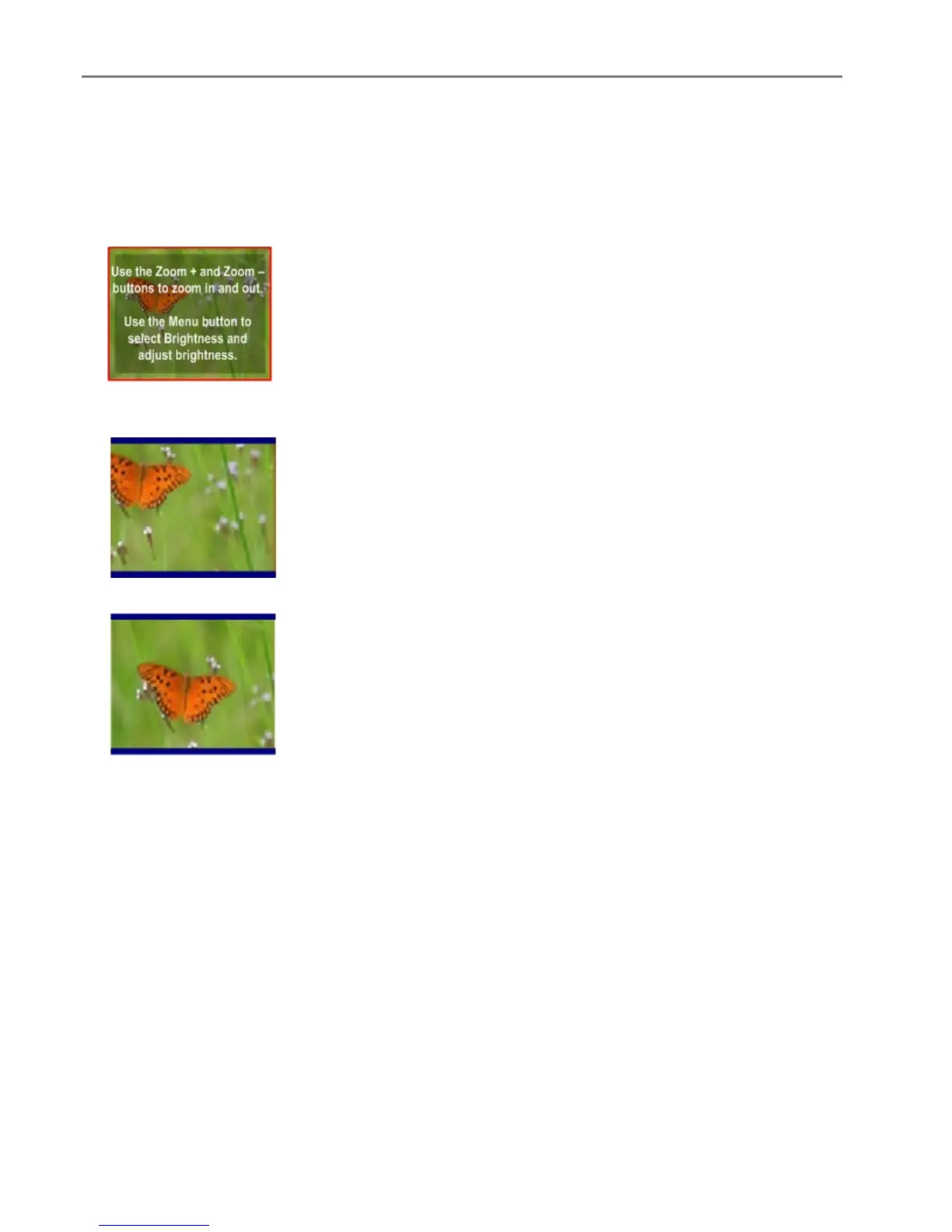
To zoom and crop a photo before making a copy you must be in Preview mode (see Turning Copy Preview
On).
1 With Preview set to Yes on the Copy menu, press Start to enter Preview mode. The photo on the glass
is scanned and displayed with a crop box.
2 Press Zoom + to enlarge the photo in .25X increments up to 5X magnification. Pressing Zoom –
decreases magnification in .25X increments down to 1X.
3 Use the 4-way Navigation button to display the part of the picture you want to copy.
4 Press OK or Start to copy.
72 Kodak EasyShare 5300 AiO














 To Next Page