Getting Started
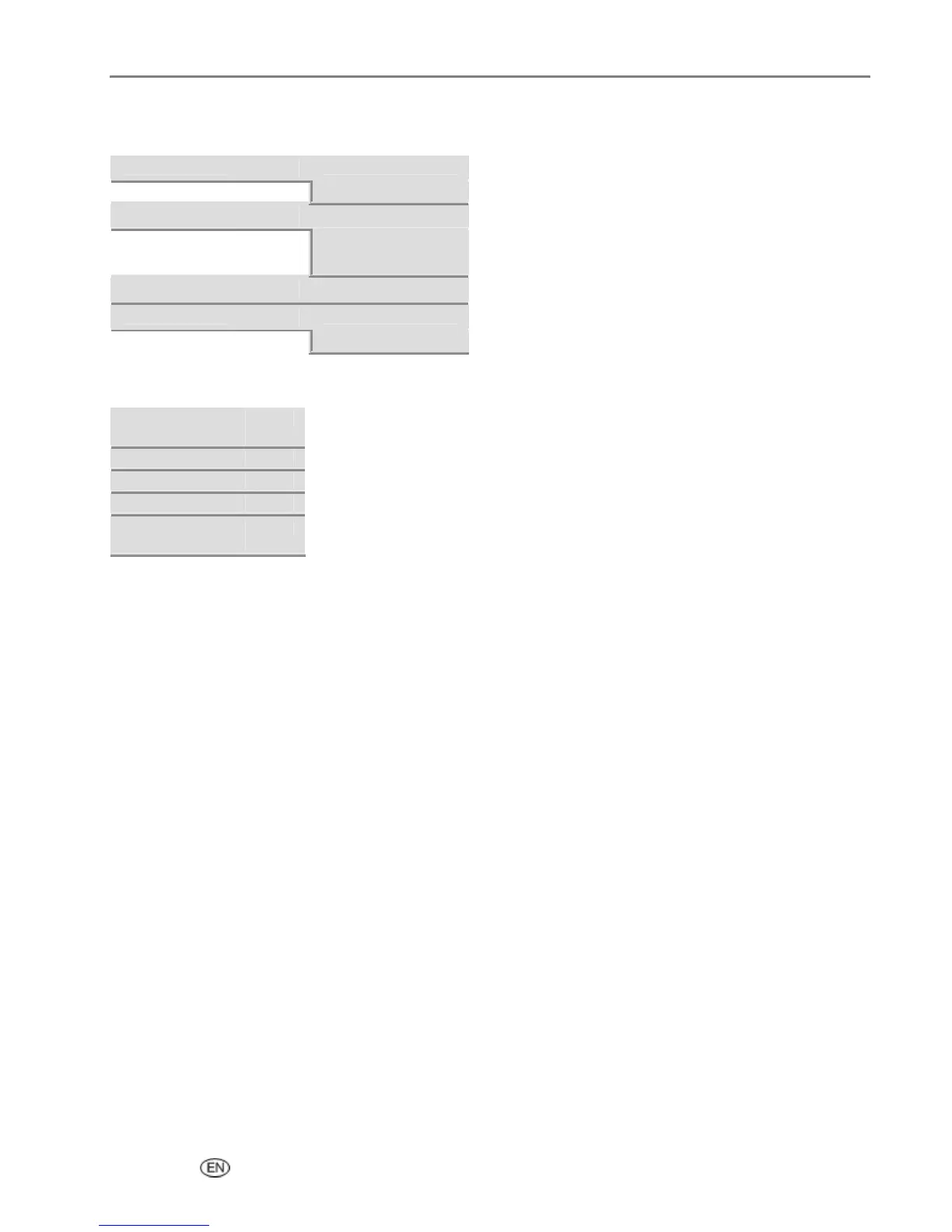
Scan Button
Scan What
_ or `
Document
Photo
Scan To
_ or `
File
Application
Memory Card
Application
_ or `
List of applications
Save Settings
_ or `
No
Yes
Help Button
Installing Ink
Cartridges
OK
Making a Copy
OK
Making a Photo
OK
Making a Scan
OK
Calibrating
Printer
OK
Demo Sheet
You can print a sample page on US Letter or A4 size paper to evaluate print quality. The Demo Sheet is a
single sheet of paper that displays information about the features and capabilities of your EasyShare AiO
printer.
You can print a Demo Sheet by pressing the Copy and Photo buttons at the same time.
or
1 Press Menu to display the main menu.
2 Press b until Print Demo Sheet is selected.
3 Press OK.
4 Press Start to begin printing.
User’s Guide 21














 To Next Page