Copy
Output Quality
Kodak picture quality is automatically selected when photo paper is detected in the main or photo input
trays.
The following print quality options are available for printing on non-photo paper.
Draft Produces the lowest quality, but the fastest copy speed.
Normal Delivers high-quality output and is the default setting. Normal copies faster than Best.
Best Produces the highest quality for all paper and eliminates the banding (striping) effect that
sometimes occurs in solid areas. Best is the slowest copy speed.
To set output quality for non-photo paper
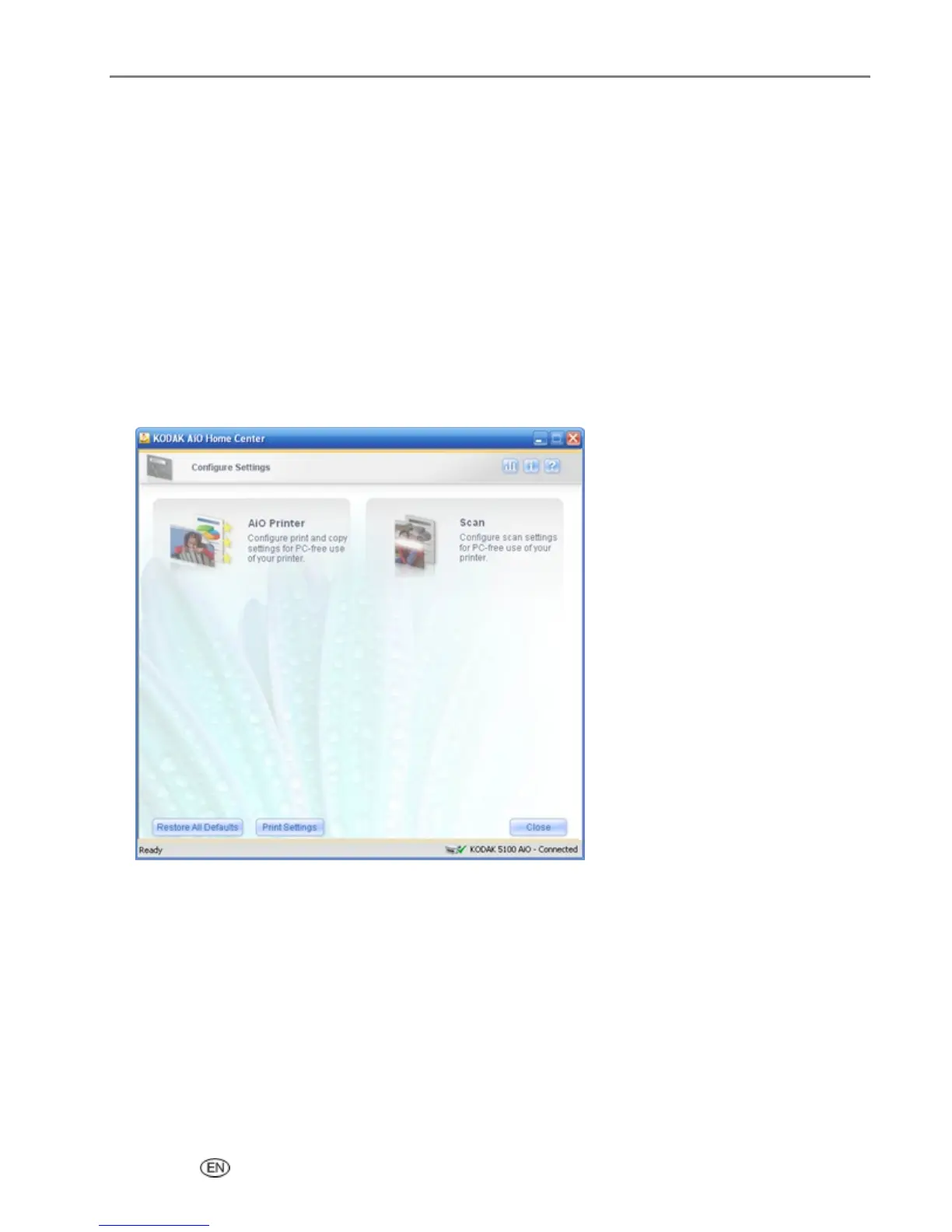
1 On the main Home Center window, click Configure Settings to display the settings options.
2 Click AiO Printer to open the AiO Printer dialog.
User’s Guide 75














 To Next Page