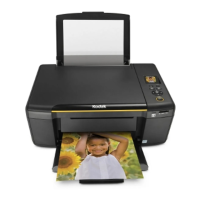
Scan
4
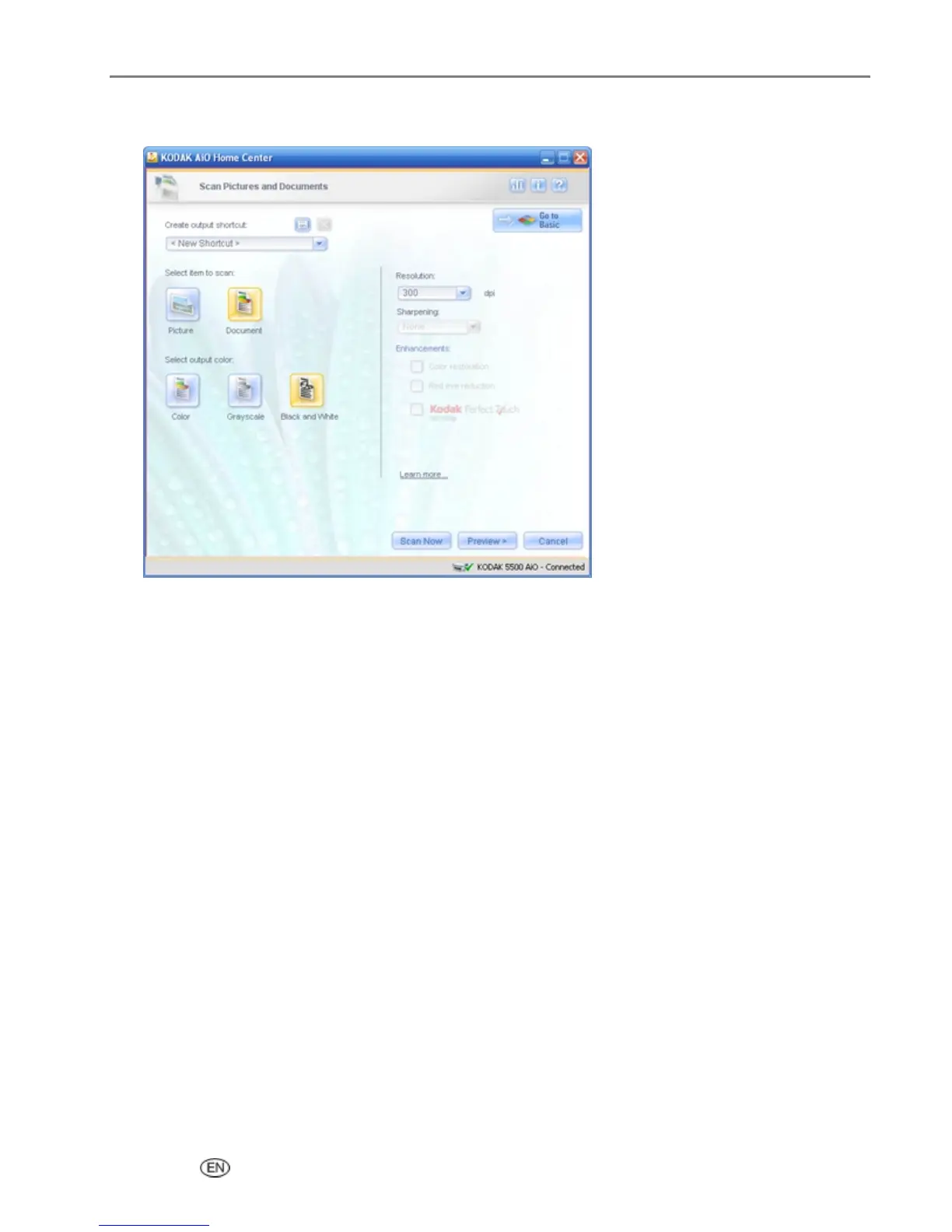
Select Document.
5
Select Color, Grayscale, or Black & White.
6
If desired, change the Resolution.
7
If you changed the Resolution, you can save it as a scan shortcut.
8
Click Scan Now to start the scan.
The page on the scanner glass is scanned and scan progress information appears that shows the
progress of the scan. When the scan is completed, scan complete information and controls appear.
User’s Guide 89


 To Next Page
 Loading...