Chapter 6
12
Select a folder for saving the file from the Location drop-down list, or click Browse to select a
folder from the Open dialog.
13
Enter a name for the file in the Filename edit box.
14
Select a graphic file format from the File type drop-down list.
15
If you selected JPEG (.jpg) as the File type, select the quality of the output file from the Quality
drop-down list. The higher the quality the larger the file size.
16
If desired, select Combine selected pages into single document.
17
Click Send to Destination to save the scanned page(s) to the selected location.
Scan to Printer
1
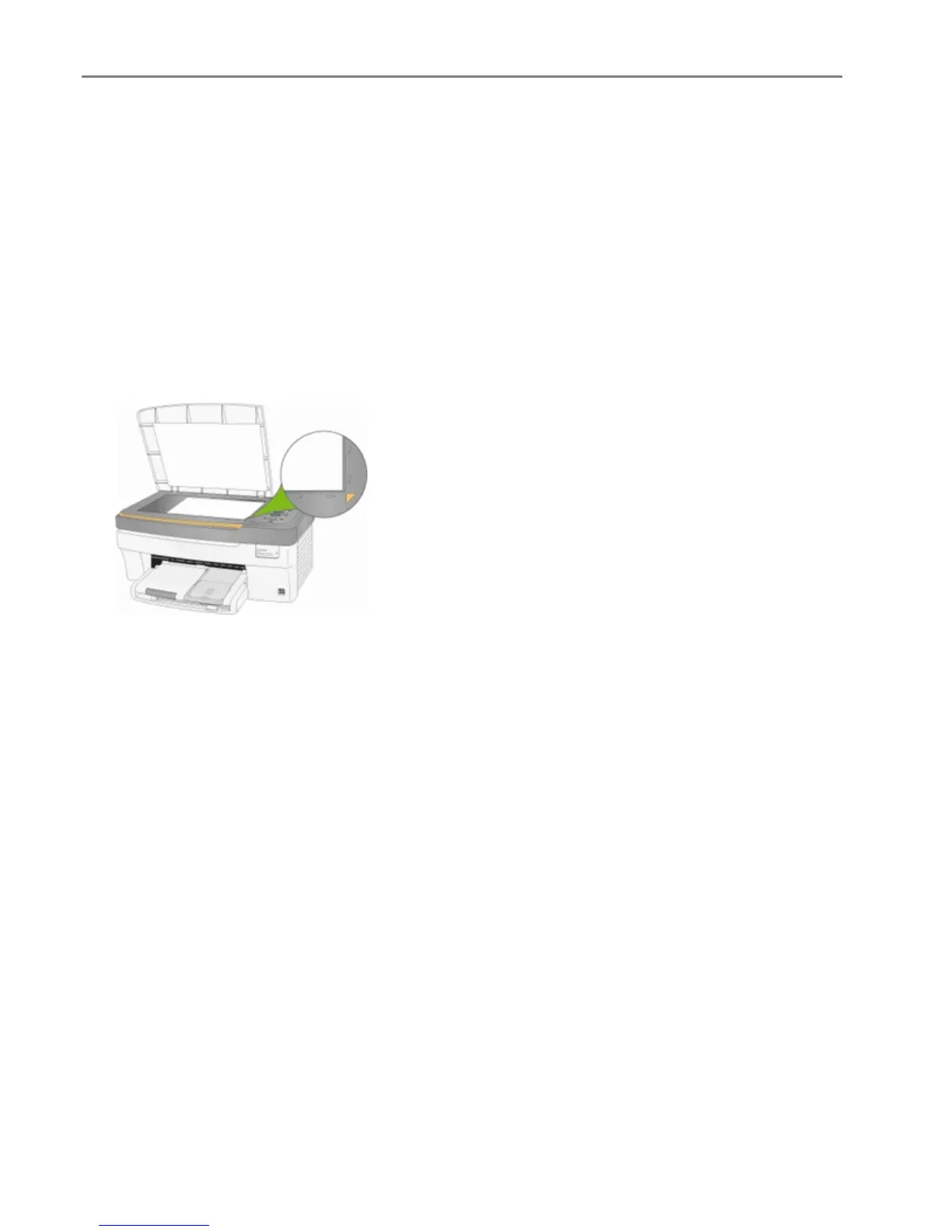
Place your original face down on the right front corner of the scanner glass.
2
On the main Home Center window, click Scan Pictures and Documents to open the Basic Scan
window.
3
Click Go to Advanced to open the Advanced Scan window.
94 Kodak EasyShare 5300 AiO


 To Next Page
 Loading...