Working with pictures/videos
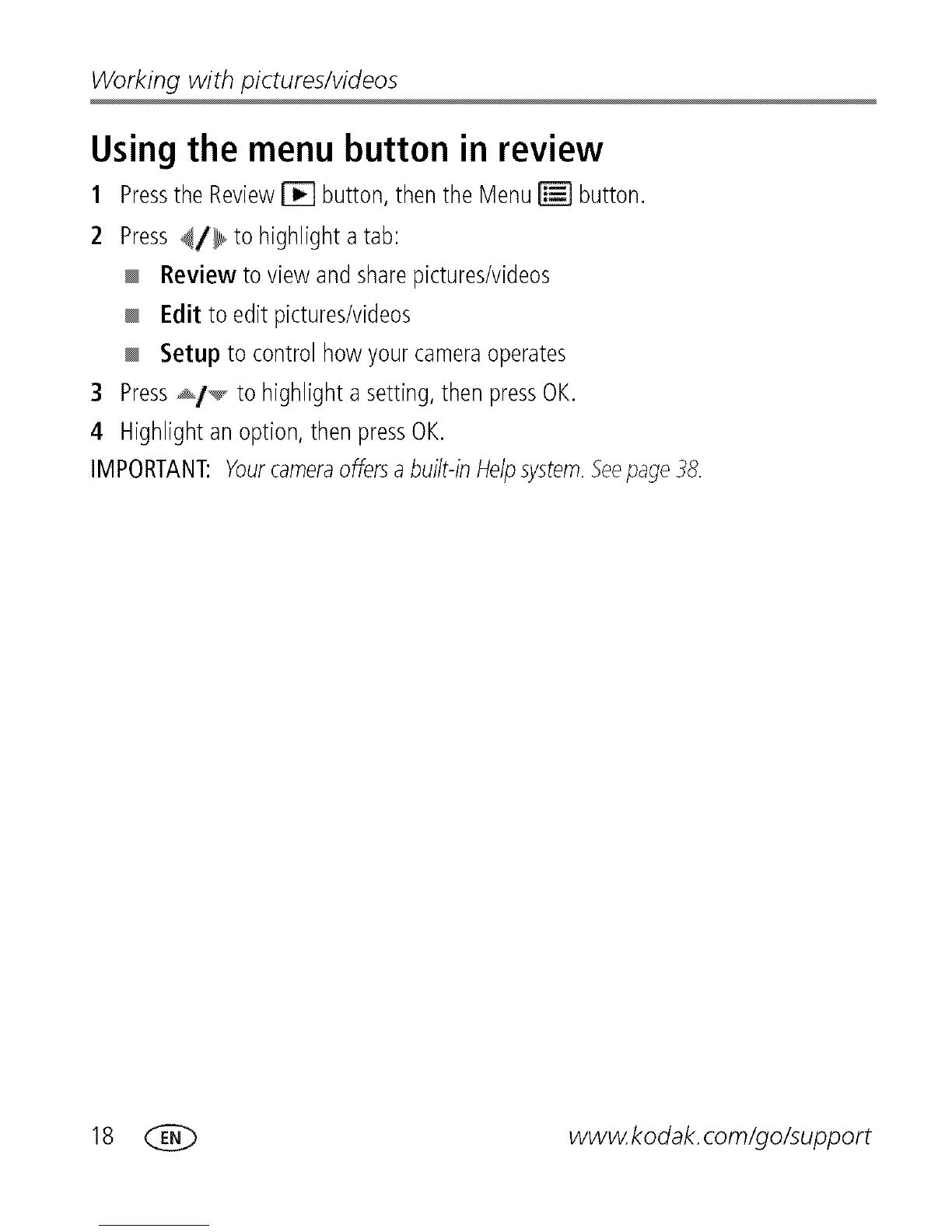
Using the menu button in review
1 Pressthe Review_ button,thenthe Menu_ button.
2 Press_/_ to highlighta tab:
Review to view andsharepictures/videos
Edit to edit pictures/videos
Setup to control how yourcameraoperates
3 Press_t_ to highlighta setting,thenpressOK.
4 Highlightan option,then pressOK.
IMPORTANT:Yourcameraoffersabuilt-inHelpsystem.Seepage38.
18 _ wwwkodak.com/go/support









 To Next Page