EasyManua.ls Logo

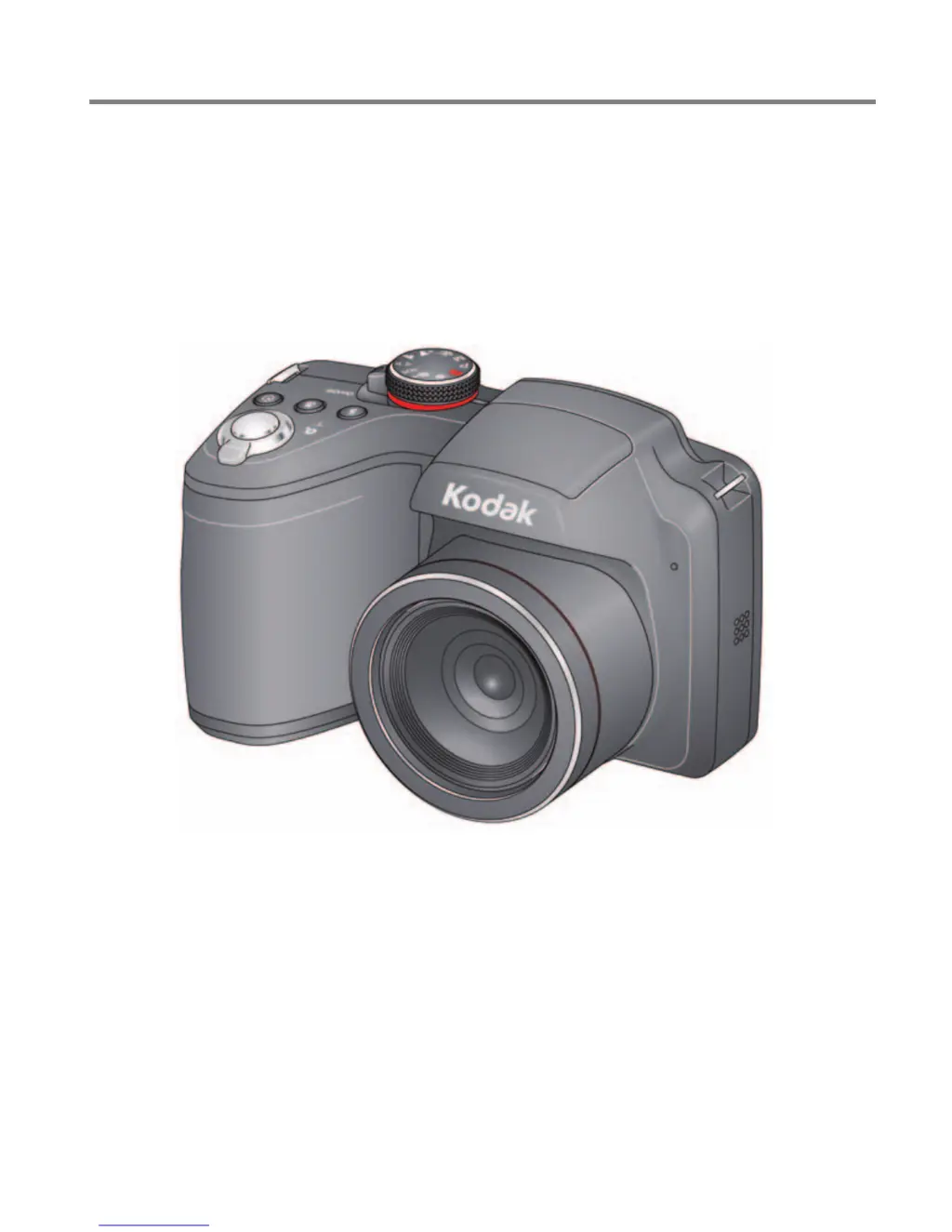
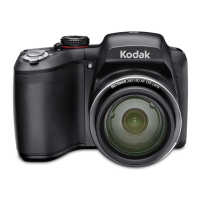
Kodak EASYSHARE Z5120 - User Manual

Kodak EASYSHARE Z5120
80 pages
Print Icon
To Next Page IconTo Next Page
Loading...
KODAK EASYSHARE
Camera / Z5120
Extended user guide
www.kodak.com
www.kodak.com/go/Z5120support

Table of Contents

Questions and Answers

  • K
    Kelly GarciaJul 30, 2025
    How to fix blurry picture on Kodak Digital Camera?
    • D
      Dylan HughesJul 30, 2025
      If your Kodak Digital Camera isn't taking clear pictures, here are some things to try: * Press the Shutter button halfway to automatically set the exposure and focus. Ensure the focus brackets turn green before fully pressing the Shutter button. * Clean the lens. * Use a tripod or place the camera on a steady surface, especially when using high zoom or in low light. * Use a larger picture size. * If manually adjusting ISO speed, be aware that high ISO settings can cause grainy pictures.
  • J
    Joshua GrimesAug 4, 2025
    Why is my Kodak EASYSHARE Z5120 picture too dark?
    • N
      Nichole OlsonAug 4, 2025
      To fix pictures that are too dark with your Kodak Digital Camera, try these steps: * Reposition the camera to capture more light. * Use Fill flash or adjust your position to avoid having light behind the subject. * Ensure the subject is within the flash range. * Press the Shutter button halfway to set exposure and focus before taking the picture. * In Program AE mode, adjust the Exposure Compensation.
  • E
    emckenzieAug 9, 2025
    Why is my Kodak EASYSHARE Z5120 picture too light?
    • B
      breweramyAug 9, 2025
      To fix pictures that are too light with your Kodak Digital Camera, try these steps: * Reposition the camera to reduce the amount of light. * Turn the flash off. * Ensure the subject is within the flash range. * Press the Shutter button halfway to set exposure and focus before taking the picture. * In Program AE mode, adjust the Exposure Compensation.
  • J
    Juan RogersAug 14, 2025
    How to improve battery life on Kodak EASYSHARE Z5120?
    • D
      Dana FordAug 14, 2025
      If the battery life of your Kodak Digital Camera seems short: * Charge rechargeable batteries or replace non-rechargeable batteries. * Use a power-saving LCD Brightness setting.
  • D
    Dorothy DunnAug 19, 2025
    Why won't my Kodak EASYSHARE Z5120 Digital Camera print pictures?
    • C
      Carrie GrayAug 19, 2025
      If you cannot print pictures from your Kodak Digital Camera: * Ensure there is a connection between the camera and the printer. * Make sure both the printer and the camera are powered on.
  • P
    Paul SchultzAug 25, 2025
    Why is my Eye-Fi Card not working in Kodak Digital Camera?
    • L
      Lisa DominguezAug 25, 2025
      To solve the problem with Eye-Fi Card on your Kodak Digital Camera: * Use an Eye-Fi X2 Card or higher with firmware version 4.5174 or higher. Update the firmware using the Eye-Fi Center Software. * Ensure the camera is turned on to transfer pictures to the computer or mobile device.

Summary

Setting Up Your Kodak Camera

Charging and Loading Batteries

Instructions for charging rechargeable batteries and inserting them into the camera.

Storing Pictures on an SD Card

Guide on inserting and using SD/SDHC cards for photo and video storage.

Turning On and Initial Settings

Steps to power on the camera and configure language, date, and time.

Installing and Setting Up Software

Installing the KODAK Share Button App

Steps to install the KODAK Share Button App on your computer.

Configuring the Share Button App

Guide to one-time setup of the Share Button App with credentials.

Taking Pictures and Videos

Smart Capture Mode and Other Modes

Using the default Smart Capture mode and exploring other picture-taking modes.

Transferring and Sharing Pictures

Transferring Pictures via USB Cable

Connecting the camera to a computer using a USB cable to transfer files.

Using the Menu Button to Change Camera Settings

Troubleshooting

Camera and Software Issues

Solutions for common problems with camera operation and software.

Picture Quality and Eye-Fi Issues

Resolving problems related to picture clarity and Eye-Fi card functionality.

Printing and Connectivity Problems

Troubleshooting issues with direct printing and computer connectivity.

Appendix

Care, Maintenance, and Safety

Guidelines for camera maintenance, safety precautions, and battery handling.

Kodak EASYSHARE Z5120 Specifications

General IconGeneral
Image SensorCCD
Sensor Size1/2.3 inch
Digital Zoom5x
LCD Resolution230, 000 dots
Storage MediaSD/SDHC card
LCD Screen Size3.0 inches
Shutter Speed1/2000 - 4 sec
Video Resolution720p

Related product manuals