A-61504 October 2007 4-5
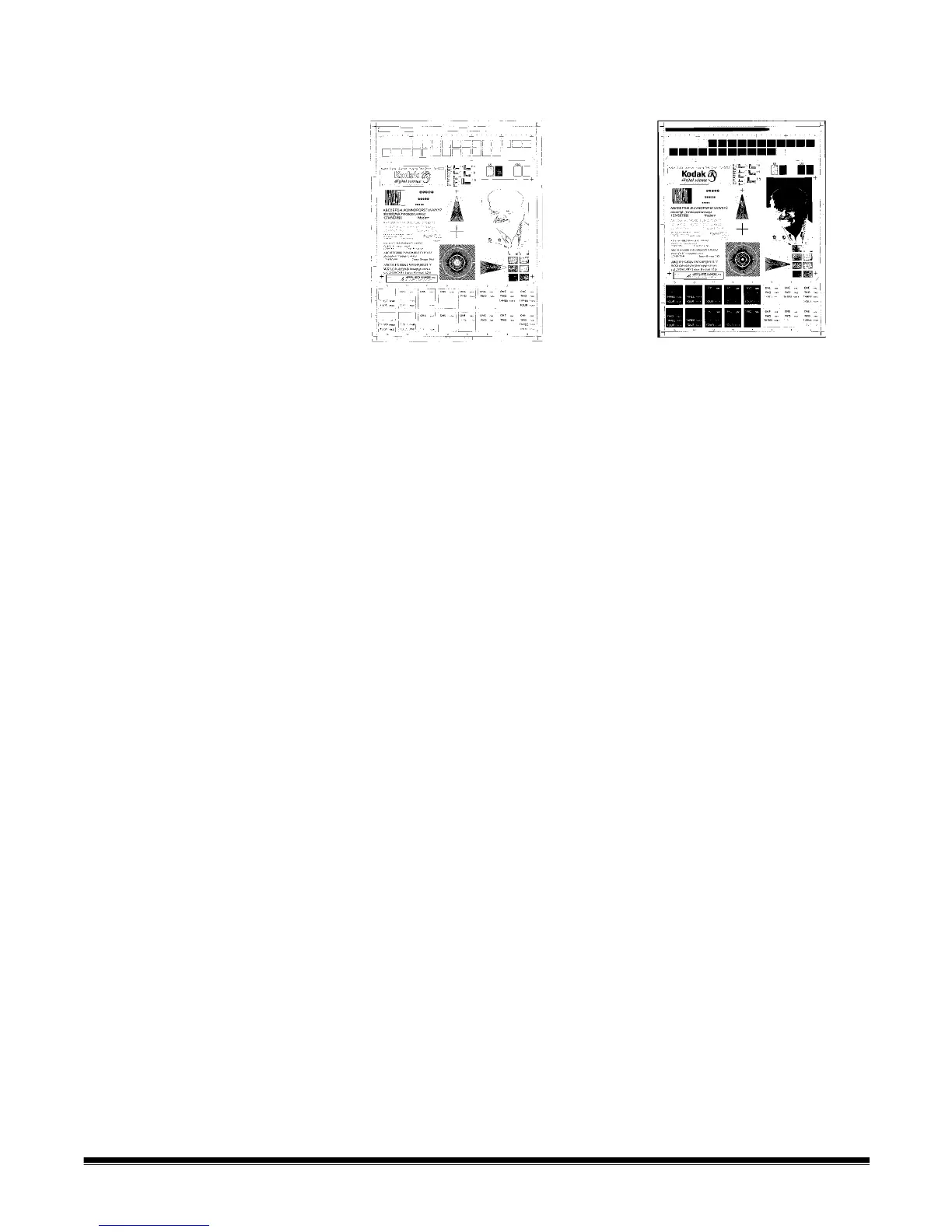
Threshold — changes the amount of white in the color and grayscale
image. Use the slider to select a value from 0 to 255. The default is 90.
Contrast adjusts the difference between black and white, thereby
making an image sharper or softer.
The difference between black and white is small with a low contrast
setting, so the image is softer. With a high contrast setting, the
difference between black and white is large, so the image is clearer.
Select a contrast value from -50 to 50. The default is 0.
Threshold: 50 Threshold: 127



 To Next Page