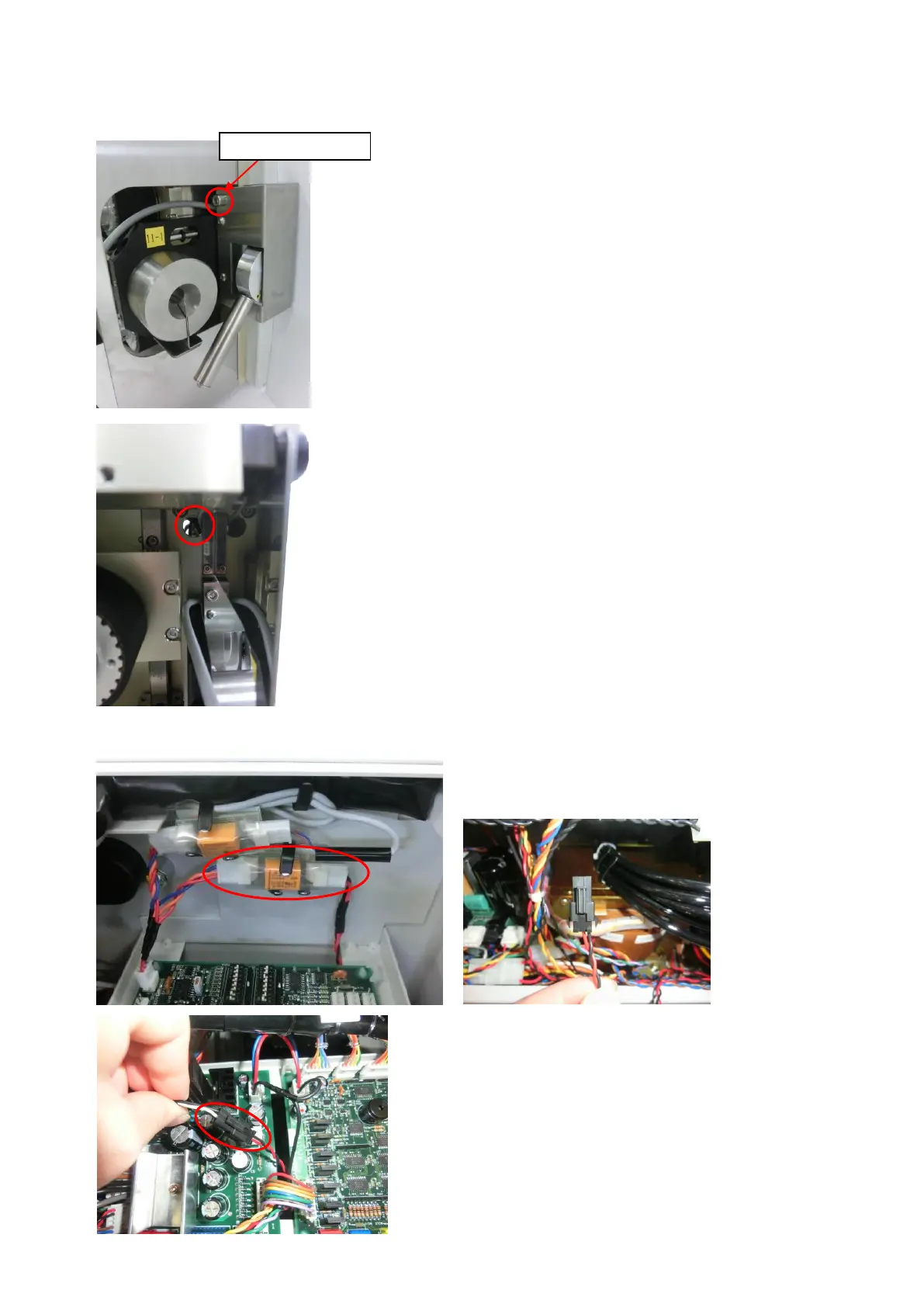
10. Tube Sensor(Option)
Tube sensor setting
1.Attach the [Tube Sensor] with the attached screw.
2. Run the harness of sensor through a hole on the right above of front panel.
3. Remove the screws on the back cover of C372A and the MDU mounting plate.
4. Take out the connector (red and black wire) connected to
the board shown on the left.
5. Connect the harness of the "tube sensor" and the connector of the
red and black wires.
Replace the covers.



 To Next Page