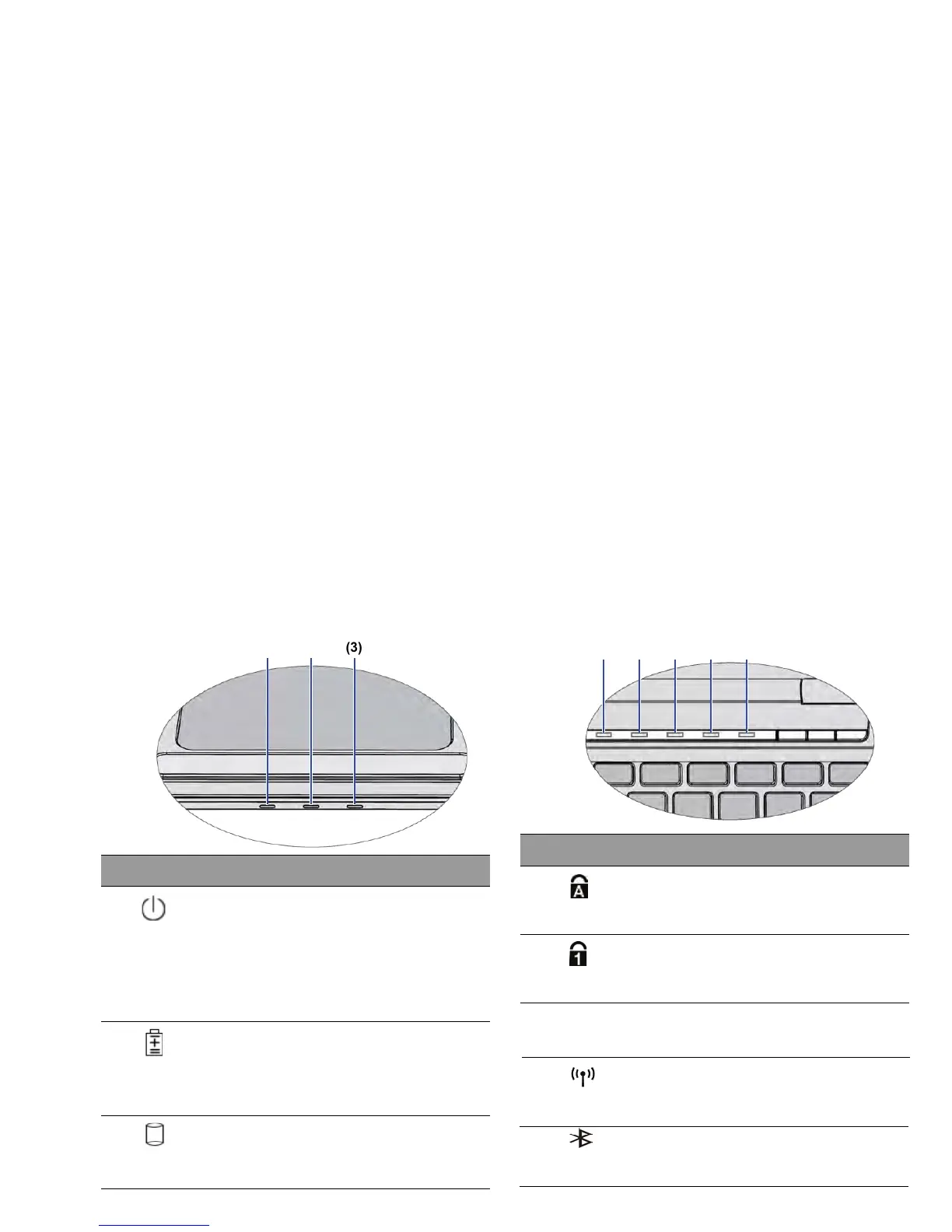
Lights up in blue when the Bluetooth function is
turned on.
Bluetooth indicator(option)
(5)
3 indicator(option)
Lights up in blue when the 3G function is turned on.
Lights up in blue when the <Num LK> key is
Lights up in blue when the <CapsLock> key is
3G
When WLAN is
turned off, the light goes off.
When WLAN is turned on, it lights up in blue.
(4)
(3)
(2)
(1)
When the system is off or in Hibernation mod
e,
When the system is in Sleep mode, it flashes in
When the system is on, it lights up in blue.
blue.
Light up in blue when the battery is fully charged.
Flashes in red when the battery is low.
Light up in red when the battery is charging.
Battery status indicator
Power indicator
Flashes in blue when the Noteboo
k is
Touring your Notebook 15
Ind
icators
No.
the light goes off.
W
ireless LAN (WLAN) indicator
No. Indicat
ors
(1)
Hard disk activity indicator
accessing data in the hard disk.
Num Lock indicator
enabled.
(2)
(3)
Caps Lock indicator
e
nabled.
G
Indicat
ors



 To Next Page