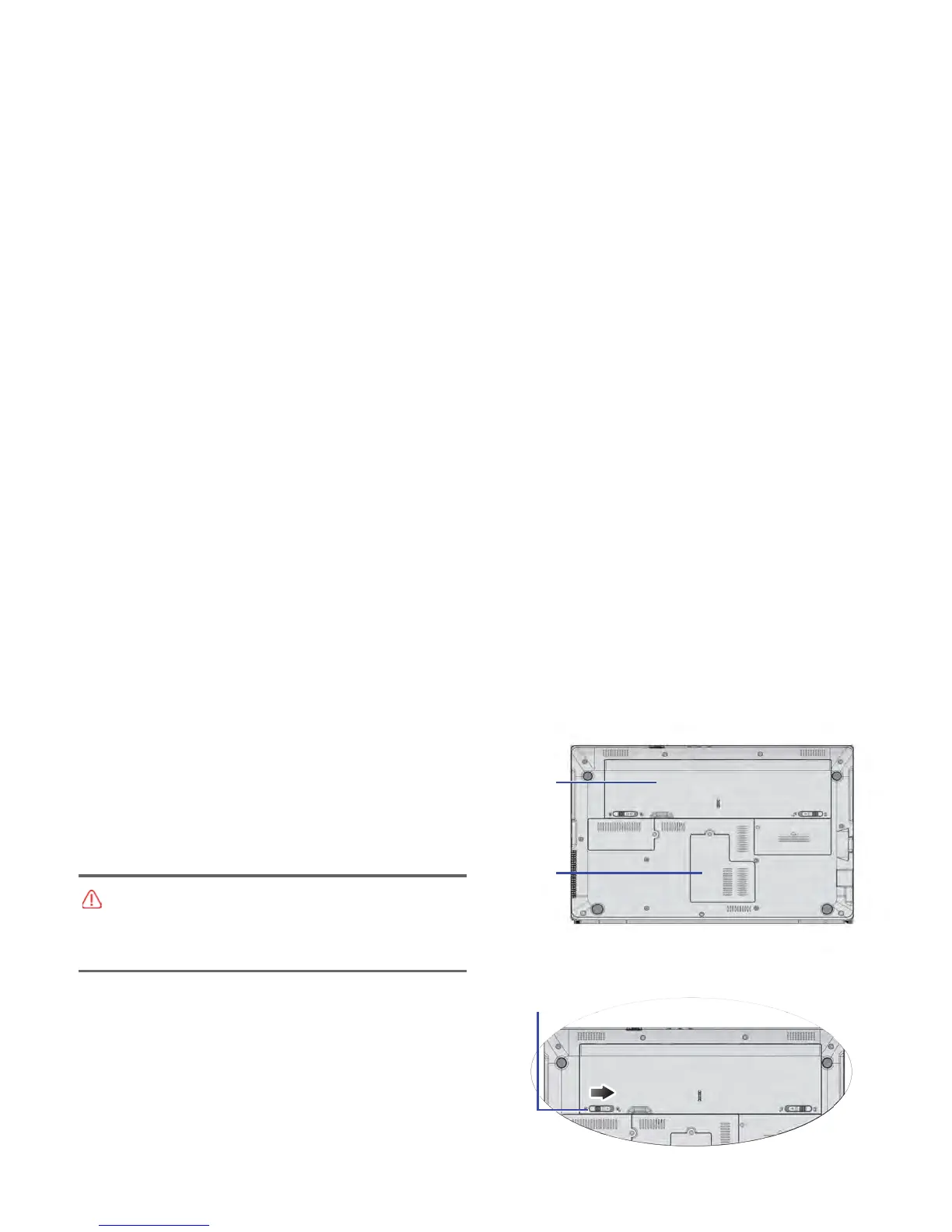
2. Slide “B
attery retainer A” to the right to unlock the battery.
It
is recommended that you take your Notebook to the our
be used, or contact our distributor or customer service center.
check on the our web site to determine the module which can
28
po
w
er adapter and turn over your Notebook.
1. Shut down your Notebook completely. Disconnect the
Replac
ing the memory
Re
placing the memory
Yo
u can replace the existing memory module with a higher-
capacity one. Before you upgrade or replace memory, please
distributor or customer service center for the upgrade or
memory replacement.
.
.
• If you inst
all an uncertified memory module, your system may
not work properly.
• It is the sole responsibility of the user if problems (such as
data loss and system failure) occurred due to non-factory
installed software, parts, and/or non-original accessories.



 To Next Page