me
nu in Windows Operating system .
When you first set up your Notebook, you may want to find
Overview2
Ty
pographics
The usage of not
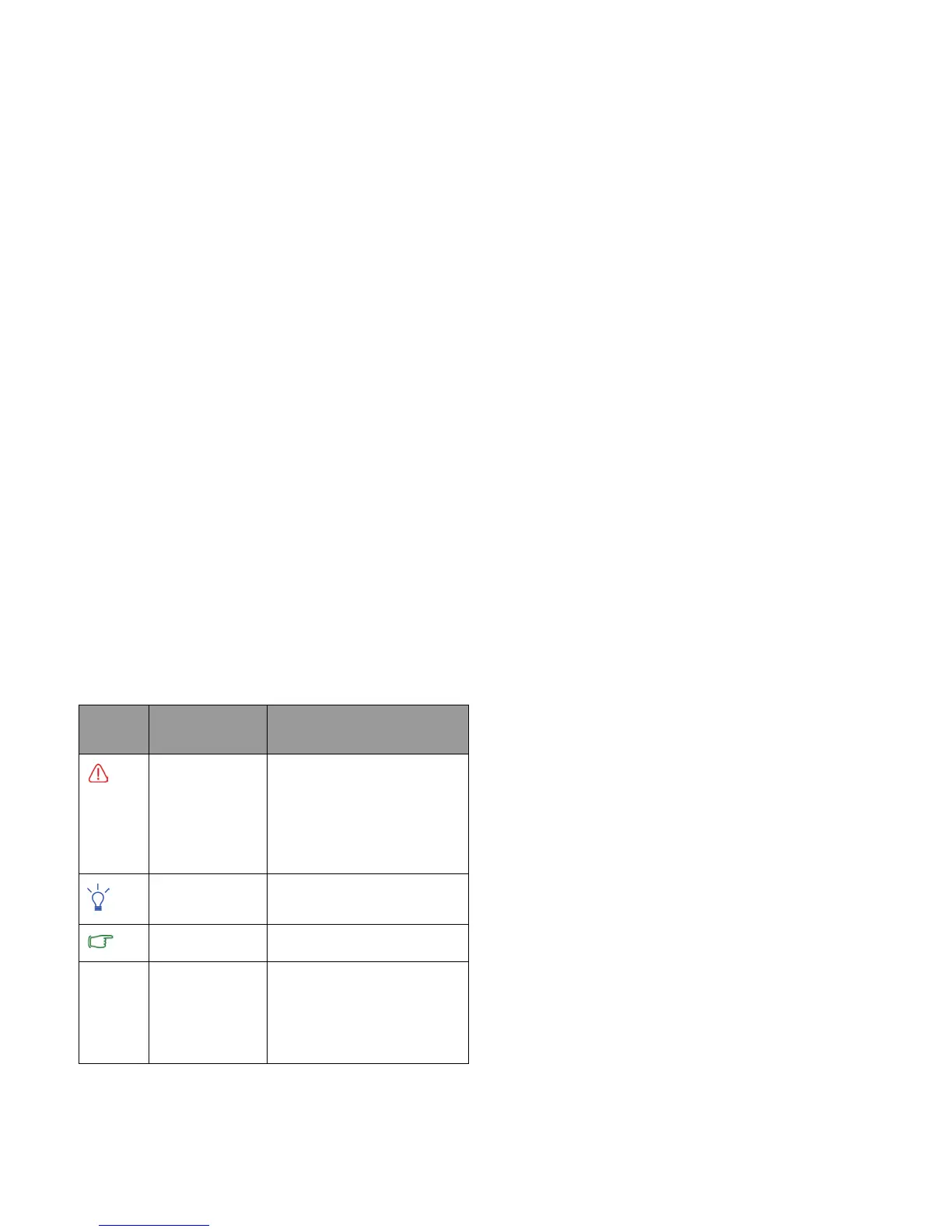
es, tips, and warnings in this manual is
specifically for different purposes, which are described as
follows:
more information on setups. Refer to the user manual that is
supplied with your operating system, or search from
Help and
Support
in t
he
Sta
rt
Icon/
Sym
b
ol
Item Meaning
Wa
rning Information mainly to
prevent the damage to
components, data, or
personal injury caused by
misuse and improper
operation or behavior.
Ti
p Useful information for
completing a task.
Note Supp
lementary information.
< > or [ ] Keys on the
keyboard; User
Interface (UI)
on the screen
Indicates a key on the
keyboard, or the UI on the
screen. Do not actually type
the symbols together with
the enclosed letters.



 To Next Page