Before
using your Notebook for the first time, please check if
Close the lid of your Notebook (if open). Turn your Notebook
upside down and place it on a soft clean cloth. With the
Gett
ing your Notebook
pack
aging in case you need to ship your Notebook for
Dependin
g on the model of your Notebook, the appearance
Getting started 3
Getting star
ted
Pa
ckage contents
yo
u have all the items with you. For details about what should
be included in the package, refer to the Product Specification
label on the product carton. If any of the items are missing or
appear damaged, contact your dealer immediately. Save the
service.
re
ady for use
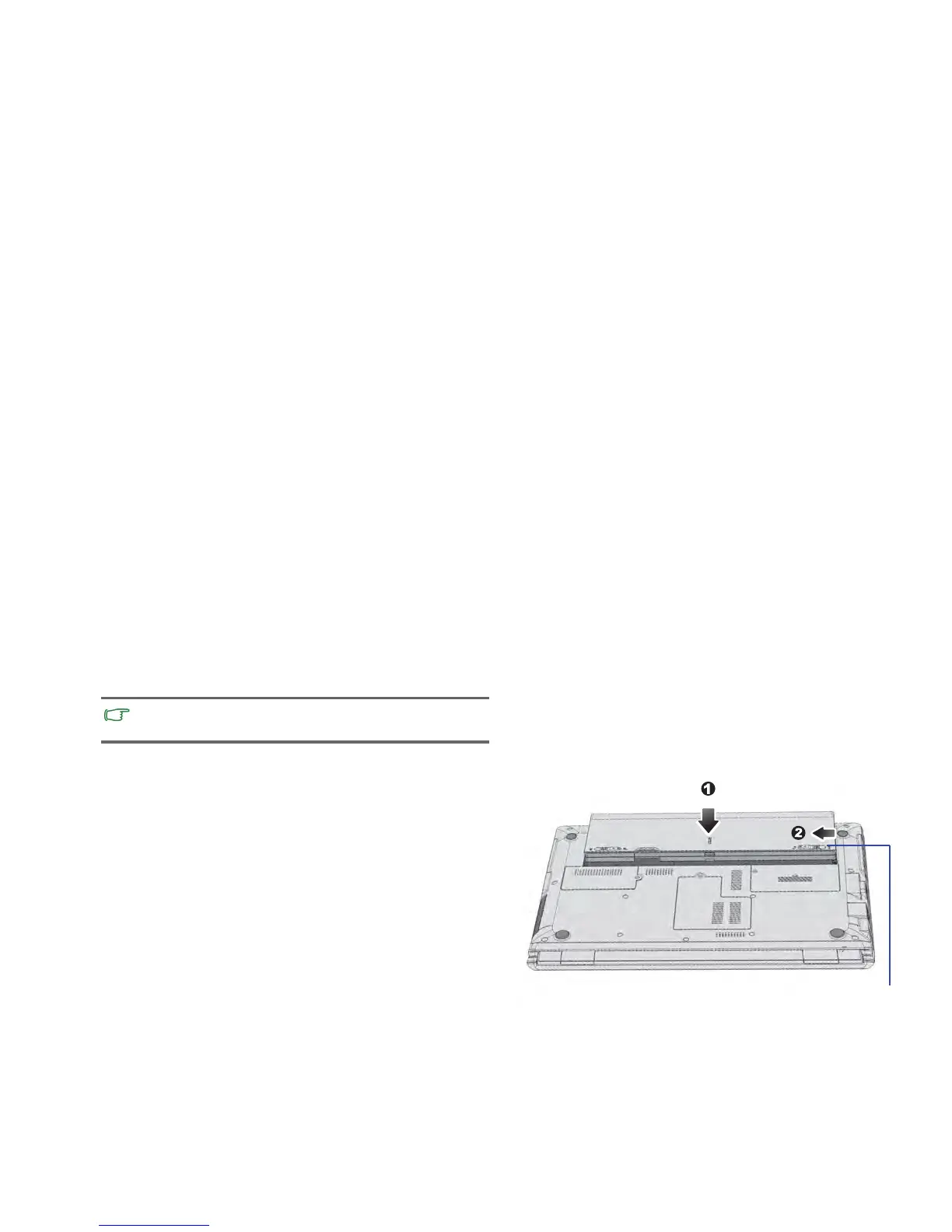
1. Installing the battery pack
la
bel side of the battery pack facing down, slide it gently into the
battery compartment until it snaps into place (1). Move
“Battery retainer B” to the left as shown to lock the battery pack
into place (2).
may be diff
erent from the illustrations shown in this manual.



 To Next Page