to
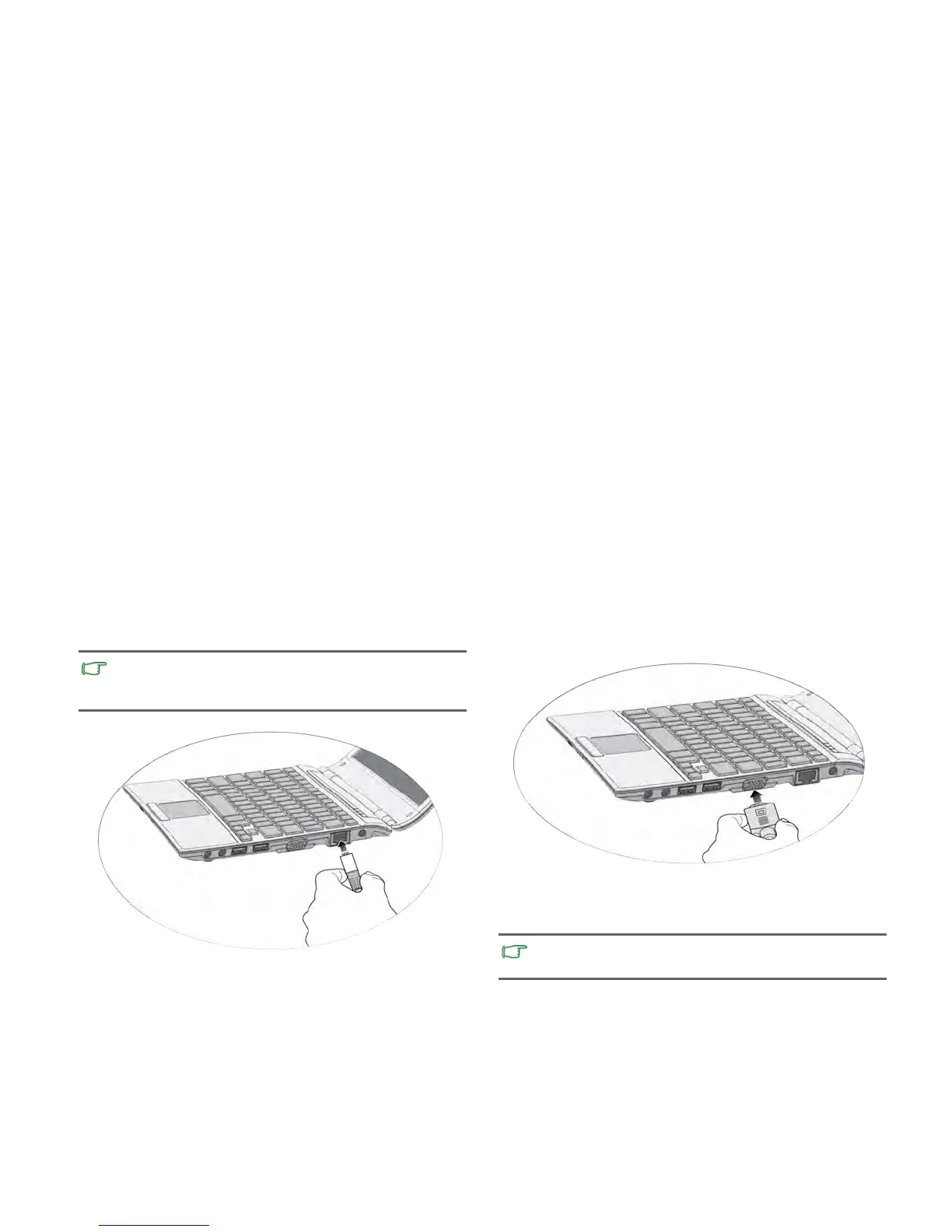
the LAN port of your Notebook.
projector) to the 15-pin D-sub video jack of your Notebook
Expanding the capabiliti
es of your Notebook
Getting started6
Ac
cess local area network (LAN) by connecting a network cable
Connect an external display device (such as a monitor or
with a VGA cable.
Pay attention to the plug direction when making the followin
g
connections. Incorrect direction may cause damage to the
device.
T
o
switch to the external display device or simultaneous
display, press the <Fn> + <F7> hotkey combination.



 To Next Page