EasyManua.ls Logo

Kogan Agora - Page 19

Kogan Agora
49 pages
Print Icon
To Next Page IconTo Next Page
To Previous Page IconTo Previous Page
Loading...
Us
ing your Notebook 17
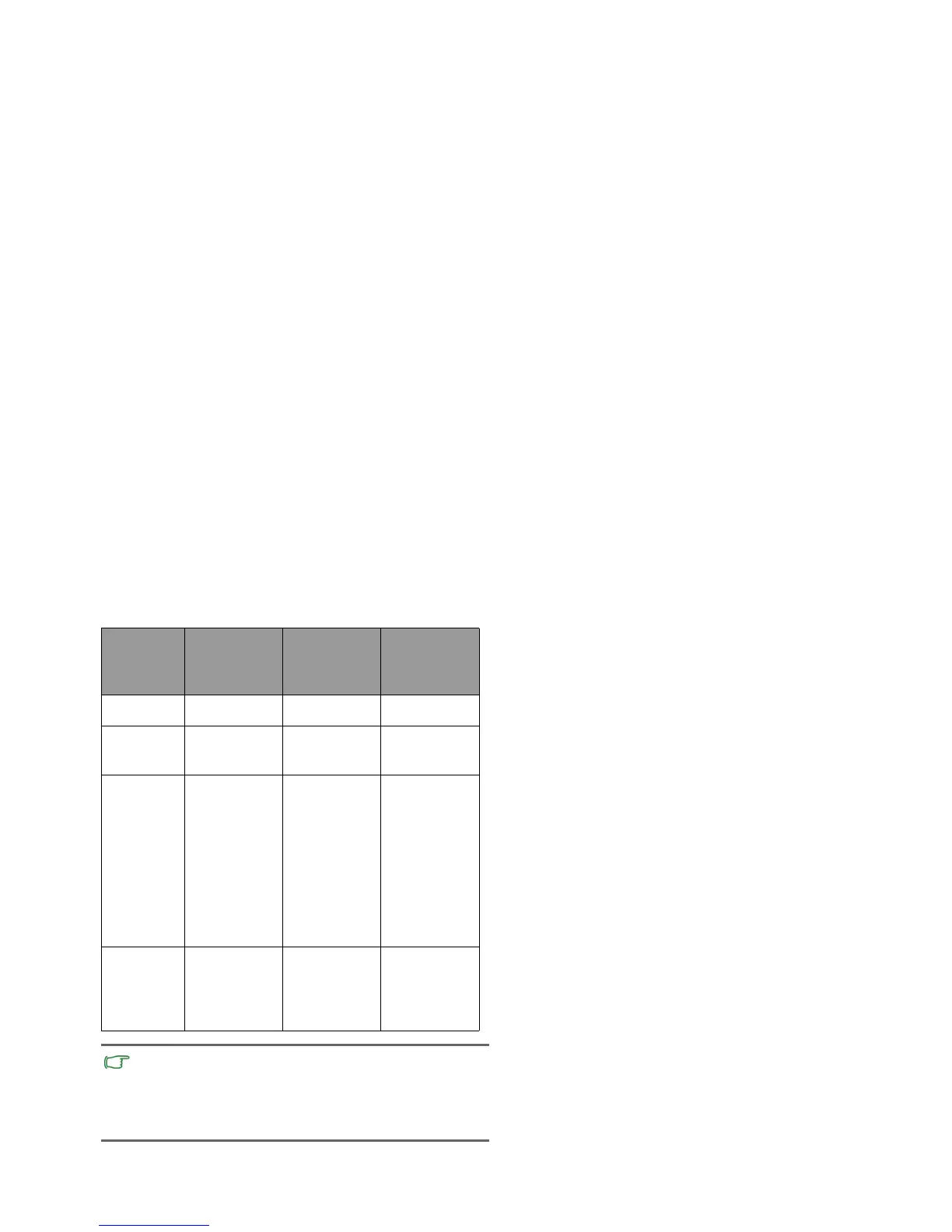
Funct
ion
Left
touchpad
button
Right
to
uch
pad
button
Tou
chpad
Select Click once. -- Tap once.
Execute Click twice
quickly.
-- Tap twice
quickly.
Drag Click once
and hold the
item, and
then use
your finger
on the
touchpad to
drag.
-- Tap twice
quickly and
hold the
item, and
then move
your finger
on the
touchpad to
drag.
Display
the
contextual
menu
-- Click once. --
• The touchpad is a pressure sensitive device that requires
proper care to avoid damage.
• Do not rest heavy objects on the touchpad or its buttons.
• Do not scratch the touchpad with sharp-pointed objects or
your fingernails.

Other manuals for Kogan Agora

Related product manuals