Us
ing your Notebook 21
Fu
nctio
n hotkey
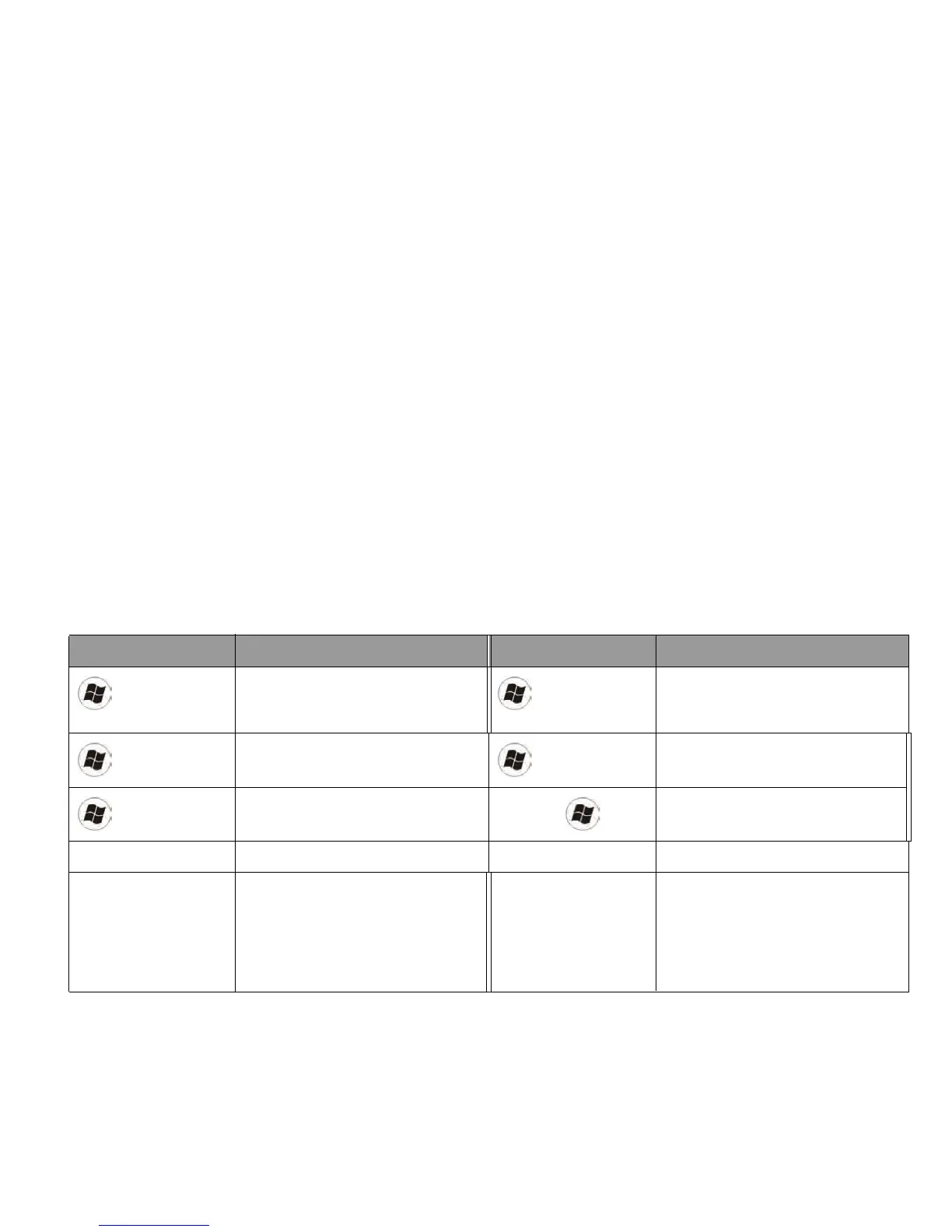
Description Fu
nctio
n hotkey
Description
W
i
ndows key
Provides quick access to the
Sta
rt
menu.
+
<
R>
Activates the
Run
dialog box.
+ <X
>
O
pens/closes Windows Mobility
Center.
+ <E>
Opens the
Computer
window for
browsing disks a
nd files.
+ <M>
Minimizes all open windows that
contain
Minimize
buttons.
<Shi
ft> + + <M>
Cancels minimization of all
windows.
<Alt> + <Tab> Switches between windows. <CapsLock> Capitalizes all text entered.
<Prt Sc> Copies a bitmap image of the
current entire screen to your
clipboard, which can be inserted
into documents as a screenshot, or
pasted into a graphics software,
such as Microsoft Paint.
<Ins> Switches between text insert mode
and text overtype mode.



 To Next Page