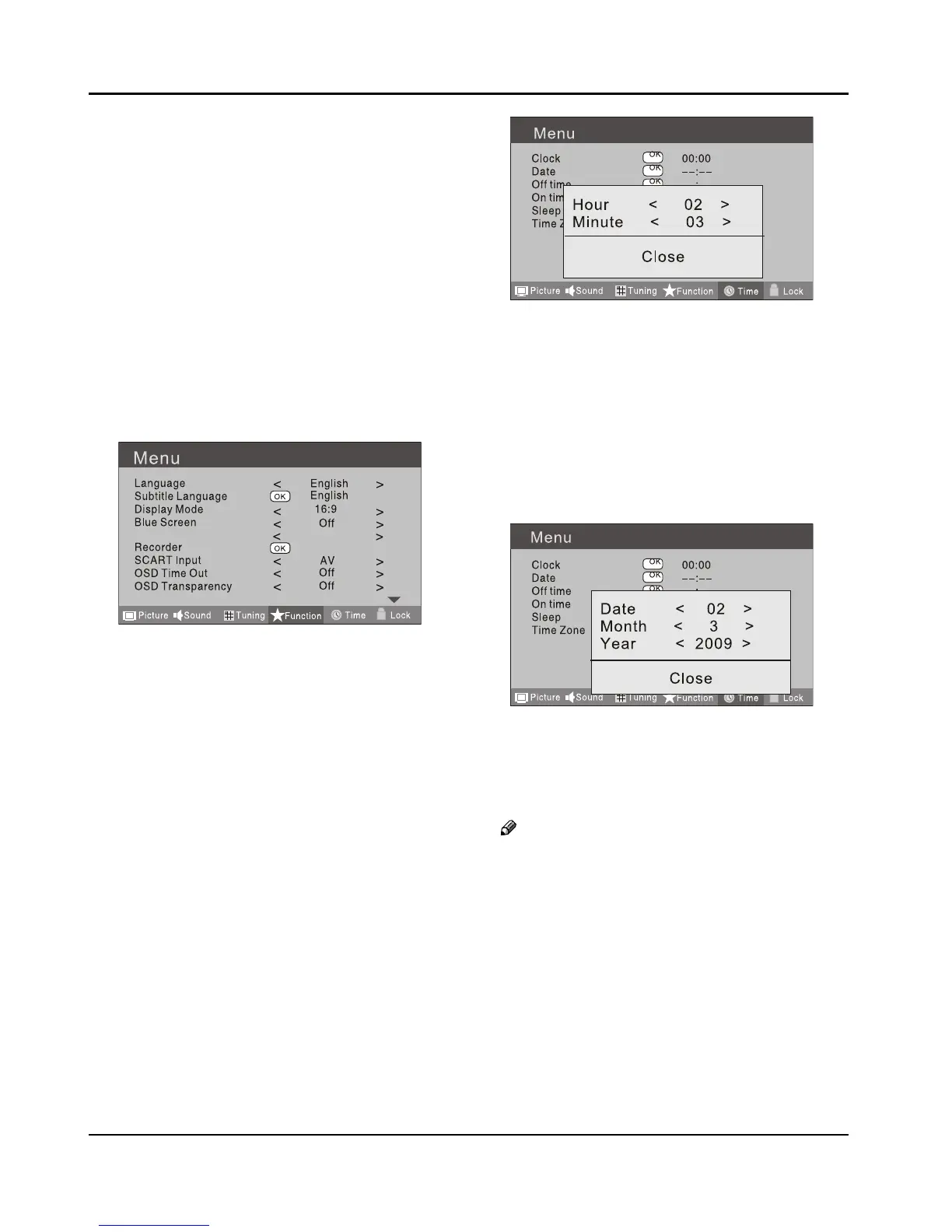
The Overscan function is only available for ❏
HDMI mode.
Recorder ❖
To recorder the DTV program. Details of Recorder are
described in the page of 25, 26.
SCART Input ❖
When you use the SCART2 input ,make sure the input
source is AV or S-VIDEO, and set the SCART INPUT
option.
OSD Time Out ❖
To set how long you want the menus to appear
on-screen. Each press of 3 button repeatedly to
select the number of preset minutes, the Time will be
set in sequence: o, 10sec, 15sec, 30sec, 45sec, 60sec.
OSD Transparency ❖
To set the transparency background of OSD, the
transparency will be set in sequence: O, 25%, 50%,
75%, 100%.
Reset ❖
To recover to the default value.
TIME SETTINGS
Clock ❖
Press A MENU button.
Press
B 3 button to select Time menu, press
button to enter.
Press
C 5 button to select Clock item, press
button to enter setting.
Press 5 button to select hour or minute, press
3 button to adjust the value.
Date ❖
Press A MENU button.
Press
B 3 button to select Time menu, press
button to enter.
Press C 5 button to select Date item, press
button to enter setting.
Press5 button to select the option, and then
press 3 button to adjust value.
Note
In DTV mode, because the time information is ❏
from the signal, the Clock and Date are not able
to be changed.
If you want to change the time, turn o the TV in
ATV mode, then turn on the TV.
O Time ❖
Press A MENU button.
Press
B 3 button to select Time menu, press
button to enter.



 To Next Page