Getting Started
EN-21 Digital LCD Television Instruction Manual
Note
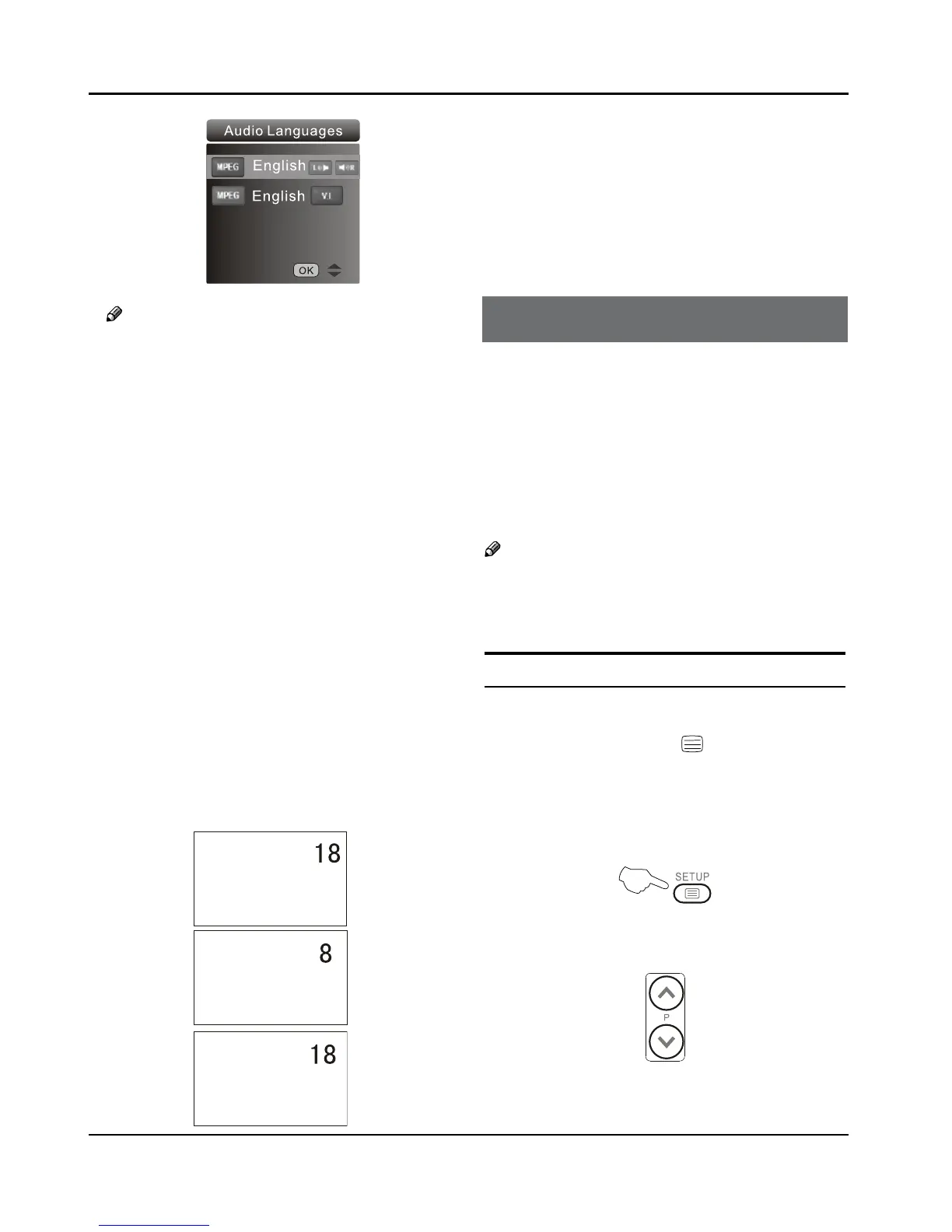
Press ❏ AUDIO button on the remote, it will
display Audio Languages menu only in the DTV
mode.
Eliminate Sound ❖
When you need to pay attention to surrounded
sounds, or there is a telephone calling you
or there are some guests visiting you, the sound
elimination (mute) function is very convenient.
Press the
A MUTE button on the remote control and
“Mute” type face will display on the lower part of
the screen. At this Time, the sound of the TV set is
turned o.
If you want to recover the sound, press the
B MUTE
button again or directly press V+ button.
Quick program view ❖
This function enables quick swap to the last watched
program. Press Q.view button, and the TV will be back
to the TV source, expect in the USB and DVD source.
Suppose the channel number you used just now
A
is 8 and the channel number you are using is 18
(as shown in the figure).
If you want to return to the last watched program B
channel 8, you can simply press the Q.View button.
If you want to return to channel 18, press the C
button again. Use this function, you can easily
change between the channel you are using and
the channel you used last Timer.
Using the features
Teletext functions
Teletext is an information system, broadcast by certain
channels, which can be read like a newspaper. It also
provides subtitles for people with hearing difficulties or
those who are unfamiliar with the language in which a
particular program is being broadcast (cable networks,
satellite channels, etc.).
Note
The ❏ teletext buttons could be working even if
there is no teletext signal, but there is no teletext
display.
Teletext
Teletext functions ❖
To select “teletext” press the button on the
handset. To switch o teletext, press the button again.
“Note all menu functions are not available in teletext
mode”. Only a few direct button control functions are
available in teletext mode, they are:
Volume adjustment •
Mute function •
Page up/down ❖
Use the P+/P- buttons to browse next or previous
page.
Page number entering ❖
To select a Teletext page, enter the page number



 To Next Page