SETUP MENU ITEMS
– to setup date and time
– to set device auto off delay in seconds. When set
to 0 – auto off is disabled.
– to install license file which enables
measurement functions. Press 9, browse
to the license file, press Enter to open
and install licenses.
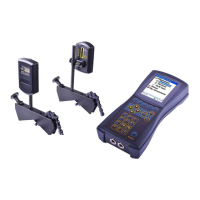
– to switch between wireless/cable transducers
connection. For wireless connection – press 1 or 2 to
enter number of transducers to be connected


 To Next Page