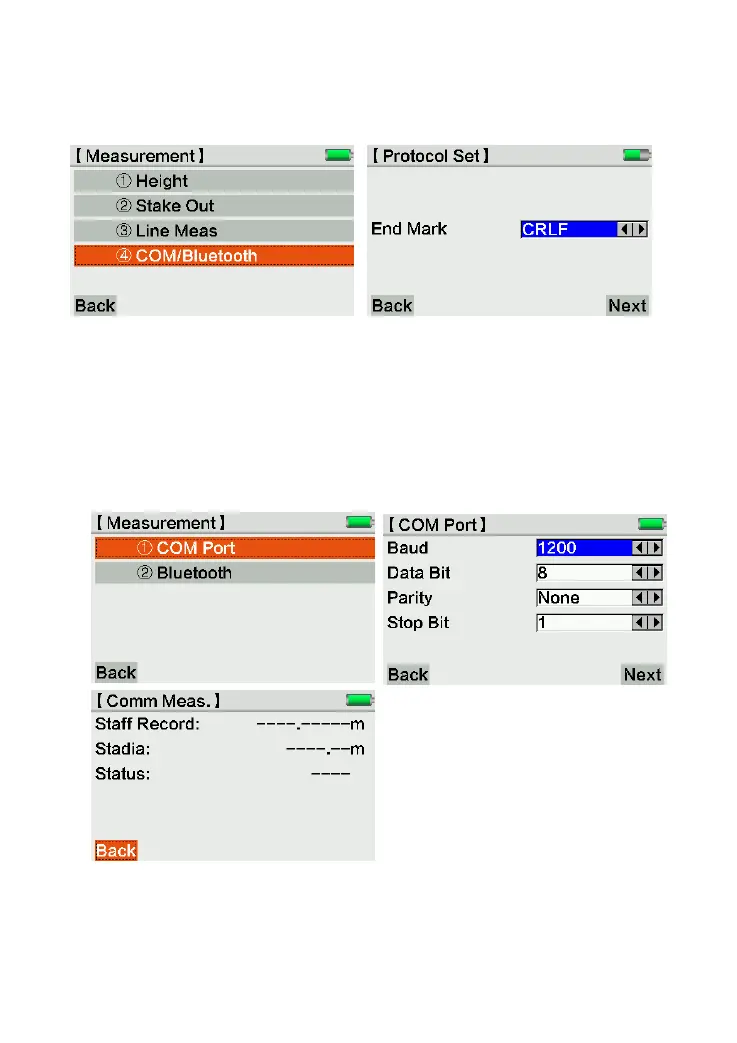
3.4 COM/Bluetooth
Press [1. Meas], [4 COM/Bluetooth] to enter the Com/Bluetooth measurement page.
If you need to know more about the protocol it supported, please contact our dealer for
further help.
Press [Next] to choose Comm Port or Bluetooth measurement.
3.4.1 Comm Port
Choose [1.COM Port]. Setting the configurations, then press [Next] to next page.
Comm port is only for remote control measurement, not for data transmission.
3.4.2 Bluetooth
Choose [2.Bluetooth]. Set the password for Bluetooth connection. The data can be
transferred from KL-03 to PC by Bluetooth or U-disk.



 To Next Page