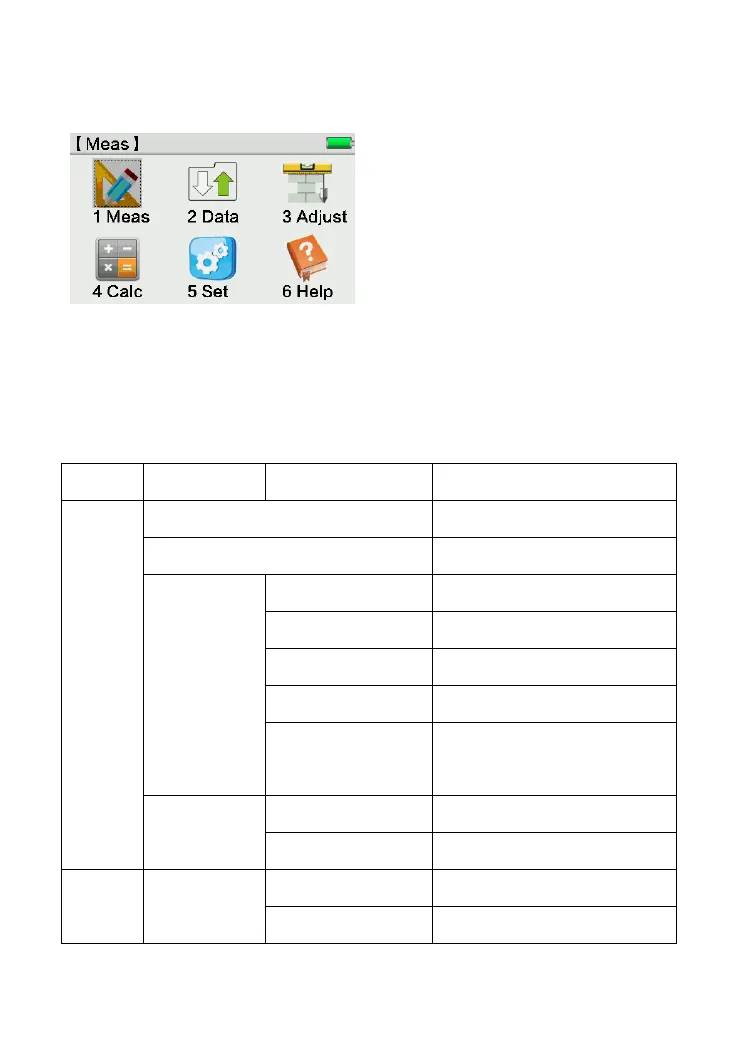
2.2 Main Menu
Option 1: Click corresponding area to start
Option 2: Move the cursor by [↑↓] key and
press [ENT] to start
Option 3: Press the number 1-6 to start
☞ Note: In KL-03, you can enter any interface by one of those start-up methods.The
following manual will only select one to explain.
Main menu shown as below:
Check the info of measured point
View/Add/Delete known point



 To Next Page