7. SET
7.1 Quick Set
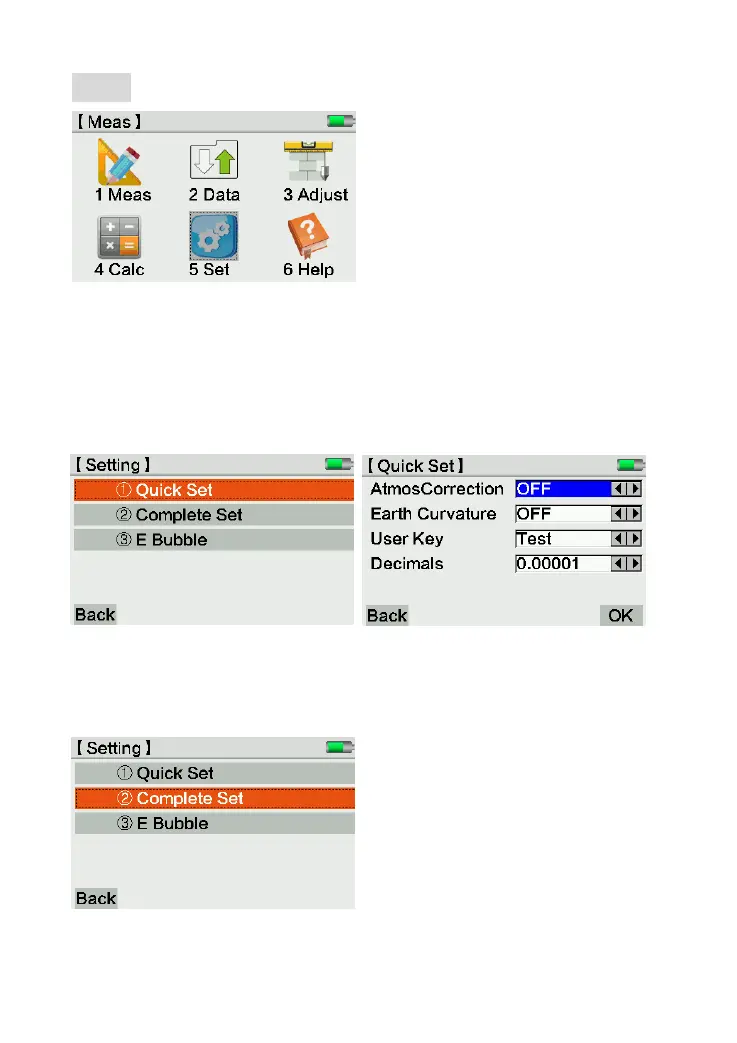
Press [1.Quick Set] by numeric key or click on screen to enter this setting page.
In Quick Set interface, the user can change the settings for Atmosphere correction, earth
curvature, user key and decimals.
7.2 Complete Set
In Complete Set page, it divide into four parts.



 To Next Page