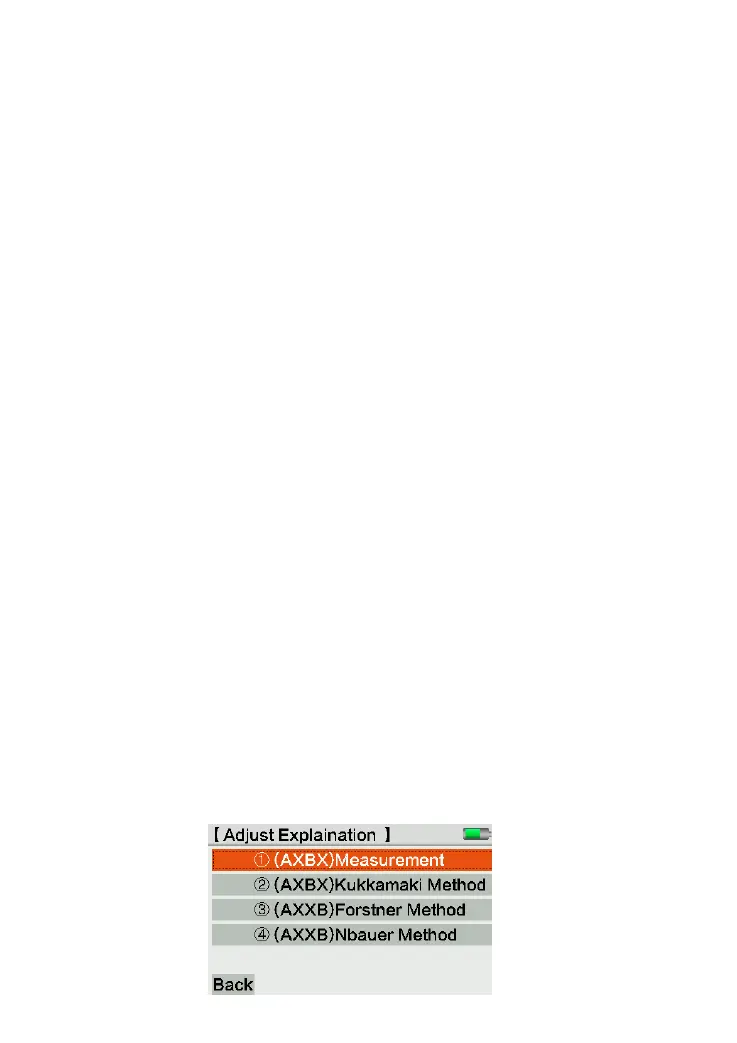
Steps:
1)Job: click Job column or press [1] to confirm the job name.
2)Method: choose the checking method “AXBX” or “AXXB”. The users can name the staff
in this page.
Each method including 2 ways:
AXBX: Center measurement and Kukkamäki method.
AXXB: Förstner and Nbauer method.
The tilt error of sight will display by radian. The approximation from radian to second
is: 1” = 0.1mm/20m, 2” = 0.001ft/100ft
The record for code staff (A1, B1, B2, A2) should follow as below order:
Station 1: A1, B1
Station 2: B2, A2
The user should measure the closer staff (except center measurement method) at
first. The checking mode defined the distance range in default. Once the distance is
mismatch, the equipment will show the corrective value for the position.
After 4 times record, the equipment will compare the measured tilt error with
existed value and display the result on screen. Then the equipment will choose the
new tilt error as the corrective value. In the same time, it will show the corrective
value for cross-line in optical measurement.
Data Storage
The checking result will store under the selected job. This line will pre-named as
“CHEKADJ”.
3)Start: start the checking procedure based on the notice shown on screen. The user
can also click [Help] to see the diagram for help.



 To Next Page