15
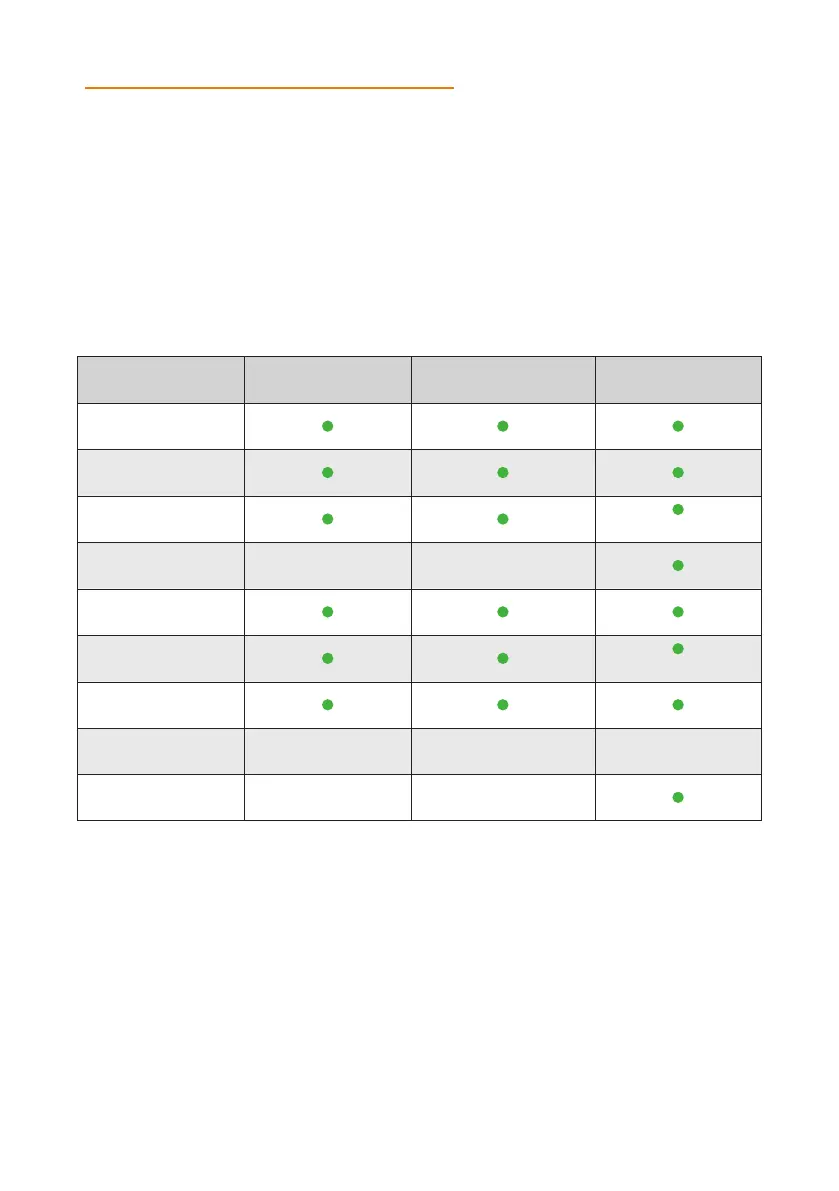
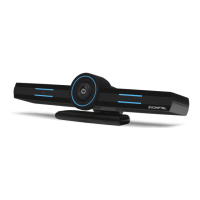
Konftel CC200 supports the following interfaces:
• A compatible touch screen monitor or external keyboard and mouse
connected to Konftel CC200.
• The Konftel CC200 remote control. You can view the user interface
on a connected monitor.
• The Konftel CC200 web interface.
Supported functions
Functions Remote
control
Touch screen monitor
or keyboard & mouse
Web
interface
Navigate the
GUI menu
Perform user
functions
Split and launch
applications
Mouse only
Chat with conference
participants
-
Configure Konftel
CC200
Configure OS
settings
Mouse only
Upgrade Konftel
CC200
Konftel CC200
mass upgrades
- - -
Get logs - -
Mouse only: You can perform these functions using only mouse emulation in the
application or web interface.
KONFTEL CC200 OVERVIEW


 To Next Page