16
CAMERA & LED INDICATORS
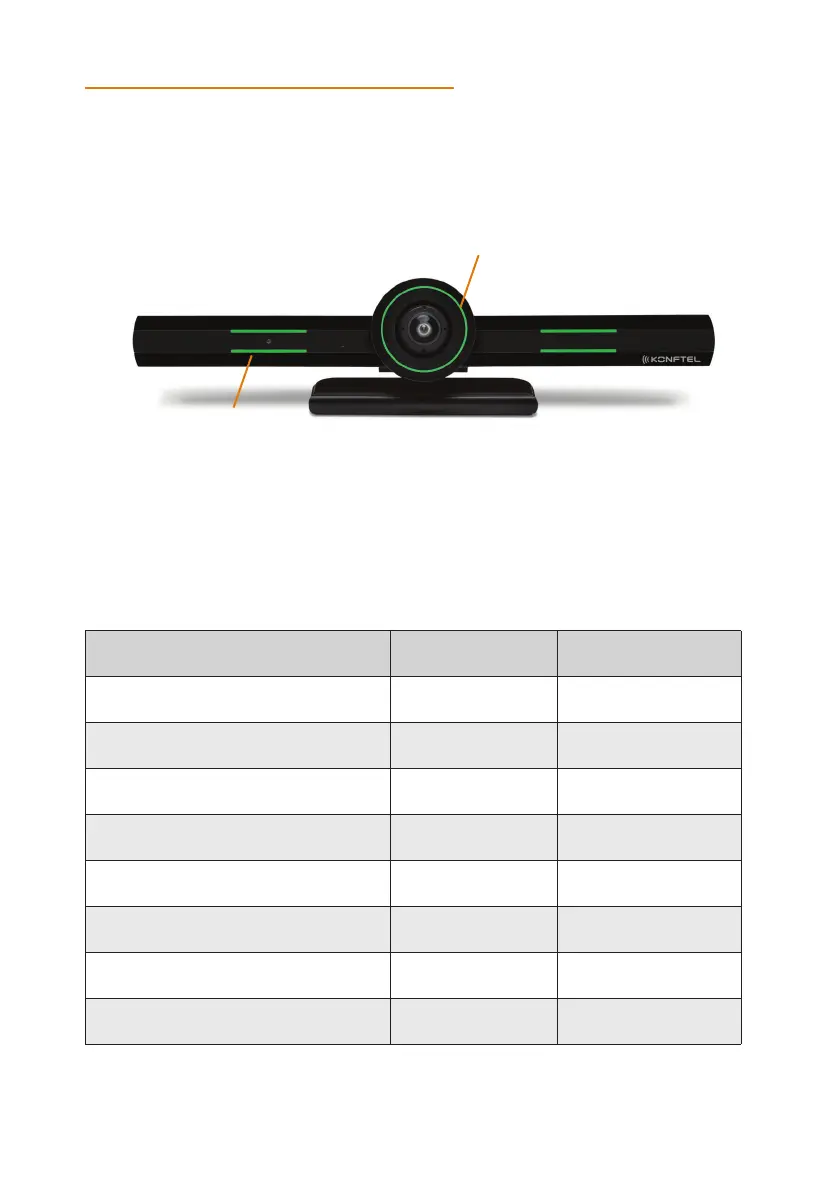
The Konftel CC200 endpoint has a camera and LED indicators. The camera also has a pan
and tilt mechanism.
Status Circular LED Crown Lateral LED strips
Alarms Red Red
Idle Yellow -
Idle, muted or sleep mode Blue Blue
In a conference Green Green
In a conference with audio muted Green Red
In a conference with video privacy mode Red Green
Calls being established Green, rotating Green
Upgrade in progress Red, rotating Red
Circular LED Crown
Lateral LED strips
The Konftel CC200 camera is equipped with two rows of lateral LED strips on the front
with a circular crown of LEDs around the camera lens. The LEDs display dierent colors
and animation eects based on the camera status. The camera supports zooming the
video from the web interface or the remote control. When the camera is zoomed in,
you can also digitally pan and tilt the camera.
KONFTEL CC200 OVERVIEW


 To Next Page