Menu Structure
E-123
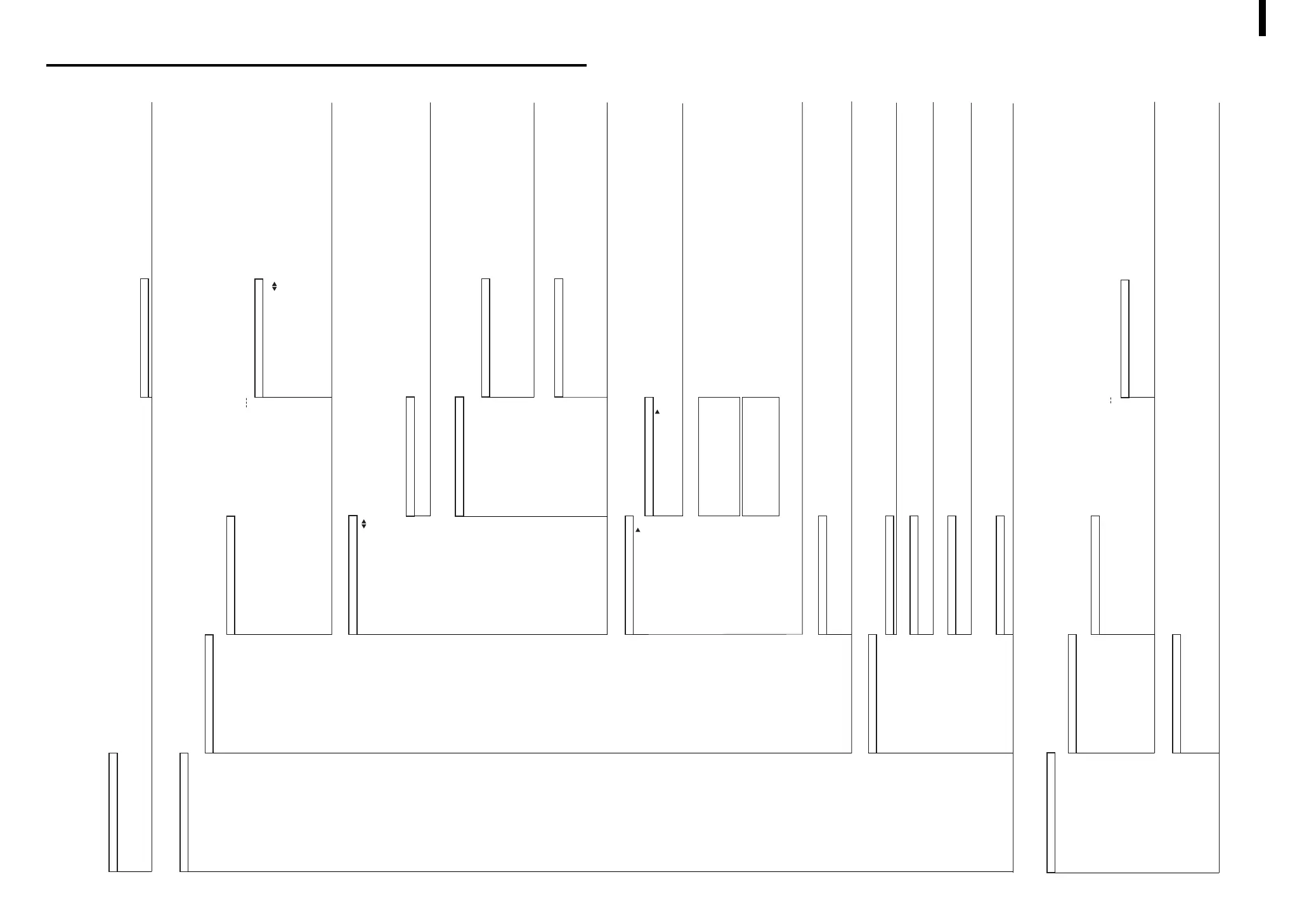
Menu Structure diagram
<INITIAL SETTING>
LANGUAGE
MODE
TARGET
:
:
:
Select the desired language (J/E/D/F/Es/I) (page E-27)
Select the desired mode (COND/TARGET) (page E-27)
Select the Target mode (“linked to each data.”/“defined in COND.”) (page E-28)
<INITIAL>
<INITIAL>
<COND
*
>
CALIBRATION
: Calibration menu screen
:
<CALIBRATION>
ZERO
WHITE
:
:
Execution of Zero Calibration(page E-44)
Execution of White Calibration(page E-46)
(After settings, automatically back to measurement screen.)
Measurement screen
DEL
DISP
“T”
“P”
PREV
:
:
:
:
:
:
Delete the displayed data.(page E-70)
Select the data to display.
Switch the measurement result screen.
(page E-68)
Display the selected color difference target color data.(page E-49)
Print the measurement data.(page E-91)
* When the printer is connected.
(Back to measurement condition screen.)
BREAK
PREV
:
:
(Back to measurement screen.)
(Back to measurement condition screen.)
TARGET Display the color difference target color.
:
<TARGET>
BREAK
“P”
PREV
DEL
:
:
:
:
:
Select the other target color no.
(Back to measurement screen.)
Print the target color data.
(Back to measurement condition screen.)
Display the target color data delete menu.
* When the target color data is set.
<TARGET DELETE>
T
*
DELETE
ALL DELETE
:
:
Delete the displayed target color data.
Delete all target color data.
TOLERANCE Display the tolerance menu.
* Only if there is the target color data.
<TOLERANCE> (tolerance type)
BOX
: Display the box tolerance menu.
<TOLERANCE>
RESET
ADJUST
OBSERVER/ILLUMINANT, MASK
BREAK
PREV
RESET
TOLERANCE
OBSERVER/ILLUMINANT, MASK
BREAK
PREV
:
:
:
:
:
Reset the settings.
Box tolerance data settings
Tolerance of other observer/illuminant
* When the mask is set as I+E/Illuminant 2.
(Back to measurement condition screen.)
(Back to tolerance type menu.)
Reset the settings.
Elliptical tolerance data settings
Tolerance of other observer/illuminant
* When the mask is set as I+E/Illuminant 2.
(Back to measurement condition screen.)
(Back to tolerance type menu.)
ELLIPTICAL
: Display the elliptical tolerance menu.
<TOLERANCE>
:
:
:
:
:
FILE Selected measurement condition menu (1/2 page)
:
:
<FILE> (1/2 page)
2/2
: Selected measurement condition menu (2/2 page)
<FILE> (2/2)
1/2
COND
BREAK
PREV
:
:
:
:
Selected measurement condition menu (1/2 page)
Display the measurement condition setting menu.
(Back to measurement condition screen.)
(Back to measurement condition menu.)
COND : Display the measurement condition menu.
(1/2 page)
MASK/GLOSS
UV SETTING
ILLUMINANT1
ILLUMINANT2
OBSERVER
DISPLAY
(2/2 page)
COLOR SPACE
MANUAL AVG. TIMES
MANUAL AVG. DEVIATION
AUTO AVG.
DELAY TIME
BREAK
PREV
:
:
(Back to measurement condition screen.)
(Back to measurement condition menu.)
DATA DELETE
Display the global deletion menu.
<DATA DELETE>
OK
CANCEL
:
:
Display the amount of deleted measured data.
(After settings, back to measurement condition menu.)
Cancel the global deletion.
MENU Initial setting menu display
:
:
<MENU>
REMOTE
: Display the transfer mode to connect an external device.
<REMOTE RS 232C>
AUTO PRINT
: Display the auto print setting menu.
<AUTO PRINT>
ON
OFF
:
:
Print each measurement data automatically.
Auto print is not selected.
CLOCK
: Display the clock setting menu.
<CLOCK>
ADJUST
PREV
:
:
Start the clock setting.
(Back to <INITIAL SETTING> screen.)
DISPLAY INVERT
: Setting the display direction
LCD CONTRAST
: Display the LCD contrast setting menu.
<LCD CONTRAST>
PREV
: (Back to <INITIAL SETTING> menu.)
<INITIAL>
(page E-98)
TASK
*
Display the mask and measurement area confirmation message.
<TASK
*
> (page E-100~)
OK
: Display the calibration menu.
<CALIBRATION>
ZERO
WHITE
:
:
(After settings, automatically back to measurement screen.)
Measurement screen
* The message defined for each Job in the Task will be displayed in sequence.
BREAK
PREV
:
:
(Back to measurement condition screen.)
(Back to task select menu screen.)
MENU Initial setting display (same as “COND” menu)
<MENU> (page E-29~)
REMOTE
AUTO PRINT
CLOCK
DISPLAY INVERT
LCD CONTRAST
Common for both Measurement mode (COND / TASK)
* Turn the power ON with navigation wheel.
“COND” mode
“TASK” Mode
(page E-27)
(page E-29)
(page E-33)
(page E-48)
(page E-51)
(page E-52)
(page E-52
~)
(page E-55
~)
(page E-33)
(page E-34~38)
(page E-39~43)
(page E-71)
(page E-29)
(page E-89)
(page E-92)
(page E-30)
(page E-32)
(page
E-100)
(page E-102
~)
(page E-62)
Execution of Zero Calibration(page E-100)
Execution of White Calibration(page E-101)
(After settings, back to <INITIAL SETTING> screen.)
COND
*
: Measurement condition menu display



 To Next Page
 Loading...










