MSH8900
www.symkloud.com // 37
3/ Configuring
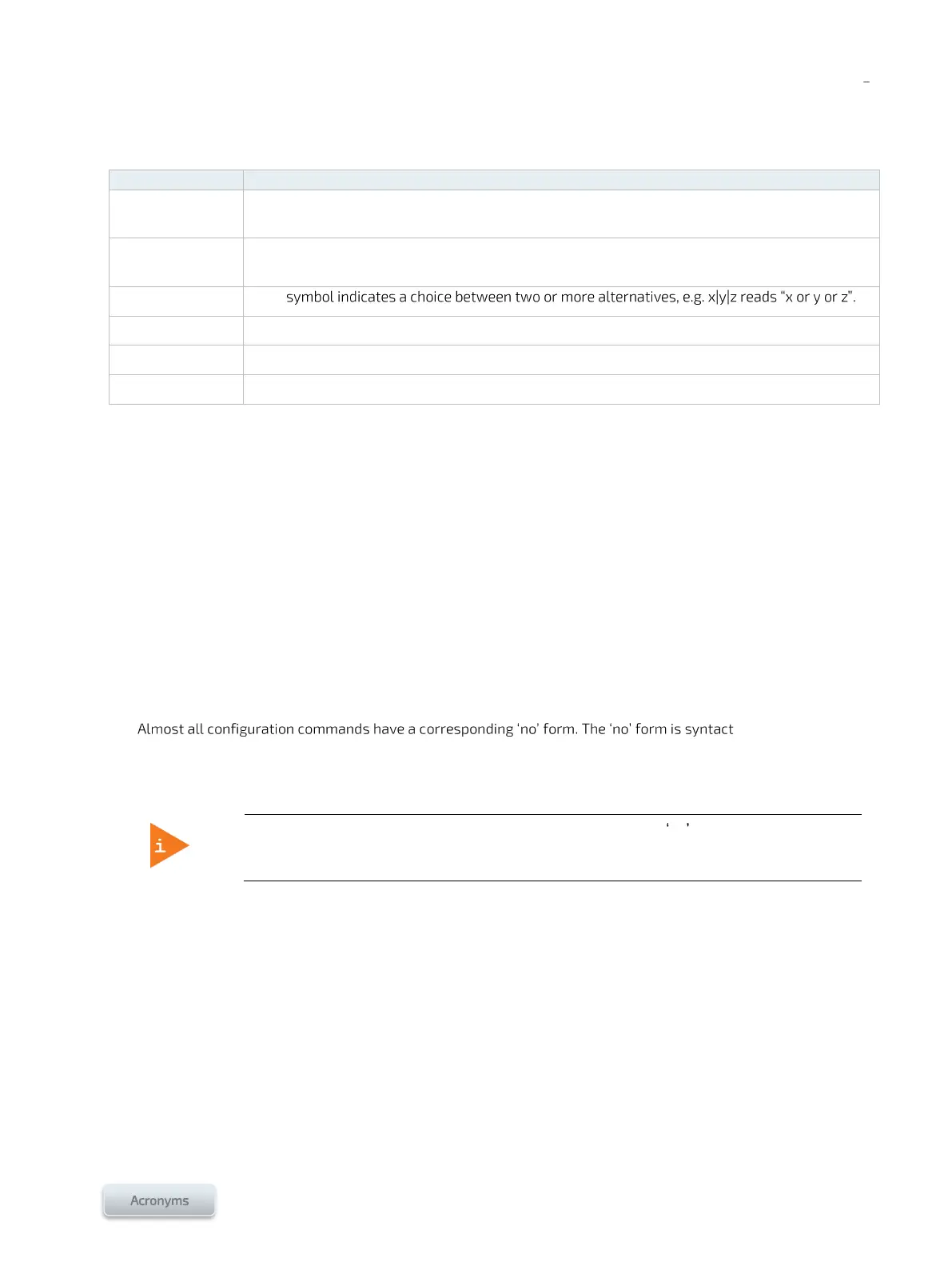
Table 17: Conventions used in the document
Elements between < > in blue are variables. The value shown is an example or an indication of
what to enter.
Items between () show a value range for the variable spelled out, e.g. <Switch No. (1-5)> means
the switch number is to be entered and that its value can be between 1 and 5.
Elements in black bold are selectable menu items or button names.
Elements in blue italics precede configuration options or types.
The > symbol separates a series of operations required to access a specific element.
Configuration command tables:
Sections 3/, 4/ and 5/ contain 2-column tables. The first column describes steps that can be performed in the Web
interface named in the header. The second column describes steps that can be performed in the CLI specified in the
header. See Figure 14, Figure 15 and Figure 16 to find out how to access the specified Web interface or CLI.
Switch Web User Interface help:
The Help menu of the Switch Web User Interface is comprehensive. It should be used to configure the system.
Switch CLI help:
The switch CLI contains a context-sensitive help feature: Use the ? symbol to display the next possible commands
and their descriptions.
ically similar (but not
necessarily identical) to the configuration command; however, it either resets the parameters to default values for
the configurable item or disables the item altogether.
In the CLI, an asterisk (*) is a wildcard character which refers to all switches within a stack
or all available ports, e.g. */4-9 means ports 4 to 9 of all switches and 2/* means all ports of
switch 2.
The VLANs, subnets and IPs used in the configuration examples are the default Kontron values. A valid equivalent
must be determined for all the values shown in bold orange based on your infrastructure. Refer to Table 18 for a
form that includes the Kontron defaults and space to enter the network infrastructure equivalences.



 To Next Page