MSH8900
www.symkloud.com // 49
3.4.2. Configuring the ShMC Management Interface
For proper operation, the ShMC and MSP node BMC must have an IP interface in the
same subnet or be able to communicate via a properly configured external gateway.
Changing the ShMC IP address may interrupt management connectivity.
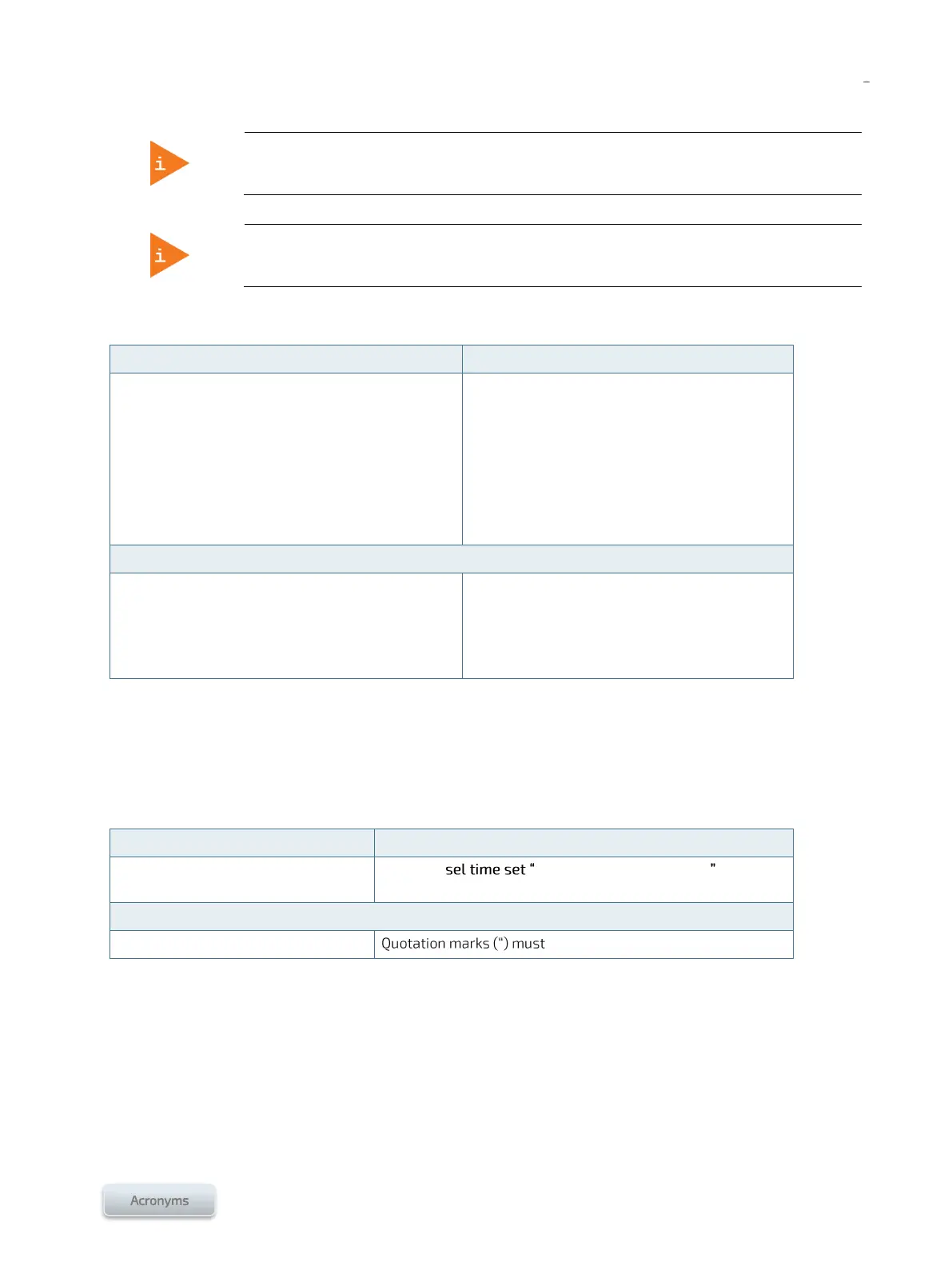
To configure the ShMC IP interface:
ShMC CLI (serial, SSH, IOL, HTTP)
Dashboard > Network Configuration
Proceed with configuration
Click Save
ipmitool> lan print
Existing configuration is displayed
ipmitool> lan set 1
Command syntax and possible configurations
are displayed
Proceed with configuration
WARNING: Reconfiguring the IP interface of the
ShMC through the System Monitor may interrupt
the System Monitor HTTP session.
WARNING: Reconfiguring the IP interface of the
ShMC through an SSH connection will likely
interrupt the session.
3.4.3. Configuring ShMC Date and Time
At power up, the ShMC gets the date and time from the onboard RTC. The ShMC then uses it to set the date and time
of the SEL and the MSP nodes.
To manually change the ShMC time:
Not possible through a Web interface
ShMC CLI (serial, SSH, IOL, HTTP)
ipmitool> <dd/mm/yyyy hh:mm:ss>
surround your configured time.



 To Next Page