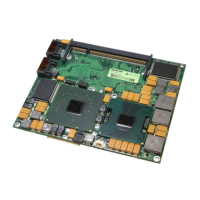
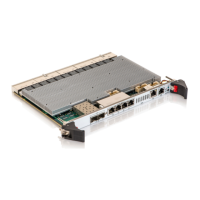
MSH8900
www.symkloud.com // 40
3.2. Configuring Switches
3.2.1. Log in to the Switch CLI
Log in using the default credentials user: admin and password: admin.
MSH8900 Login: Ctrl+g -
Username: admin
Password: admin
#
Use HOTKEY to redirect serial console multiplexer
to the switch CLI.
The # prompt means the switch CLI was reached.
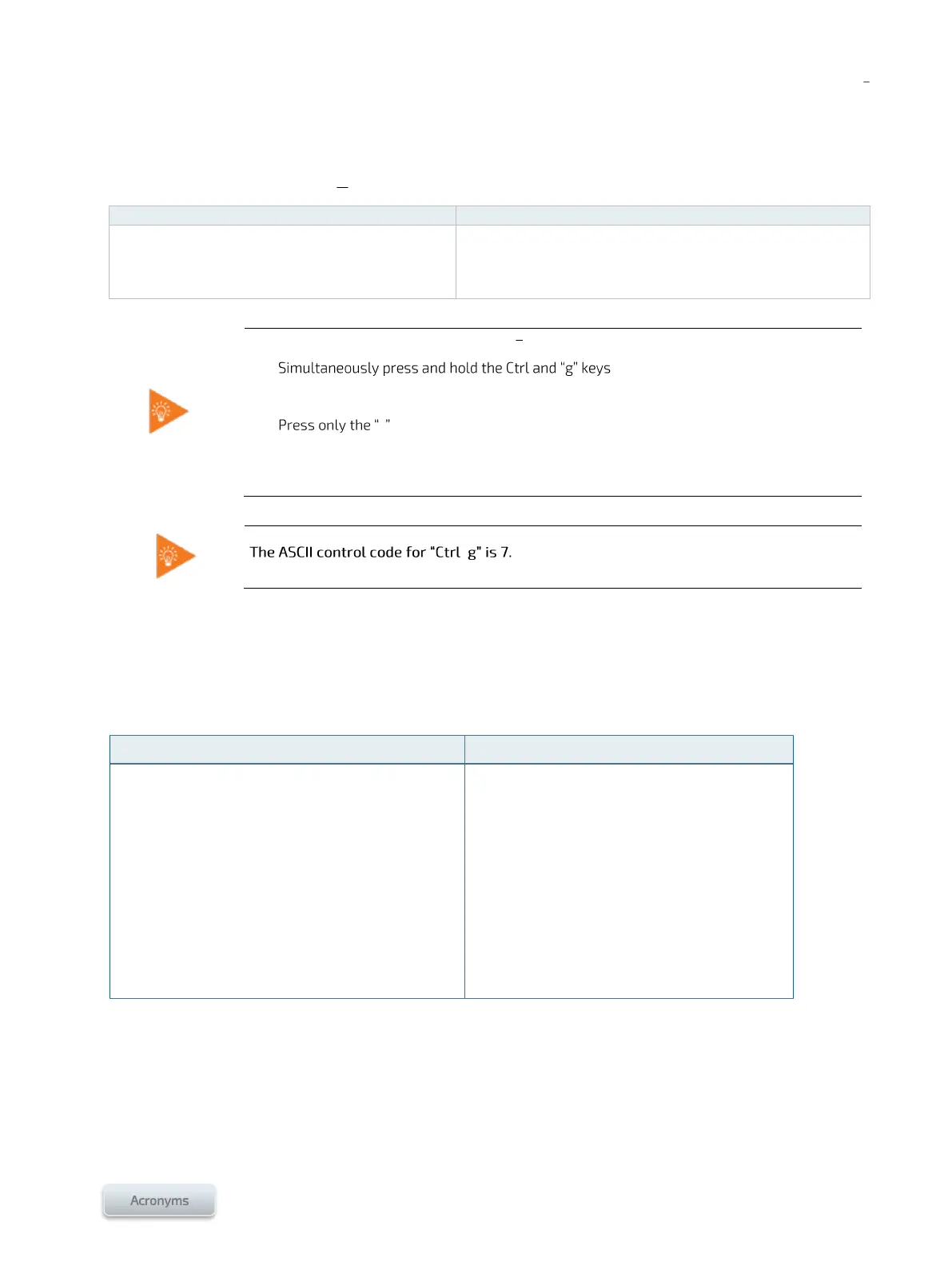
To access the switch CLI using the Ctrl+g command (Figure 14 or Figure 15):
1.
2. Release both keys
3. - key and release it
4. Press the Enter key and release it
Hint: It is preferable to use the Ctrl key located on the left of the keyboard.
3.2.2. Configuring Switch Management Interfaces
3.2.2.1. Configuring the switch management IP Address
To assign an IP address to an existing VLAN:
Switch CLI (serial [preferred], SSH, SOL)
Configuration > System > IP
Click Add Interface
Proceed with configuration
Click Save (the session will be interrupted)
Access the Switch Web UI using the new IP
# configure terminal
(config)# interface vlan <VLAN number>
(config-if-vlan)#
For a static IP address, use:
(config-if-vlan)# ip address <ip address>
<netmask>
For a DHCP address, use:
(config-if-vlan)# ip address dhcp



 To Next Page