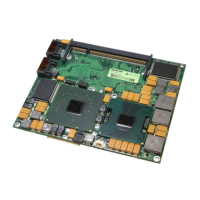
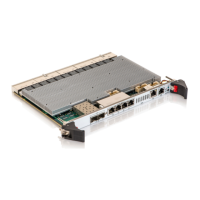
MSH8900
www.symkloud.com // 56
4.2.1. Download the OneClick Upgrade Bundle
From Symkloud.com, click on the Products tab. Under the Converged Platforms header, click on the MS platform used
(MS2900). Scroll down and click on Firmware. Click on the latest SYMKLOUD MS OneClick Update Bundle to download
the file containing the upgrades for the firmware.
4.2.2. Upgrading the Switch
The switch firmware upgrade will interrupt network connectivity of devices in the
platform where the MSH8900 hub is operating.
To upgrade the firmware of all switches in a stack:
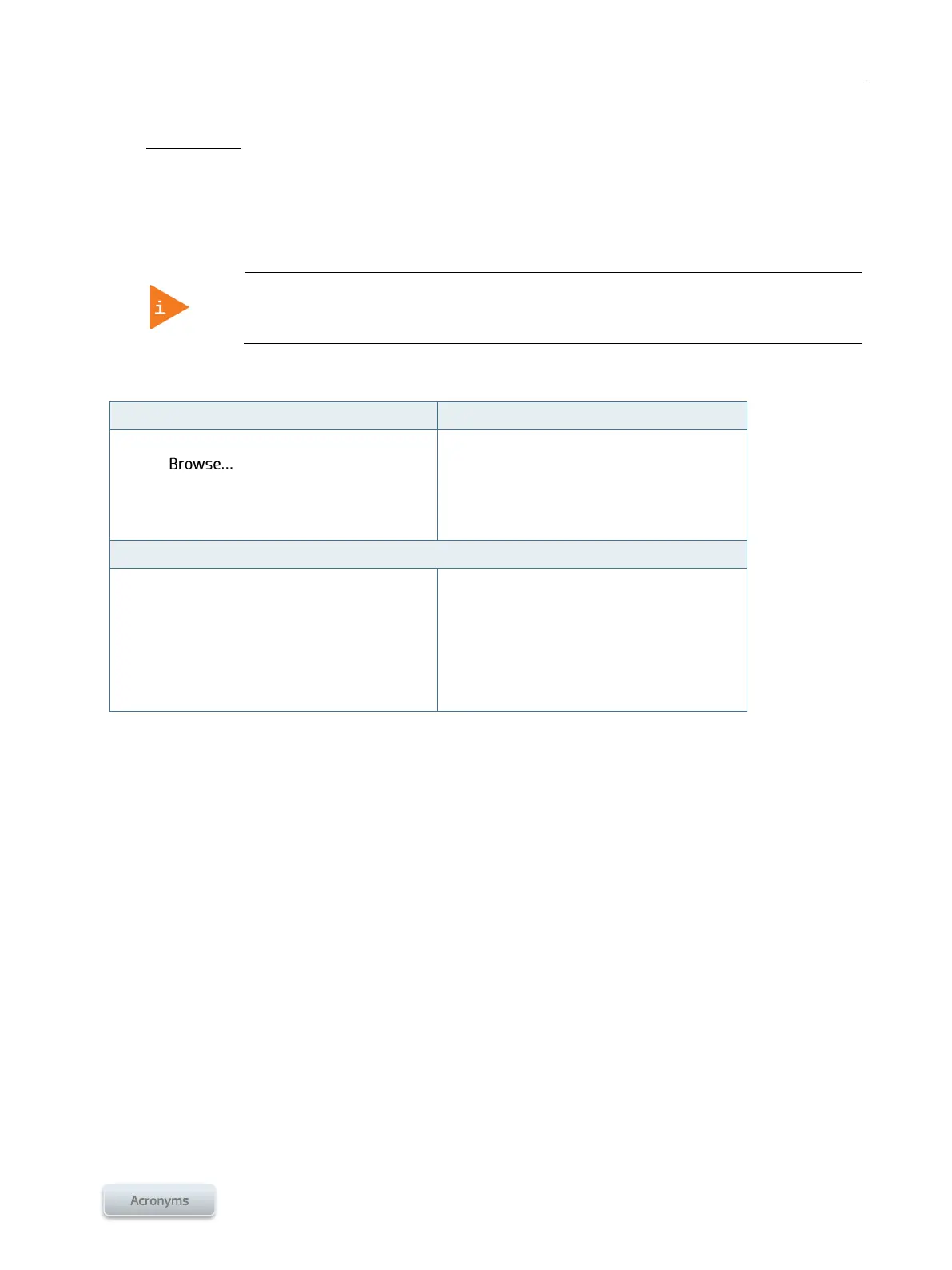
Switch CLI (serial, SSH, SOL)
Maintenance > Software Upload
Click on
Select the proper .dat file
Click on Upload
# firmware upgrade tftp://< TFTP Server
IP>/<path>/<*.dat filename>
In an MS2900 platform with stacked chassis,
the upgrade will be done on all the switches of
all the chassis.
In an unstacked MS2900 platform, the upgrade
will have to be done on both switches.
In an MS1300 platform, the upgrade will be done
on the unique switch of the platform.
A TFTP server is required to perform the
upgrade.



 To Next Page