Introduction
8
14.[EXIT] key
This key returns to a desired page specified for each
mode or page. When time information is displayed,
pressing this key will briefly display the name of the
currently selected song.
15.[STORE MARK] key
This key registers the desired location of the song as a
Mark. (
→
p.66)
16.TRANSPORT keys
These are the [PLAY], [REC], [STOP], [REW], and [FF]
keys. They perform recorder operations during play-
back and recording. (
→
p.70)
2. Side panels
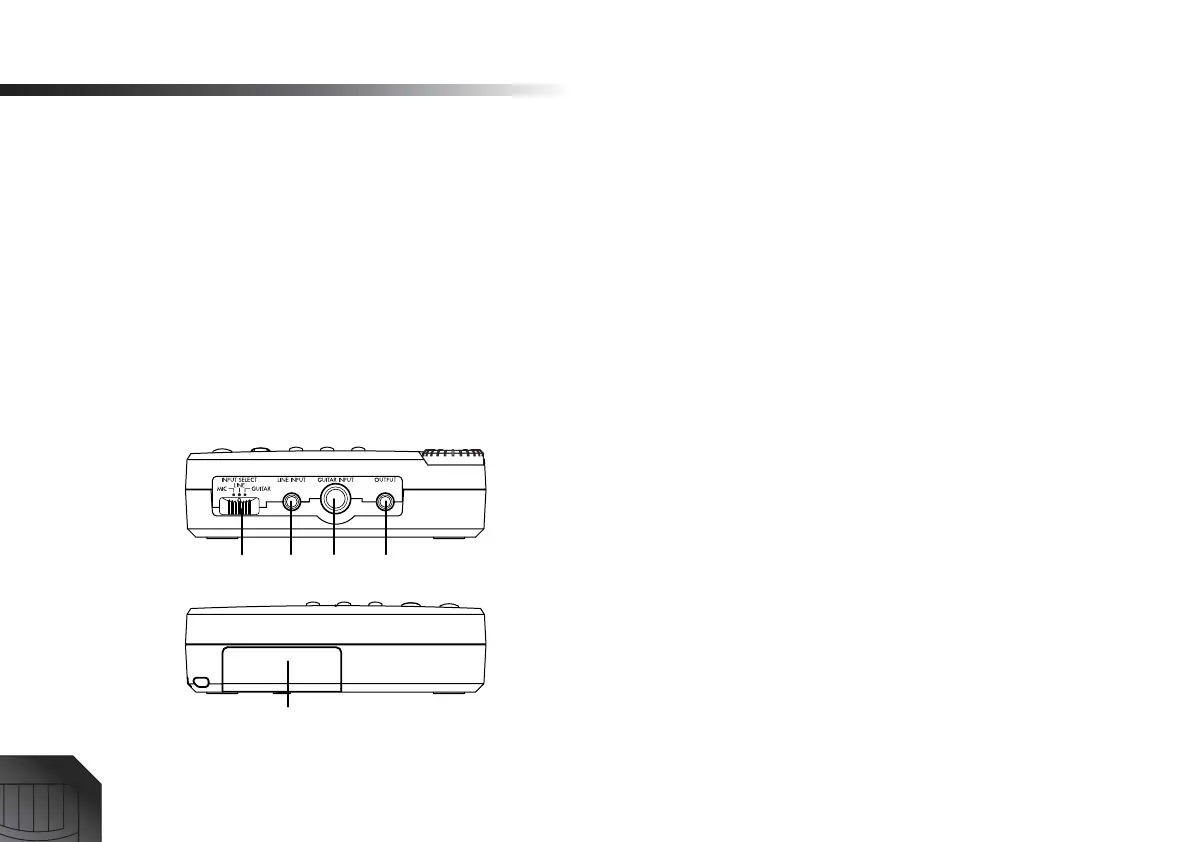
1. [INPUT SELECT] switch
MIC:
Select this position when using the internal mic.
LINE:
Select this position when connecting a line-level
device (keyboard or effect unit output) or a mic.
GUITAR:
Select this position when connecting a
device that has a high output impedance, such as a
guitar or bass guitar.
2. [LINE INPUT] jack
Connect a mic or the output of a line-level device such
as a keyboard or effect unit to this jack. Stereo input is
supported.
3. [GUITAR INPUT] jack
Connect your guitar or bass guitar to this jack.
4. [OUTPUT] jack
This jack outputs the stereo audio signal. Connect it to
your external monitor system or recording equipment.
5. CARD slot
Insert a card (SmartMedia) into this slot. (
→
p.13)
1234
5






 To Next Page