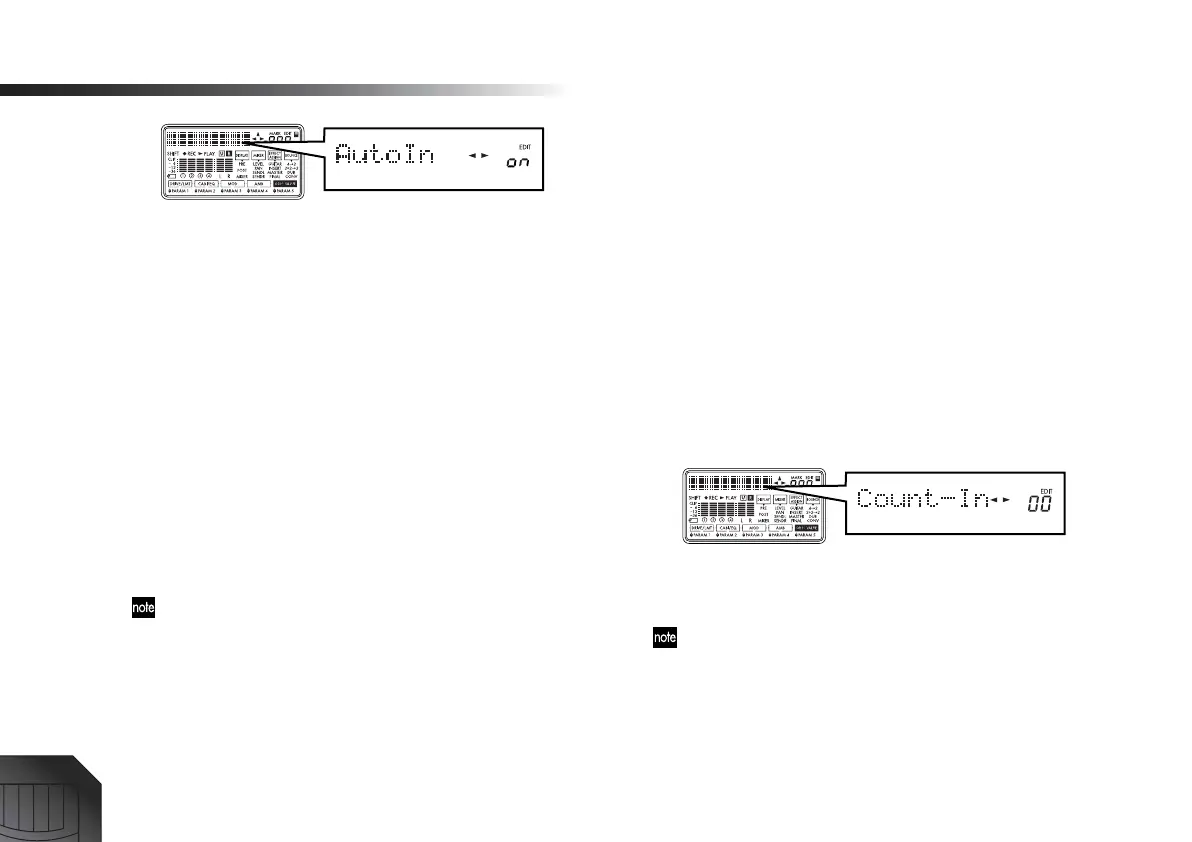
Operation
28
Press the [LOCATE] key or [EXIT] key to return to the
Locate display.
3 Set the time to a location slightly earlier than the
point where you want to begin recording. (→p.32)
4 Press the [PLAY] key to begin playback.
At this time you will hear only the playback of the
track that will be recorded.
5 At the point where you want to start recording, press
the [REC] key.
Recording will begin (manual punch-in). Now you
will be listening to the sound of the external input
source.
6 At the point where you want to stop recording, press
the [REC] key.
Recording will end, and the track will switch back to
playback (manual punch-out). Now you will be listen-
ing to the playback of the track.
If you specify “RecLngth,” only the specified number of
measures will be recorded, and then recording will stop
automatically. (→Count-In 2 , p.63)
7 Press the [STOP] key to stop playback.
Count-in – recording after a specified number of mea-
sures
When you are playing an instrument such as guitar that
requires the use of both hands, you can initiate recording
in almost the same way as punch-in, without having to
actually operate the keys of the PXR4 at the moment
recording begins.
1 Specify the number of measures until when record-
ing will begin.
Specify the number of measures that will play back
before recording begins. Press the [SYSTEM] key, and
use the [CURSOR] up/down keys to display the “Sys-
tem” page. Press the [CURSOR] right key.
Press the [CURSOR] down key to display “Record,”
and press the [CURSOR] right key to display the
“Count-In” page. (→p.63)
Use the dial to specify the number of measures for the
count-in. (You can specify up to 8 measures.) Record-
ing will not occur during these measures.
If you want recording to begin immediately when you press
the [PLAY] key from record-standby mode, set this to “0”.
2 Specify the number of measures to be recorded.
From the “Count-In” page, press the [CURSOR] right
key to display the “RecLngth” page. (→p.63)






 To Next Page