Operation
44
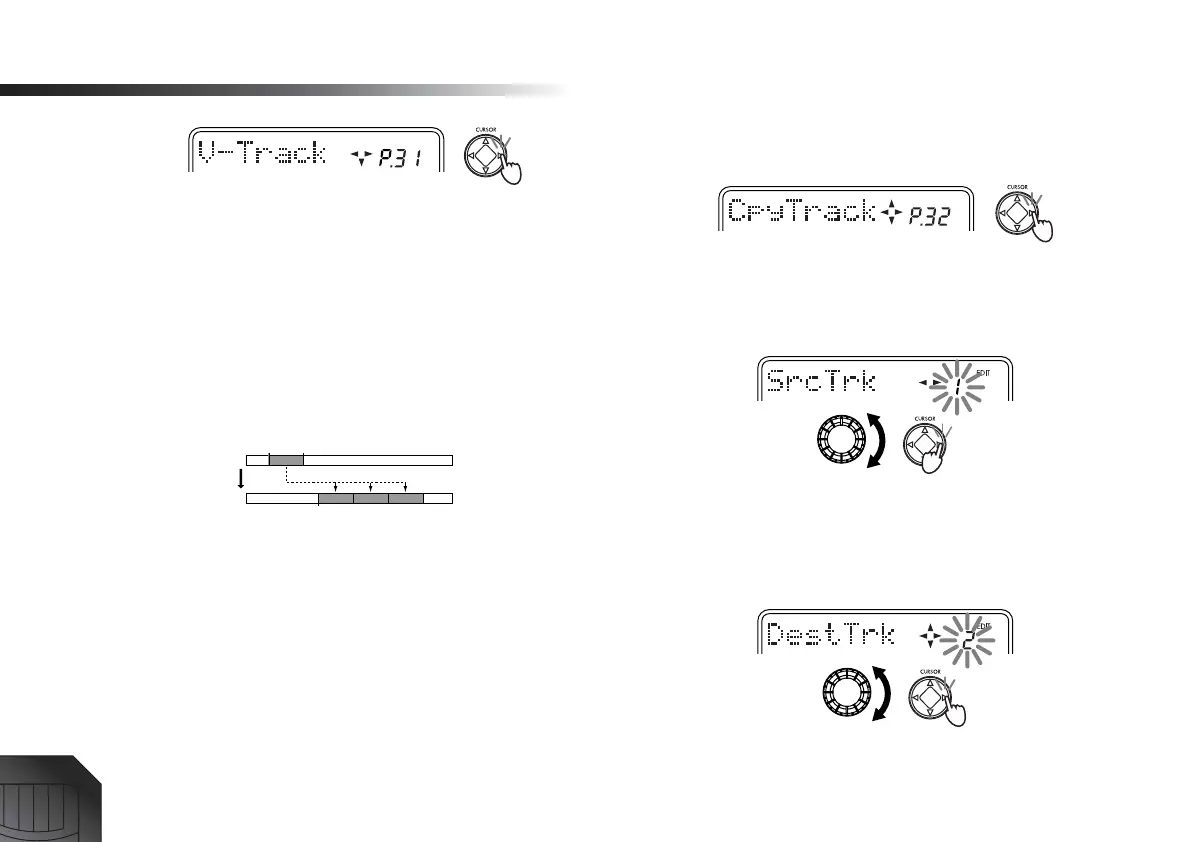
3 Select the track for which you want to select a virtual
track.
Use the [CURSOR] left/right keys to select a track 1–4
whose virtual track you will select.
4 Select the virtual track.
Use the dial to select the virtual track “A”–“H” that
you want to record.
Copy Track – copying a track
This operation copies the specified range (In–Out) of
recorded track data to another time location (To).
As an example, here’s how the In–Out range of track 1 can
be copied three times to the To location of track 2.
1 Register marks at the In, Out, and To locations.
Change the current time to each of the locations that
you want to register, and press the [STORE MARK]
key. (→p.35)
2 Display the “EditTrk” (track edit) page.
Press the [SYSTEM] key, and then use the [CURSOR]
up/down keys to select “EditTrk.” Then press the
[CURSOR] right key.
3 Select “CpyTrack.”
Use the [CURSOR] up/down keys to select
“CpyTrack.” Then press the [CURSOR] right key.
4 Select the “SrcTrk” (copy source track number).
Use the dial to select the copy source track number.
For this example, select track “1.” Then press the
[CURSOR] right key.
5 Select the “DestTrk” (copy destination track num-
ber).
Use the dial to select the copy destination track num-
ber. For this example, select track “2.” Then press the
[CURSOR] right key.
6 Specify the “CpyTimes” (number of times to copy
the data).
In Out
To
SrcTrk
DestTrk
Times








 To Next Page