Page | 23
22. Installation for Microsoft Windows Systems
Note: Please ensure ERGO is not connected to your computer before starting this procedure
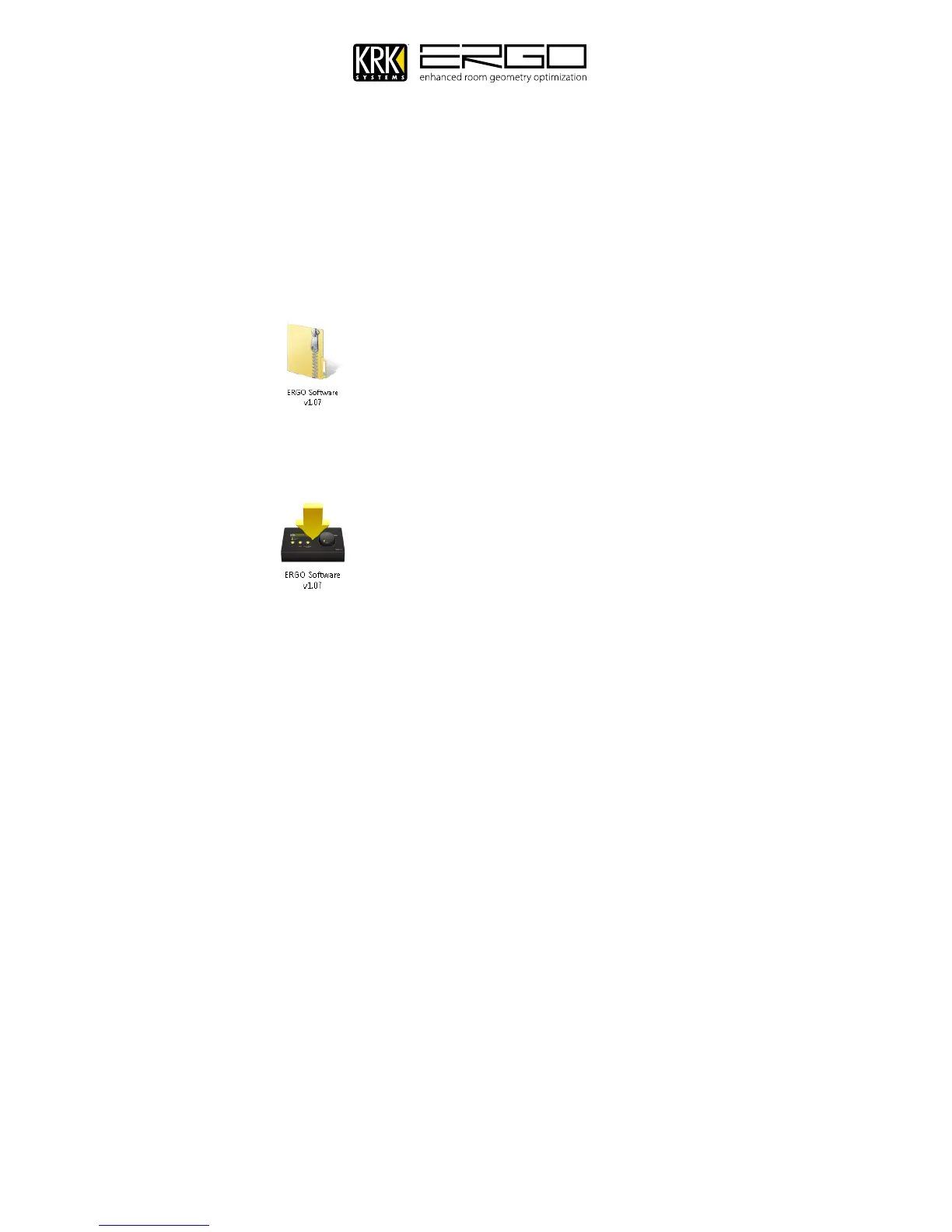
1. If you have downloaded the zipped file from the website please unzip the file by double clicking the icon with
your left mouse button. (Note: If you are installing from CD please refer to the ReadMe.rtf file on the CD and
follow the additional instructions)
2. This will open a folder showing the installer”
3. Start the installer by double clicking the icon with your left mouse button:
m
4. Windows will ask one or two questions at this step.
5. If using Windows 7 or Windows Vista you may be asked to "Install" or "Don't Install", please confirm by pressing
“Install”. If you receive a message asking to confirm the installation, you probably have security settings which
require you to manually confirm any installations. Please check the message in the warning window regarding
how to change your options if desired.
6. You may be asked for confirmation to “Run” the program, please press “Run” to start the installer.



 To Next Page