Page | 26
23. Installation for Apple Mac OSX Systems
Note: Please ensure ERGO is not connected to your computer before starting this procedure:
NOTE – Always check www.krksys.com for the latest ergo firmware, drivers and software. Running the latest installer
will ensure that the correct drivers are used, thus preventing any unexpected behavior.
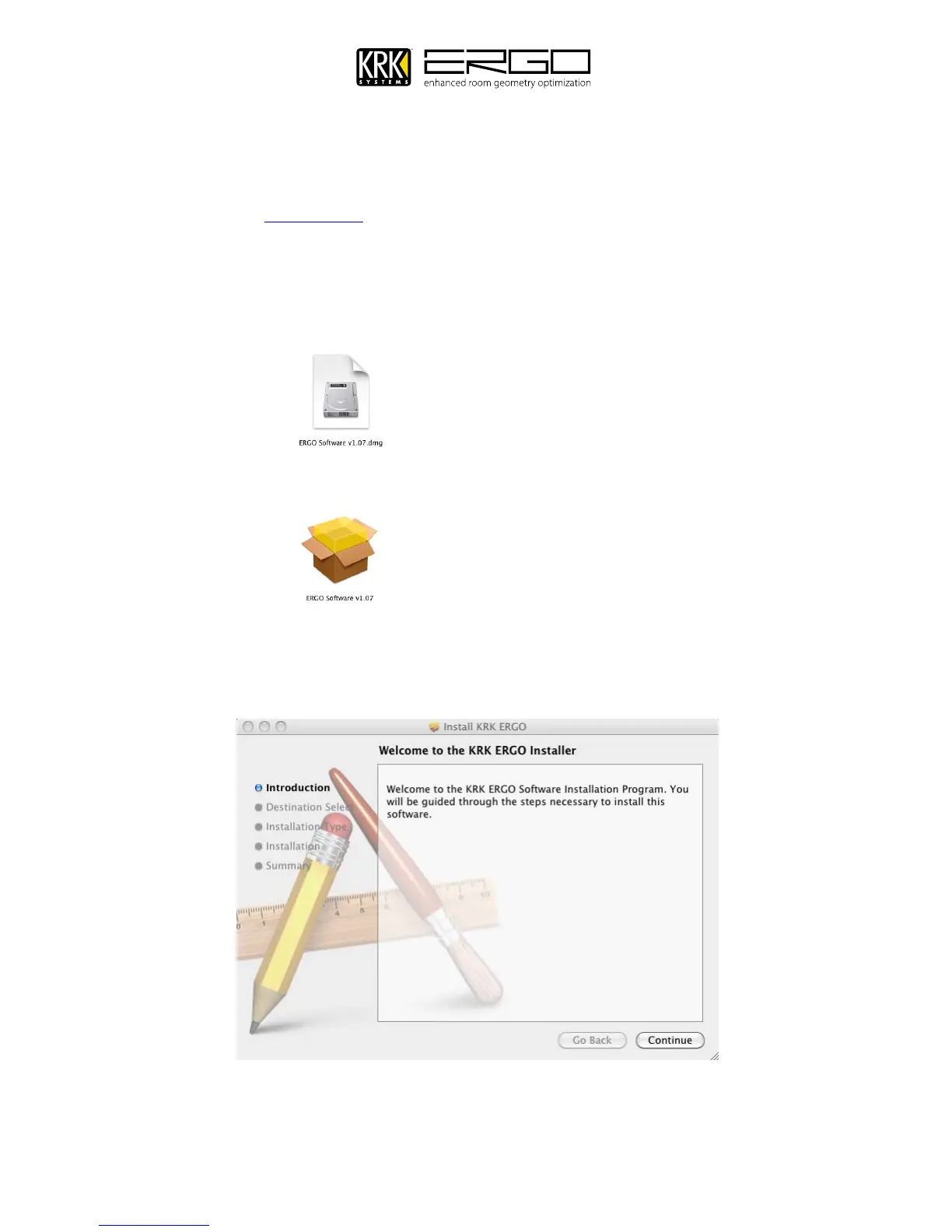
1. If you have downloaded the .dmg compressed file from the website please unzip the file by double clicking the
icon with your left mouse button m (Note: If you are installing from CD please refer to the ReadMe.rtf file on the
CD and follow the additional instructions)
2. This will open a folder showing the installer package
3. Start the installer by double clicking the icon with your left mouse button: m
4. You will then see screen below; please quit any running applications and press “Continue” to move on.



 To Next Page