Page | 30
25. Using ERGO Calibration Software (ERGO Cal)
Note: Do not plug headphones in at this stage; the tones played through ERGO during calibration should not be
monitored.
Please now connect the measurement microphone provided with ERGO. Note: This microphone is specifically
designed to be flat over the range of ERGO’s measurements. Please do not use any other type of condenser, or
dynamic microphone as the power supplied is +/- 15v and may damage, or not sufficiently power a condenser
variant. You will need a microphone cable which is long enough to reach all areas of your room. Please use the
cable adaptor supplied to adapt a traditional microphone cable (Male XR to Female XLR).
If this is a new install and ERGO Cal has already been auto-started, please move to step B
1. Double-click the left button of your mouse m on the ERGO Cal icon (For Windows this will be a shortcut on the
desktop, or in a folder called KRK ERGO within your “Programs” folder, For Mac OSX this will be a folder called
ERGO within you “Applications”
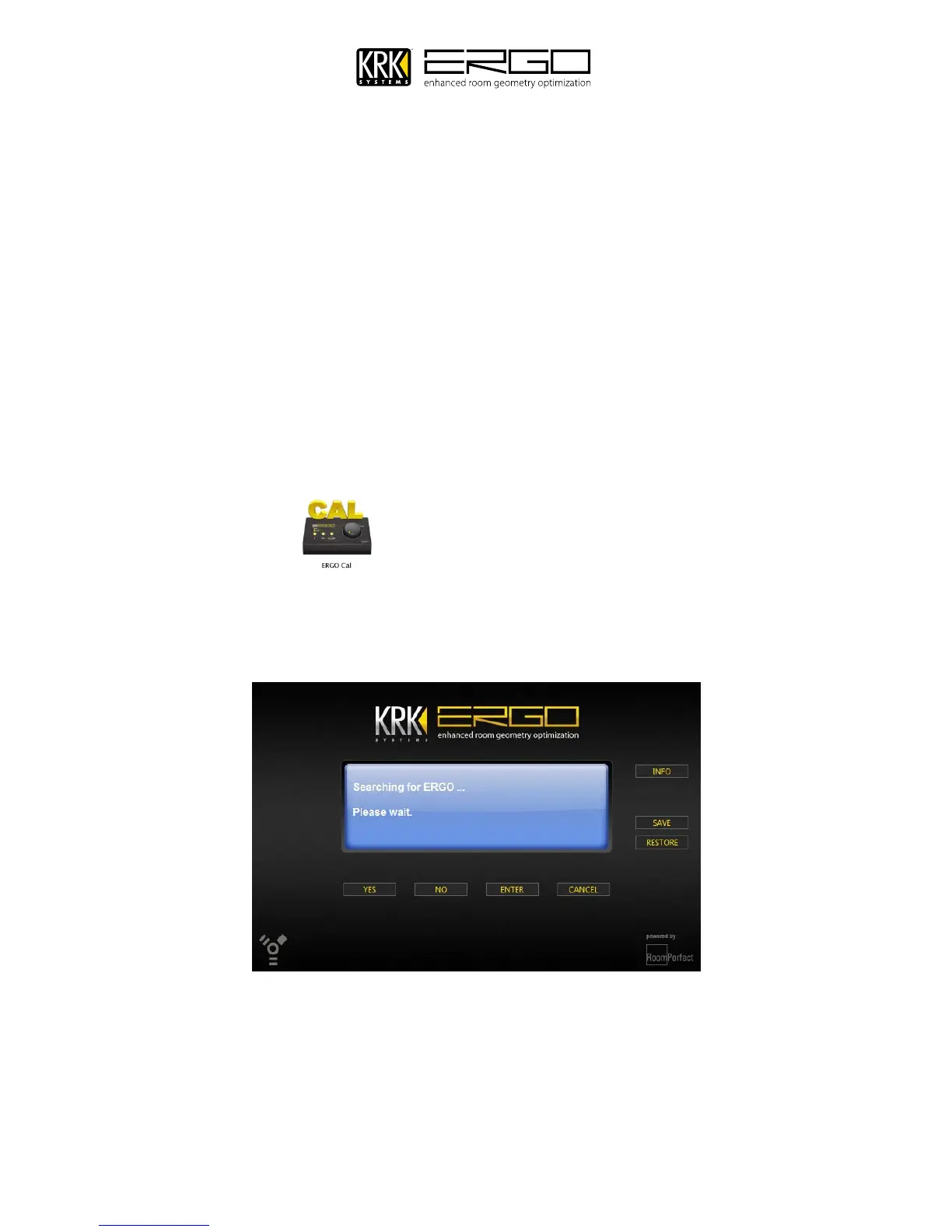
2. Once you initialize ERGO Cal, the following screen appears:



 To Next Page