Page | 40
26. ERGO Control Panel (Windows / Mac OSX)
Once ERGO is installed and calibrated it will be ready for use with any audio application or operating system which is
currently supported.
The control panel to access specific settings can be found in you “Programs” folder and the icon looks like this:
To start the control panel, double-click the icon with your left mouse button: m
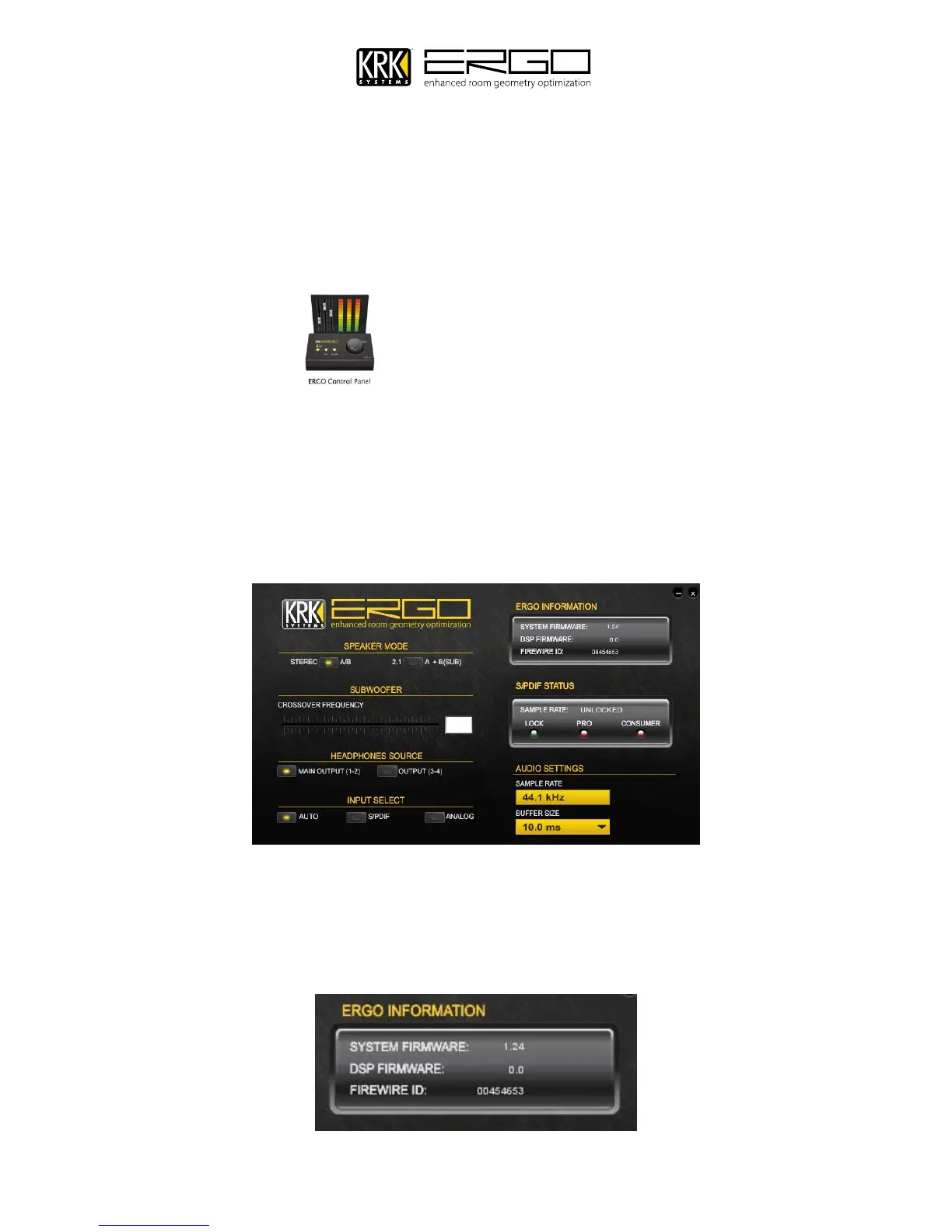
The control panel will start and you will see this window, this chapter will take you through the elements of the
control panel before you begin using ERGO with your DAW.
Note for Apple Mac OSX users: You will not see a buffer settings size; this is all handled by the integrated
CoreAudio driver for Leopard and Snow Leopard.
ERGO Info
A.
This is a read-only display that indicates the current “System Firmware” revision, “DSP firmware” revision, and
the FireWire ID.



 To Next Page