Page | 39
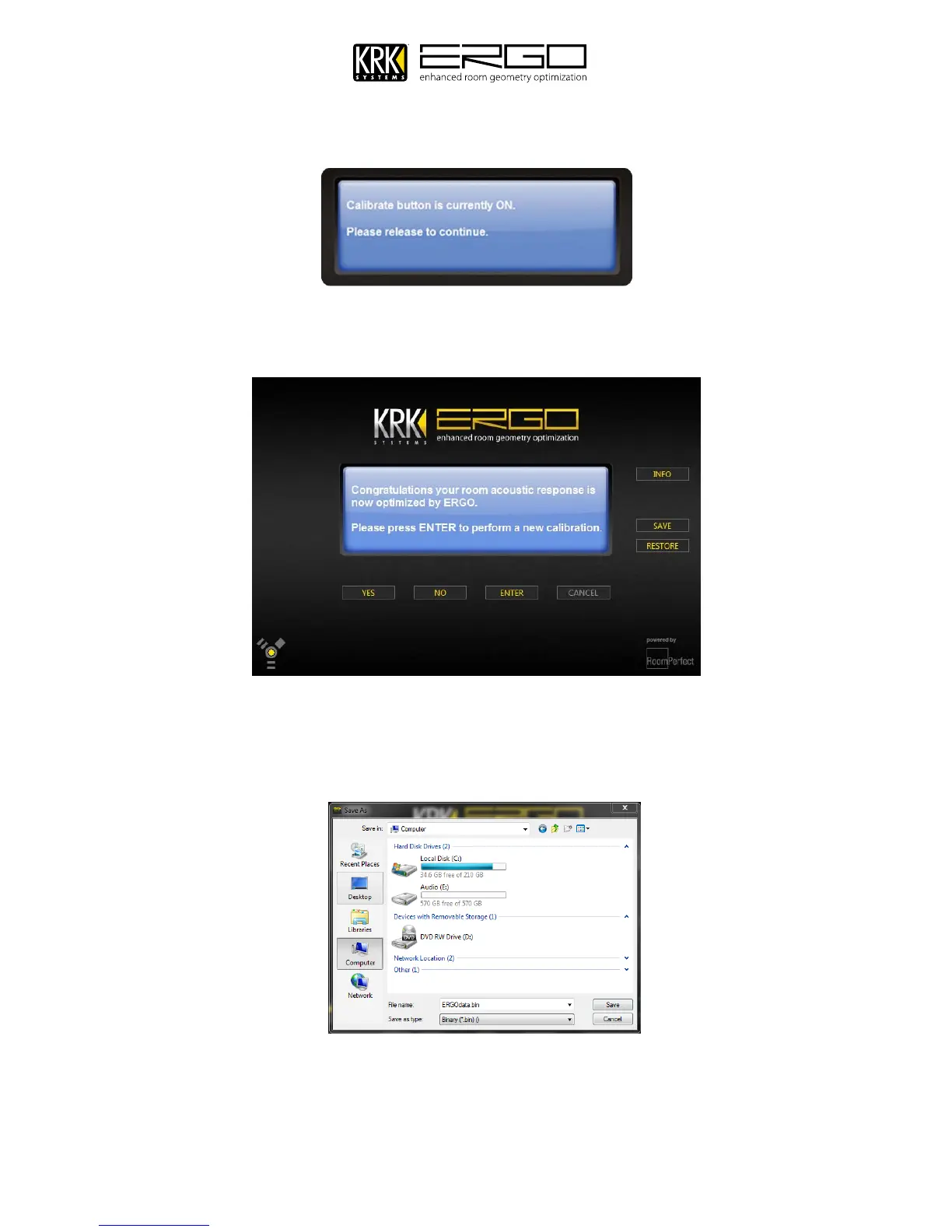
28. The next screen will ask you to release the calibration button on the rear of ERGO, please do so.
29. You will finally see the congratulations message below, informing you that your room acoustic response is now
optimized by ERGO
30. You may now quit ERGO Cal and begin using ERGO following the guide in the next section. If you have another
set of monitors connected and ready to calibrate simply press enter and the procedure will re-start. If you wish
to store your measurement data simply press the “SAVE” button and navigate to a suitable location to store your
data.
To restore a previous room calibration simply start ERGOCal and press “RESTORE” then select the .bin file you
previously saved. NOTE: ROOM CALIBRATION SAVE AND RESTORE IS A COMPLEX PROCESS AND TAKES AROUND
10MINS TO COMPLETE.



 To Next Page