Page | 38
26. Place the microphone in your first position and press ENTER to continue. ERGO will then analyze that position
and then ask you to re-position the microphone to the next position. Follow the process until you have at least
90% room knowledge.
The room correction score is a measure of how much processing is being performed in the room correction filters.
To some extent, this reflects how audible the correction is. However, the same amount of processing can sound
very different due to placement in frequency of the processing. For low values (below 10%) of the room
correction score, only subtle correction is needed to the original sound in the room. With high room correction
scores, more extensive processing is employed. The room correction score for a specific RoomPerfect™ filter can
be viewed by pressing the Info button from the initial (ERGO is ready to measure your room) screen.
As ERGO begins taking measurements to acquire Room Knowledge, you will be notified of the percentage of
information gathered after each measurement, and instructed to continue on to the next Room position
measurement.
If you choose to continue with more measurements, select YES and follow ERGO’s prompts until you want to
stop. Some rooms take many measurements; some can reach this level with only 3 measurements. ERGO will not
let you store a room correction until Room Knowledge is at least 90%. You may continue taking additional
measurements to increase Room Knowledge, which will result in a more accurate correction filter.
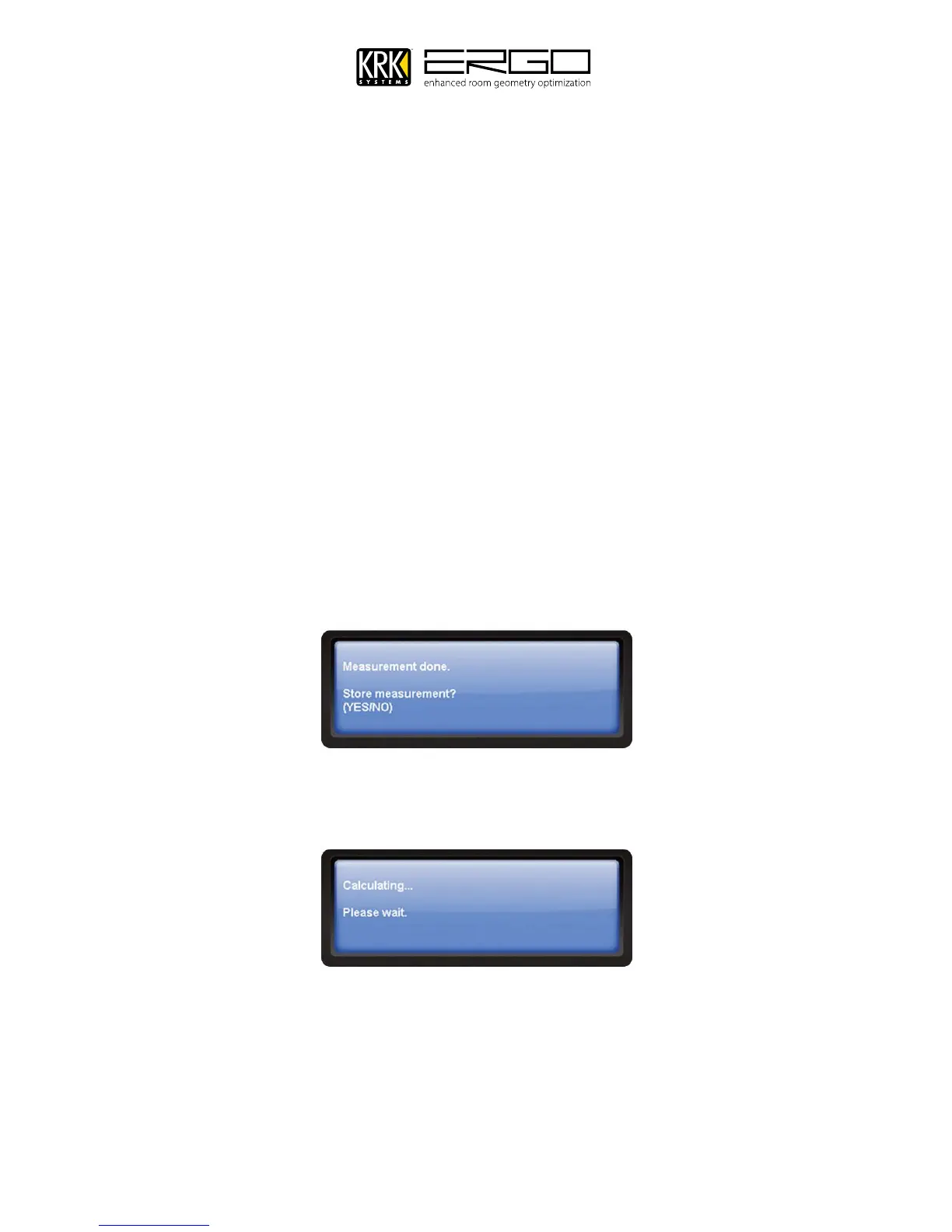
After the final measurement you will see the following screen, please press YES to store the measurement into
ERGO.
27. When sufficient Room Knowledge has been obtained, target curves, focus filters (listening position) and global
filters (general room filter) are generated automatically and stored in ERGO. You will see the following message
while this is done



 To Next Page