Page | 28
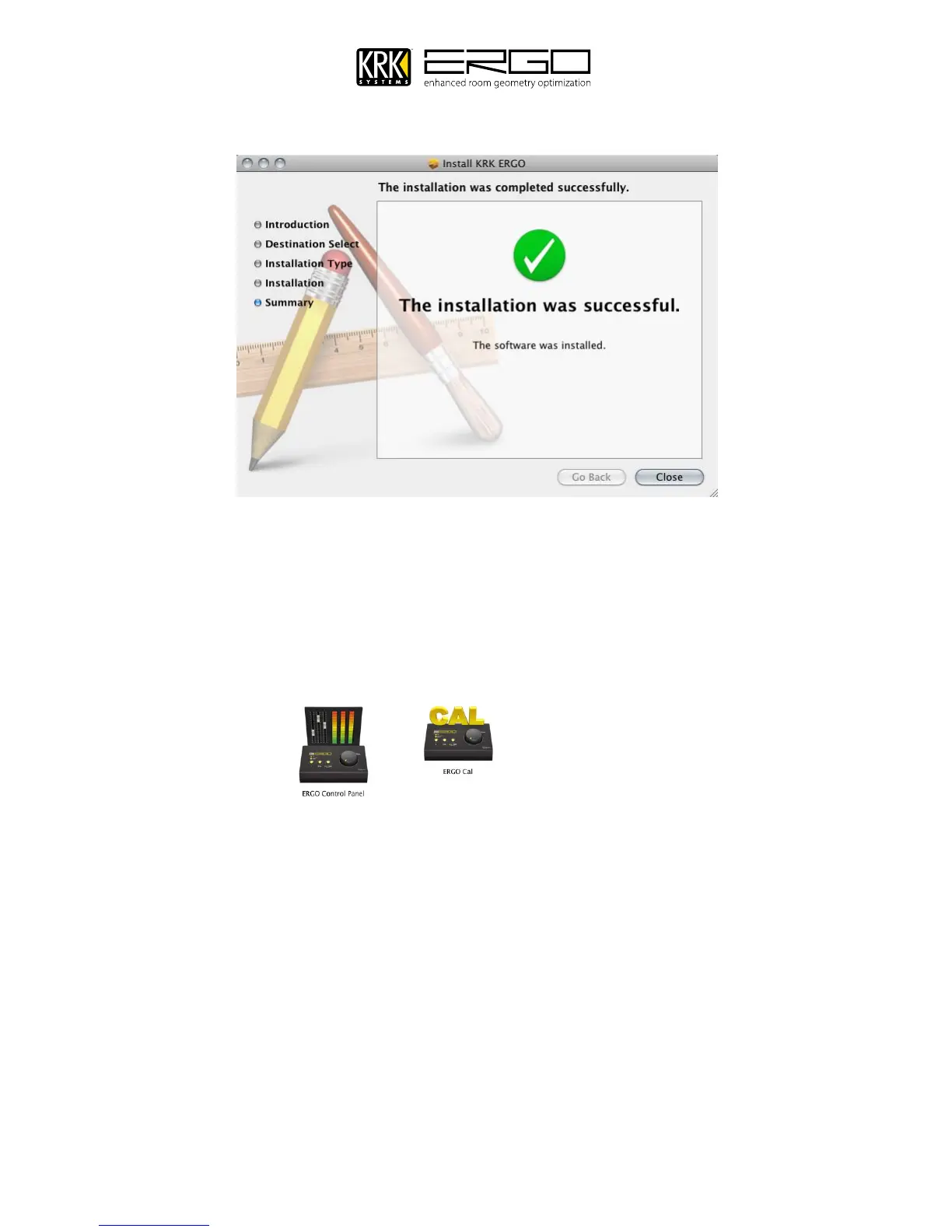
7. Once the process is completed you will see the screen below.
8. The installer will place a folder called “ERGO” within your “Applications folder” within that folder you will find
the ERGO Control Panel and ERGO Cal application, as shown below. You can create shortcuts on your desktop for
easy access or drag these to your dock. The installer will automatically open a” ReadMe” file in TextEdit which is
a guide to configuration, which is a cut down version of this manual to aid getting set-up quickly. If using this
manual you can disregard that document and close TextEdit
.
9. At this point you can now connect ERGO to your computer and begin the calibration process described in the next
section:



 To Next Page