Page | 36
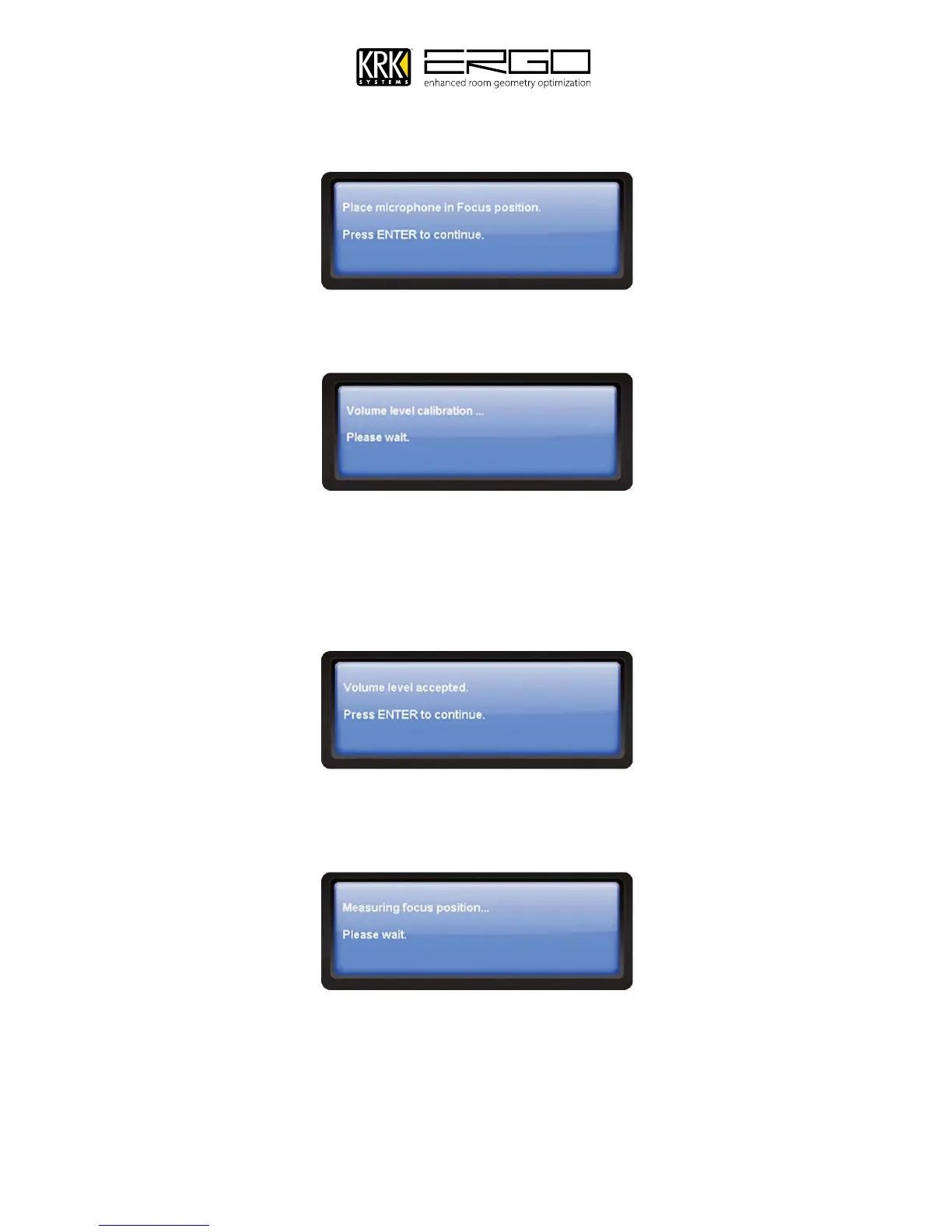
20. Once the FOCUS position has been measured, you will see the screen below.
21. Next the volume level calibration message will appear, and you will hear a test tone. Note: You will only hear
he test tone in the LEFT monitor, as each side is measured independently.
22. If the volume needs adjusting ERGO Cal will ask you to adjust the level, please follow the messages until you see
the screen below and press ENTER to continue. Note: If you cannot get enough level from your monitors, press
“No” to accept you maximum level and ERGO will still be able to perform calibration, although the results may be
affected by the power output of your system.
23. ERGO will then commence measuring your system, you will hear two measurement test signals being played
through the left monitor, then the right monitor. While the room is being measured you will see this message:



 To Next Page