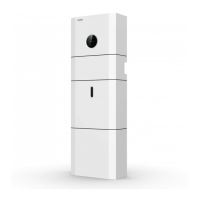
Step 2: Turn on the external grid switch.
Step 4: Open the outer shell of the cable box. Open the battery switch cover and turn on
the battery switch on the cable box.
Step 5: Press power button on all the batteries until the indicator lights turn on.
Step 6: Close the battery switch cover and the outer shell of the cable box.
System Operation
03
When turning on the system, it is very important to follow the steps below to prevent
damage to the system.
WARNING: Please check the installation again before turning on the system.
NOTE:
the Backup switch is only used when a backup load is applied.
Step 3: If backup load is applied, turn on the external Backup switch.
Step 1: Turn on the external PV switch.
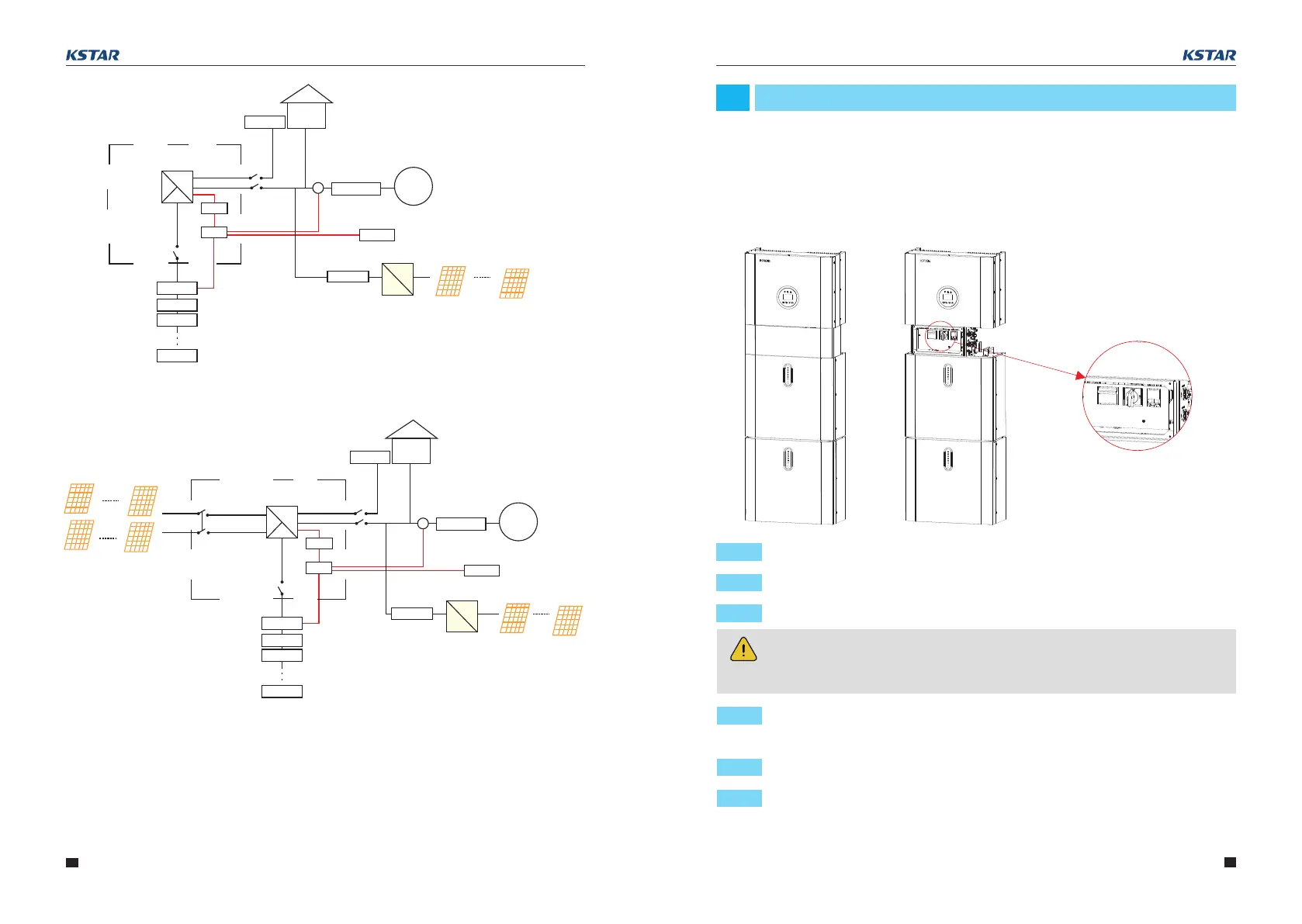
PV Panels
PV Switch
DC
DC
AC
PV1
PV2
Grid
Switch
Back up
Switch
Grid Meter
Grid
Router
Battery
Switch
Normal Load
BACKUP Lo ad
5kW Hybrid
Inverter
BluE-S 5000D
DSP
EMS
CT
PV Meter
AC
DC
PV PanelsPV Inverter
29
www.kstar.com
30
www.kstar.com
BluE-PACK
BluE-PACK
BluE-PACK
BluE-PACK
3.1 Switch On
User Manual User Manual
Figure 29 Hybrid-coupled system
DC
DC
AC
Grid Switch
Back up
Switch
Grid Meter
Grid
Router
Battery
Switch
Normal Load
BACKUP Lo ad
5kW Hybrid Inverter
BluE-S 5000D
DSP
EMS
CT
PV Meter
AC
DC
PV PanelsPV Inverter
BluE-PACK
BluE-PACK
BluE-PACK
BluE-PACK
Figure 28 AC-coupled system



 To Next Page