37
www.kstar.com
38
www.kstar.com
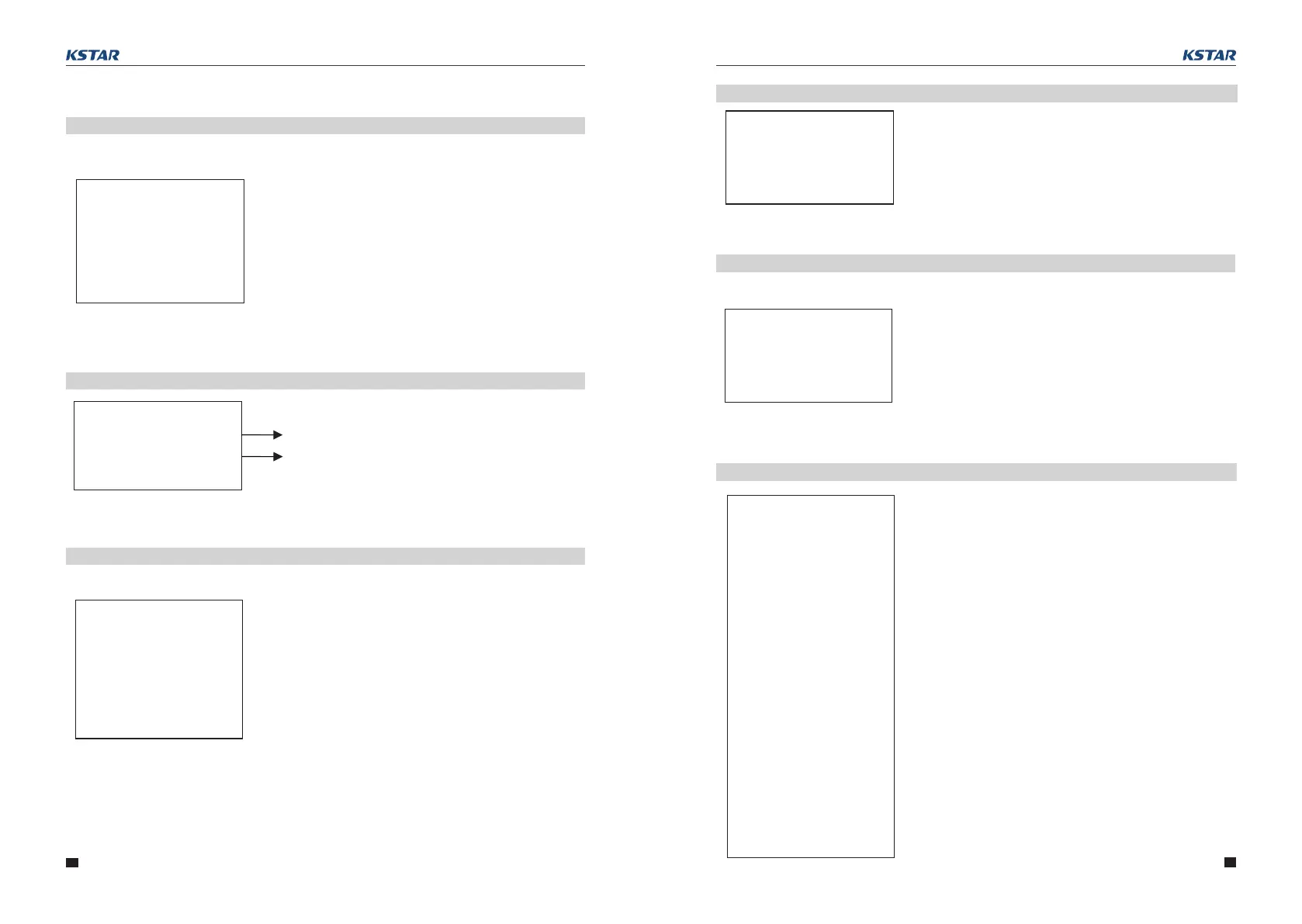
4.2.14 Error information
Interface
4.2.15 System setting
Press ESC button to enter user setting
4.2.16 User setting
Press ESC on the Main Display Interface to enter
the user interface.
See chapter 8.2 for more setting details.
Alarm code (see Chapter 9)
Error code (see Chapter 9)
ERROR NO.
WARNING: W11-1
FAULT:
F10-1
SYSTEM
STATE:
PEAKS HIFT
GRID STD:
China
PV I/P:
INDEPN
-USER-
→1:SETUP
2:INQUIRE
3:STATISTIC
Enter the password before setting up the user.
Interface Description
-PASSWORD-
INPUT: XXXXX
--SETUP--
→1:SYS SETTING
2:BAT SETTING
3:GRID STD
4:RUN SETTING
5:485 ADDRESS
6:BAUD RATE
7:LANGUAGE
8:BACKLIGHT
9:DATE/TIME
10:CLEAR REC
11:PASSWORD
12:MAINTENANCE
13:FCTRY RESET
Status mode: Self-generation and self-
consumption,Peak load shifting,and Battery
priority.
Grid-connection standards: China, Germany,
Australia, Italy, Spain, UK, Hungary, Belgium,
Western Australia, Greece, France, Bangkok,
Thailand, local and 60HZ.
PV input mode:independent connection, parallel
connection,constant voltage.
After entering the setup interface, the system will
prompt to input password;
The default password is“000000”, which can be
altered in Password setting menu;
Press UP/DOWN button to increase or decrease
the figure that is input;
Press ENTER button to move the cursor
backwards or confirm the setting;
Press ESC button to move the cursor forward.
This interface is used for various information
inquiry options.
Press UP/DOWN button to move the corresponding
options.
Press ENTER to enter the selected menu.
Press ESC button to return to the user interface.
There are 13 options in total, including system
mode, battery parameters, grid standard, operation
parameters, 485 address, 485 baud rate, language
display, LCD backlight, date/time, clear history,
password setting and maintenance, and factory
setting.
Interface
Description
Interface
Interface
Description
Interface
Description
Interface
4.2.13 Status information
Description
STATE
ERROR
INV: STANDBY
DCDC: STANDBY
System information:Power-up mode, standby
mode, hybrid grid-connection, off-grid operation,
mains charging mode, PV charging mode, bypass
mode, fault mode, DSP programming, ARM
programming.
INV: standby mode, off-grid inverter mode, grid-
connected mode, and transition of grid-connection
to off-grid, transition of off-grid to grid mode.
DCDC: standby mode, soft start mode, charging mode.
4.3 Setting
User Manual User Manual
SYS:
14:AUTO TEST



 To Next Page