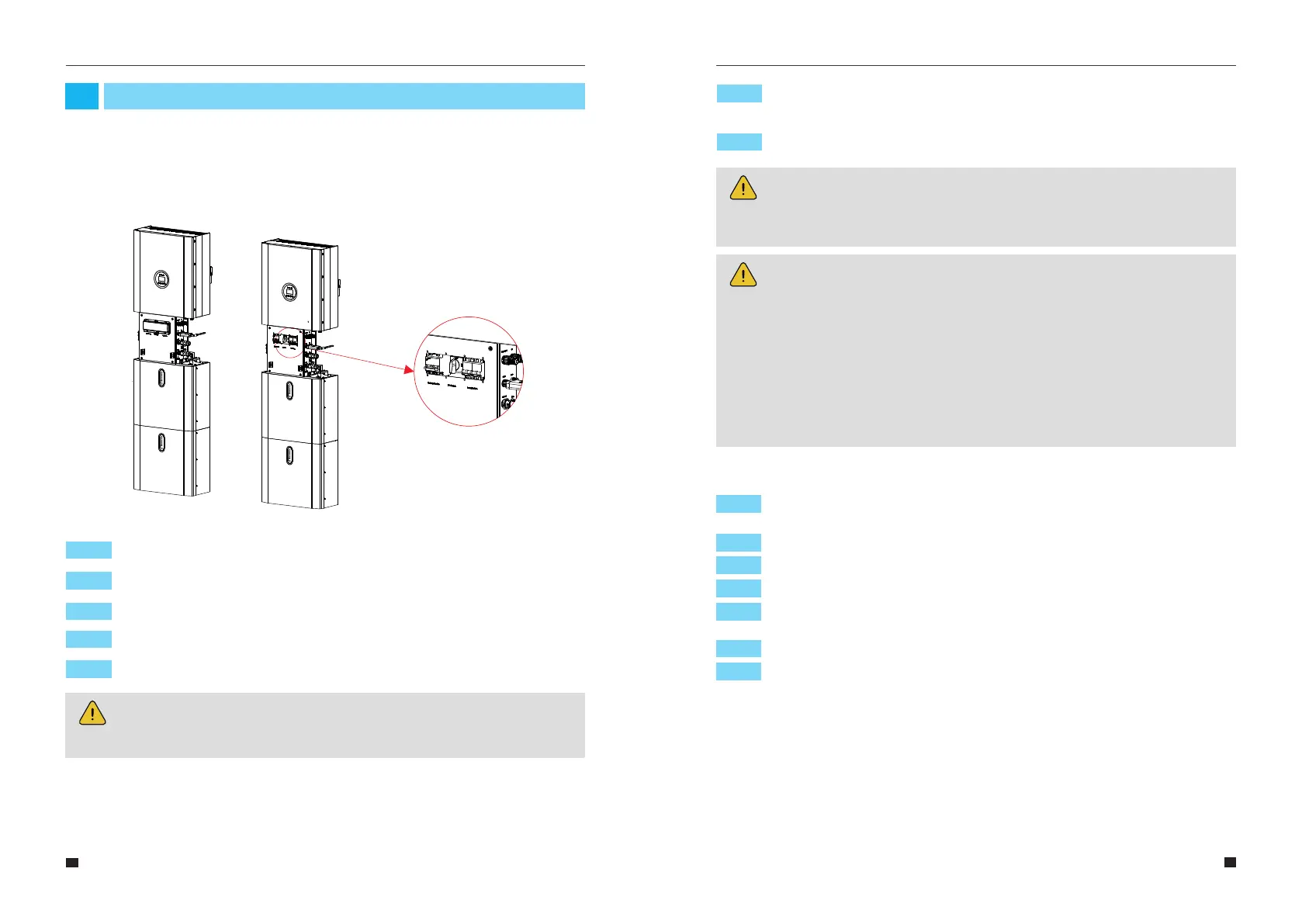
Step 2: Press power button on all the batteries until the indicator lights turn on.
Step 4: Turn on the external grid switch.
Step 5: If backup load is applied, turn on the external Backup switch.
Step 6: Open the battery switch cover and turn on the battery switch on the cable box
of inverter..
System Operation
03
When turning on the system, it is very important to follow the steps below to prevent
damage to the system.
WARNING: Please check the installation again before turning on the system.
NOTE:
The Backup switch is only used when a backup load is applied.
Step 3: Turn on the external PV switch.
Step 1: Turn on the battery switch on the battery pack.
37
38
3.1 Switch On
User Manual User Manual
Step 7: Close the battery switch cover and the outer shell of the cable box..
NOTE:
If PV=0V under sunshine, please check whether PV is connected reversely or
whether the circuit is normal.
NOTE:
Appliances such as air conditioner are required at least 2-3 minutes to restart
because it is required to have enough time to balance refrigerant gas inside of
circuit. If a power shortage occurs and recovers in short time, it will cause damage
to your connected appliances. To prevent this kind of damage, please check
manufacturer of air conditioner if it is equipped with time-delay function before
installation. Otherwise, this inverter will trigger overload fault and cut off output to
protect your appliance but sometimes it still causes internal damage to the air
conditioner.
Step 1: Open cable box outer shell on the inverter, open the battery switch cover and
turn off the battery switch.
Step 2: Turn off the external grid switch.
Step 3: If backup load is applied, turn off the external backup switch.
Step 4: Turn off the external PV switch on the cable box.
Step 5: Open cable box outer shell beside the battery pack, open the battery switch
cover and turn off the battery switch.
Step 6: Press the power button on all the batteries, till the lights turn off.
3.2 Switch Off
Step 7: Close the battery switch cover and the outer shell of cable box.



 To Next Page