43
44
4.2.1 General settings
After the machine is installed, you can use it by following the steps below. If you have more
requirements for setting, you can refer to Section 4.3
Press ESC button to enter the setting interface and the default password is 00000.
4.2. Display and Setting
User Manual User Manual
SET
UP
Enter
Password
(Default
00000)
SYS
Setting
Work
Mode
Self
Consume
Charge
from
Grid
Enable
charge
time
00:00-23:59
Max
SOC(0%
~100%)
Disable(default) Enable
Peak
SHIFT
Time
Setting
Disable
Charge
DISCHG
BAT Priority Disable
100%(After
charging to
the set value,
the grid will
stop charging
the battery.)
The energy generated
by the solar panels will
be used in the following
order: Feed the home
loads; Charge the
battery and then, feed
into the grid. When the
sun is not present, the
load will be supported
by the battery to
enhance self-
consumption. If the
power supply from the
batteries is not
sufficient, the grid will
support the load
demand.
set charging
and
discharging
time
This mode is
designed for time-use
mode. The customer
can set up the desired
charging/discharging
time & power via the
inverter screen or
APP.
Manually forces the
system to charge the
batteries from the
grid.
Manually forces the
system to discharge
to the connected load.
The battery is only used
as a backup power
supply when the grid
fails. As long as the grid
works, the batteries
won’t be used to power
the loads. The battery is
charged with the power
generated by the PV
system or from the grid.
charge
start1
charge
end1
discharge
start1
discharge
end1
charge
start2
charge
end2
discharge
start2
discharge
end2
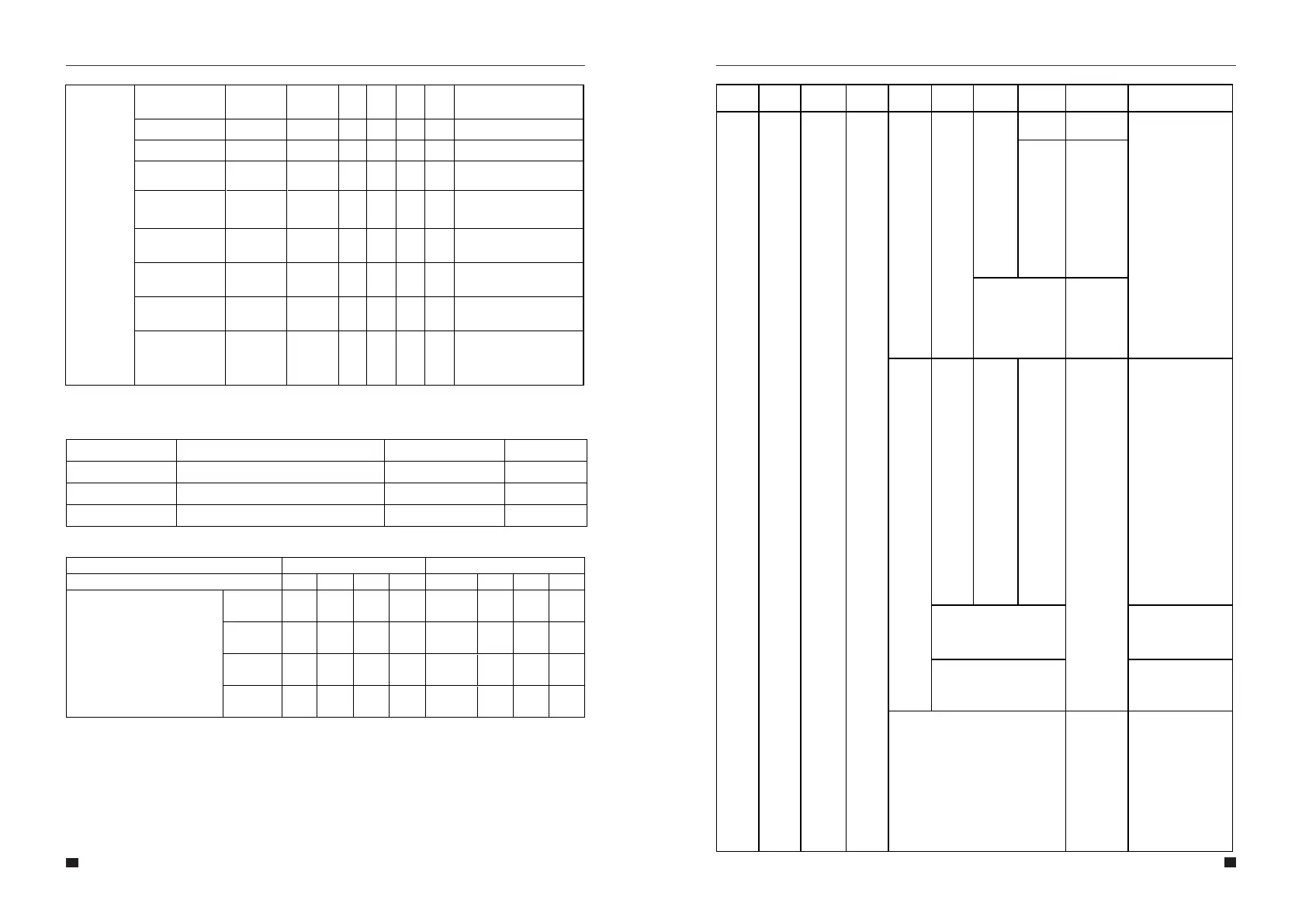
Menu
Level 1
Menu
Level 2
Menu
Level 3
Menu
Level 4
Menu
Level 5
Menu
Level 6
Default
Selection
Comment
Menu
Level 7
Menu
Level 8
Blink Mode Off(Sec)
Blinks once every 4 seconds
Blinks twice every 2 seconds
Blinks three times every 3 seconds
0.25
2 times of 0.25/0.25
3 times of 0.25/0.25
Blinking (Sec)
3.75
1s
1.5S
Status
Charging
Discharge
Battery level indicator
Battery level (%)
0–25%
26–50%
51–75%
76–100%
●
Off
Off
Off
Blinks
twice
Blinks
twice
●
Off
Off
On
●
Blinks
twice
Off
On
On
●
On
On
On
Blinks
twice
●
Off
Off
Off
On
●
Off
Off
On
On
●
On
On
On
Off
●
On
On
On
Constantly
on
Blink Sequence Number
1
2
3
Cell Under
Temperature
Charge/Discharge
Ambient Over
Temperature
Ambient Under
Temperature
Mosfet Over
Temperature
Locked
3
3
3
3
3
On
On
On
On
On
On
On
On
On
On
Off
Off
Off
Off
Off
Off
Off Off Off
Off
Off
Off
Off
Cell Over Temperature
Charge/Discharge
3
On On OnOn Off
0x340 BYTE 4, 5 BIT8 and 9
(Tcell > 57℃)
0x340 BYTE 4, 5 BIT10 and 11
(Charge Tcell < 5℃,
Discharge Tvell < -20℃)
0x340 BYTE 4, 5 BIT13
OR 0x340 BYTE 2,3 BIT12
(Tambient > 65℃)
0x340 BYTE 4, 5 BIT14
OR 0x340 BYTE 2,3 BIT13
(Tambient < -15℃)
0x340 BYTE 4, 5 BIT12
OR 0x340 BYTE 2,3 BIT14
(Tmosfet > 90℃)
0x34F BYTE 4,5
[(Vcell>3.8V) 5S OR
(Vcell<2.0V 5S) OR
(Tcell>70℃ 5min) OR
(Tcell<-30℃ 5min)]
Protection
Protection
Reverse Polarity
Cell Over voltage
Cell Under voltage
3
3
3
On
On
On
On
On
On
Off
Off
Off Off
Off
Off
On
On
Off
0x340 BYTE 6,7 BIT14
(The positive and negative
are reversed)
0x340 BYTE 4, 5 BIT0
(Vcell > 3.6V)
0x340 BYTE 4, 5 BIT1
(Vcell < 2.55V)
On On
Note: The threshold is for reference only and it is variable.
LED blink description
Battery level indication – when there is no fault or Alarms



 To Next Page