EasyManua.ls Logo

KStar E8KT - 4.2 Display and Setting

KStar E8KT
43 pages
Print Icon
To Next Page IconTo Next Page
To Previous Page IconTo Previous Page
Loading...
User Manual User Manual
45
46
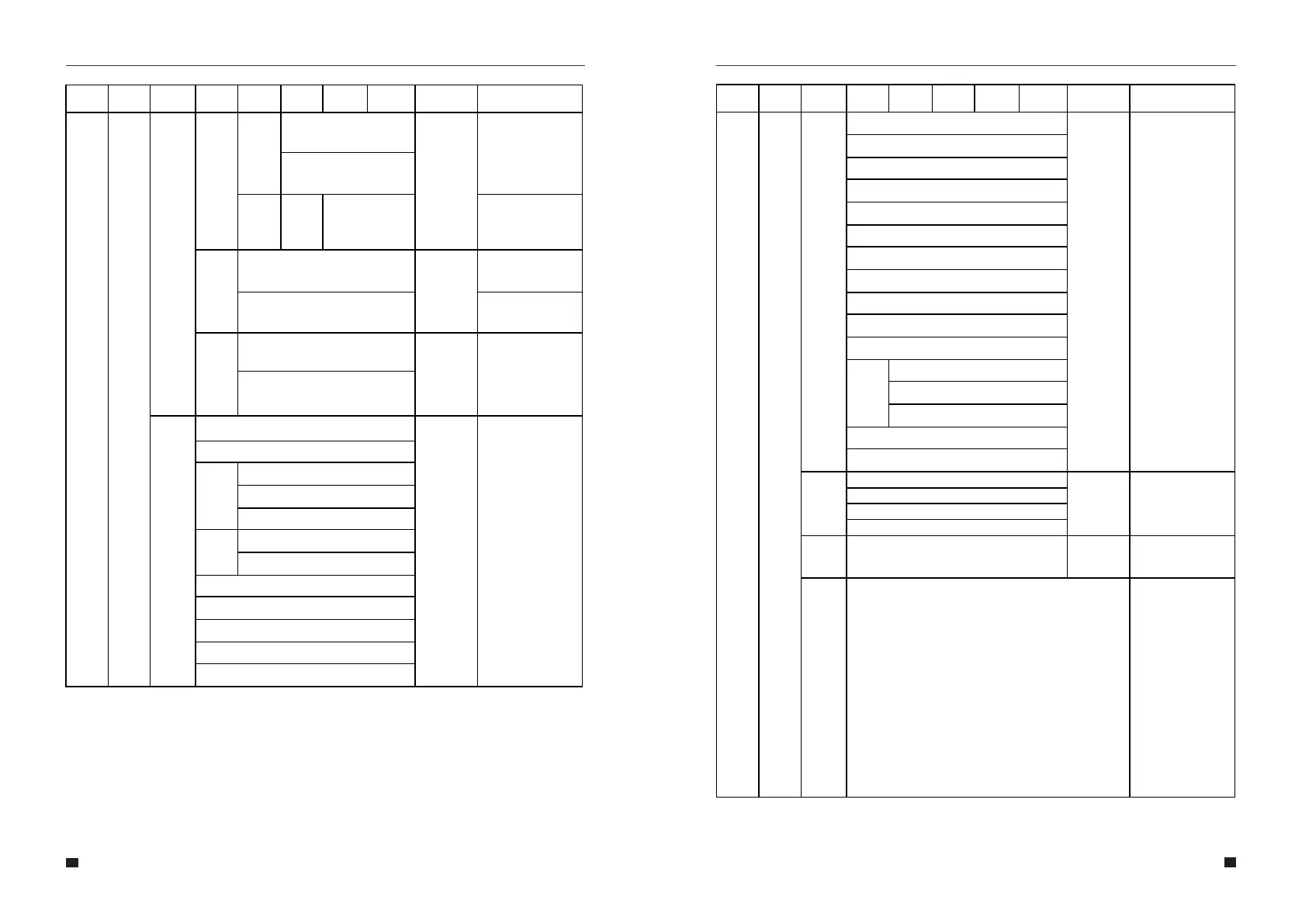
Zero
export
Enable
Disable
Disable
Enable
Power
0~Rated
AC
output
power
set the export
power limit
CT or
METER
CT
CT
Meter
AC
Couple
Disable
Disable
Enable
Grid
STD
1.China
Local
2. Germany
3.
Australia
AUS-A
AUS-B
AUS-C
4. Italy
CEI0-21
CEI0-21 ACEA
5. Spain
6. UK
7. Hungary
8. Belgium
9. New Zealand
10. Greece
11. France
12. Bangkok
13. Thailand
14. South Africa
15. 50549
16. Brazil
17. 0126
18. Ireland
19. Israel
20. Poland
21.
Chile
Chile_BT
Chile_HD
Chile_LD
22. Local
23. 60Hz
Language
1. 中󶢘
English
2. English
3. Italian
Date/
Time
Set time, date and day
CT self-
check
Cut off all load then comrm
Allows the user to stop
the system exporting to
the grid. Or, if enabled,
to set the export power
limit.
If Enable is selected,
the user will be
prompted to enter the
power.
CT option is used for
measuring the system
current.
Meter option is used
for measuring the
system current.
Allows the user to
connect an external
inverter to the system
(either instead of PV,
or in-addition to PC -
Hybrid mode).
Allows the user to
select the country that
the system is installed
in.
Allows the user to
select Chinese,
English, Italian, German
language.
Allows the user to set
the time, date and day.
This action must be
performed when the
inverter is externally
connected to the CT.
Before the CT self-
check, the inverter
needs to be connected
to the power grid and
the battery. The
backup circuit breaker
and normal load
breaker needs to be
disconnected. The CT
self-check takes about
1~5 minutes.
Menu
Level 1
Menu
Level 2
Menu
Level 3
Menu
Level 4
Menu
Level 5
Menu
Level 6
Default
Selection
Comment
Menu
Level 7
Menu
Level 8
Menu
Level 1
Menu
Level 2
Menu
Level 3
Menu
Level 4
Menu
Level 5
Menu
Level 6
Default
Selection
Comment
Menu
Level 7
Menu
Level 8
EN50549
VDE0126
4. German

Related product manuals